Using the directory
28
Modifying a name in the directory
Directory
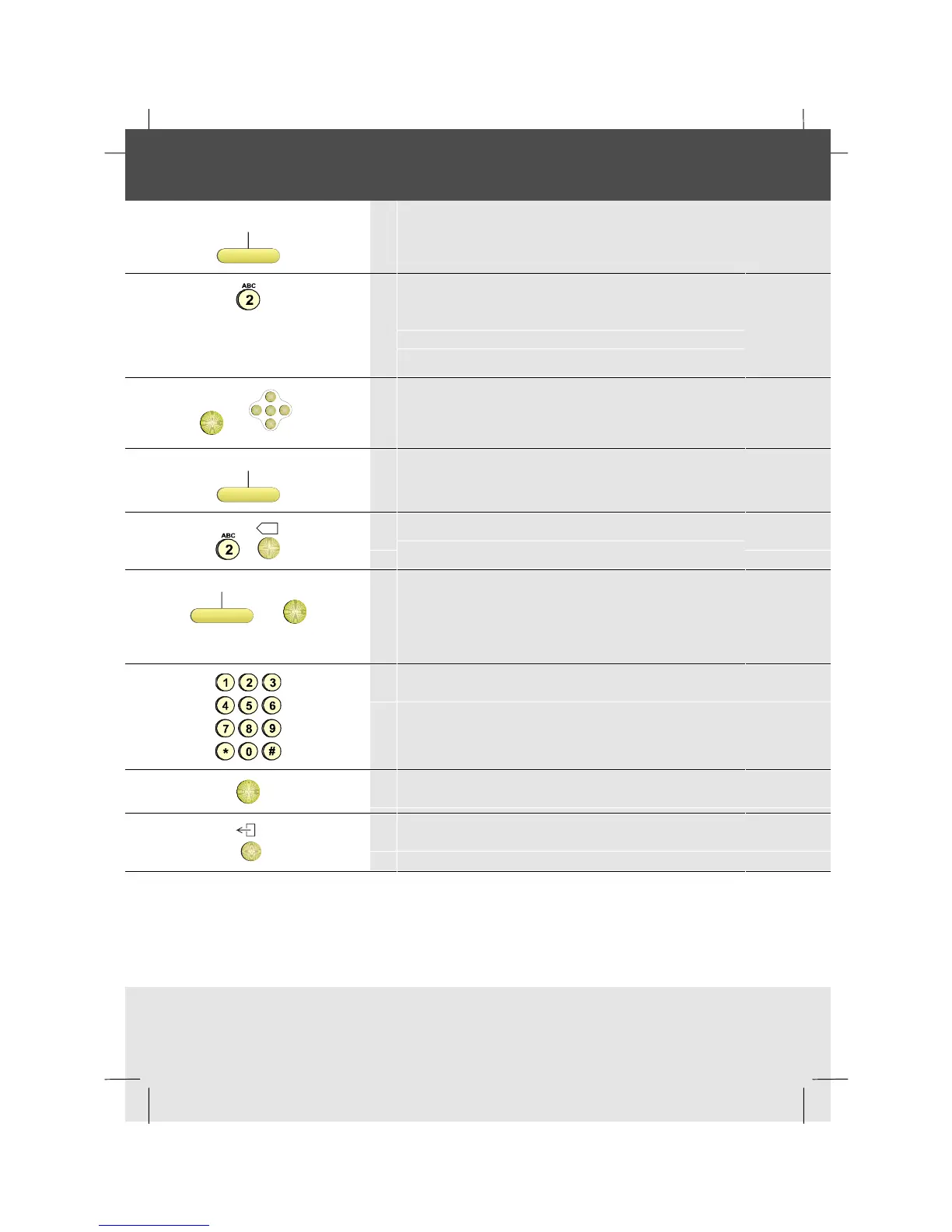
1 Press the Directory softkey
2 Type the first character(s) of the name: e.g. to enter
B press number key 2 twice
Alternatively, you can use the optional
Alphanumeric Keyboard if you have one
OK
or
OK
<
<
<
<
3 Press OK, or scroll if necessary to the name
Modify
4 Press the Modify softkey
X
5 Modify the name using the number keys and
Backspace or OK if no modifications required
EditNmbr
or
OK
6 Press the EditNmbr softkey or OK if no
modifications required
Note: If OK is pressed, go to step 9
7 Modify the number
OK
8 Press OK
9 To return to idle, press the Exit key



 To Next Page