Alphanumeric keyboard
52
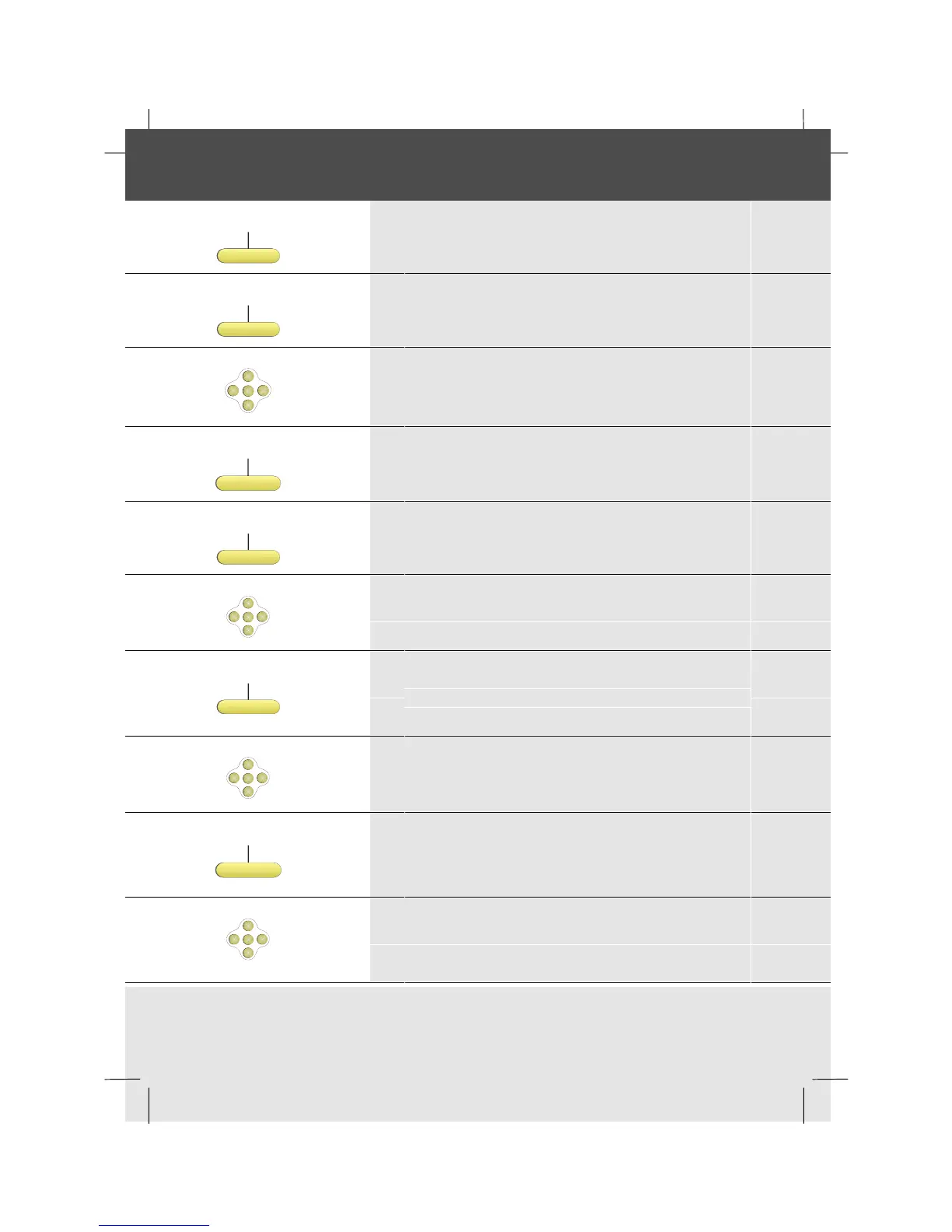
Setting the alphanumeric keyboard module
Features
1 Press the Features softkey
Setphone
2 Press the SetPhone softkey
OK
<
<
<
<
3 Scroll right
Keyboard
4 Press the Keyboard softkey
Change
5 Press the Change softkey to change the setting
OK
<
<
<
<
6 Scroll down to the next setting
Change
7 The option to change the infra red channel is
displayed. Press the Change softkey to change
this
OK
<
<
<
<
8 Scroll down to the keyboard type option
Change
9 Press the Change softkey to switch to the
QWERTZ keyboard from the QWERTY
keyboard
OK
<
<
<
<
10 Scroll down to the keyboard key click option
continued on next page


 To Next Page