Setting up and using memory keys
62
Editing the contents of a memory key
Keys
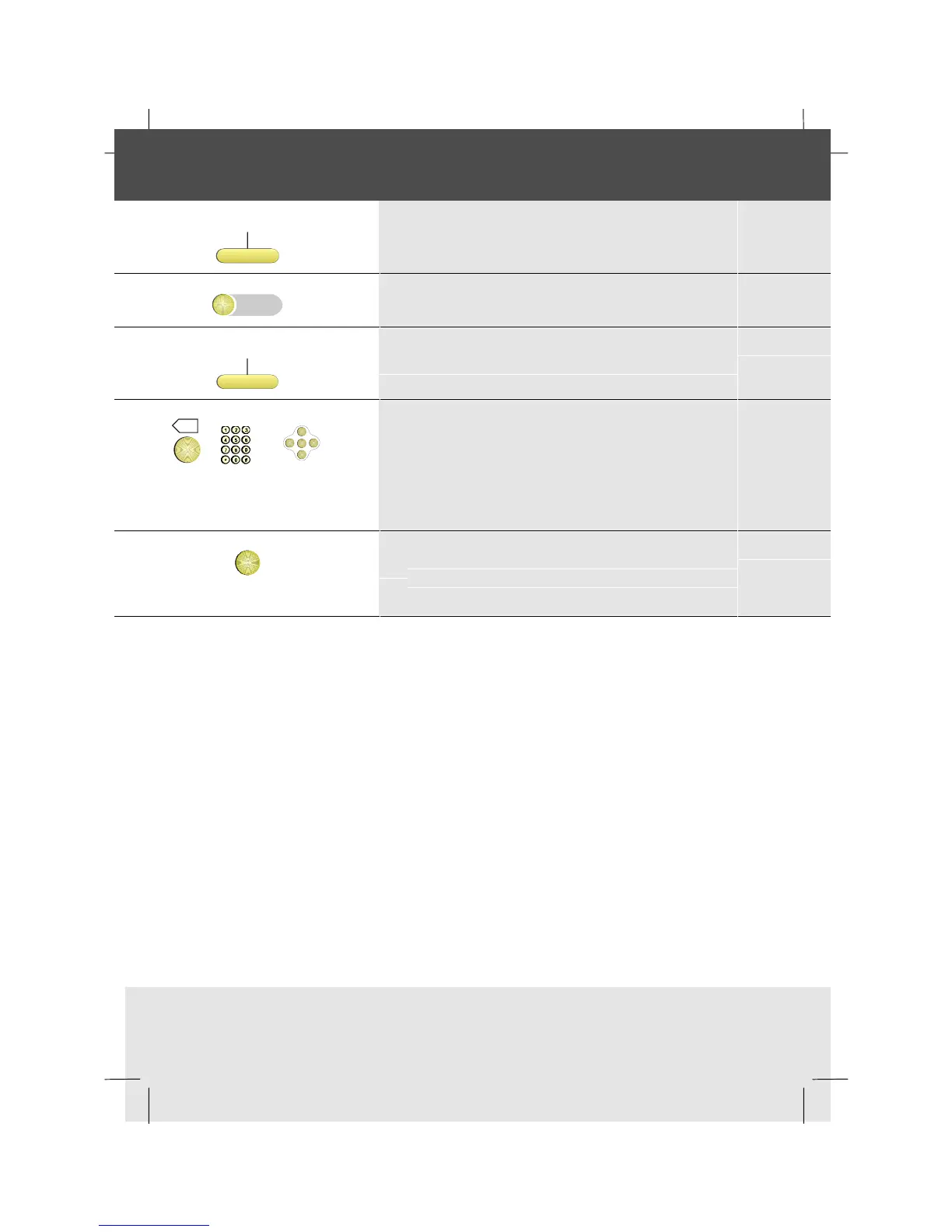
1 Press the Keys softkey
2 Press the memory key you want to edit
EditKey
3 Press the EditKey softkey
X
or
OK
<
<
<
<
4 Edit the number or choose another
function/group facility
Note: If you are unable to edit a key, contact
the system supervisor as the key may have
been locked by the system.
OK
5 To allocate the new number, function or
group facility, to your selected memory key,
press OK



 To Next Page