Sending and receiving messages
30
Sending a message
To send a message you must either be connected to someone or their telephone must be
ringing.
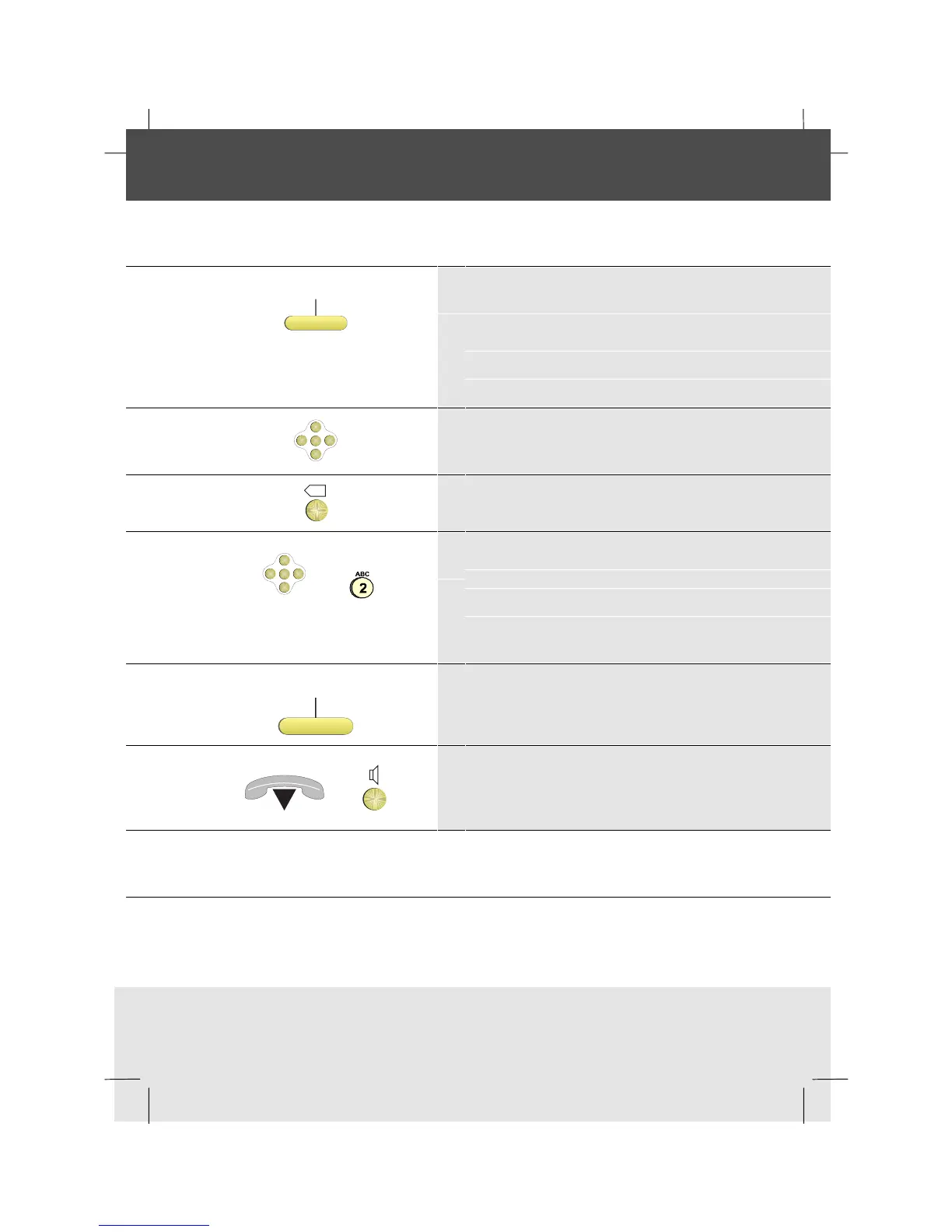
Message
1 Press the Message softkey
Any prepared messages appear in the display
Note: To enter messages to the list, see
Preparing a list of free messages
OK
<
<
<
<
2 Use the Down Arrow to display the message
you want
X
3 Edit the message if necessary using Backspace
OK
<
<
<
<
and
4 If you want to enter a new message, scroll
down to the first free text line, enter the text
and press OK
SendMsg.
5 Press the SendMsg softkey to send the
message to the other party
or
6 Replace the handset, or press the Loudspeaker
key if in Hands-free mode, when you have
finished
Note: To be able to receive the message the other party needs to have a similar type of
phone



 To Next Page