Locking the telephone
45
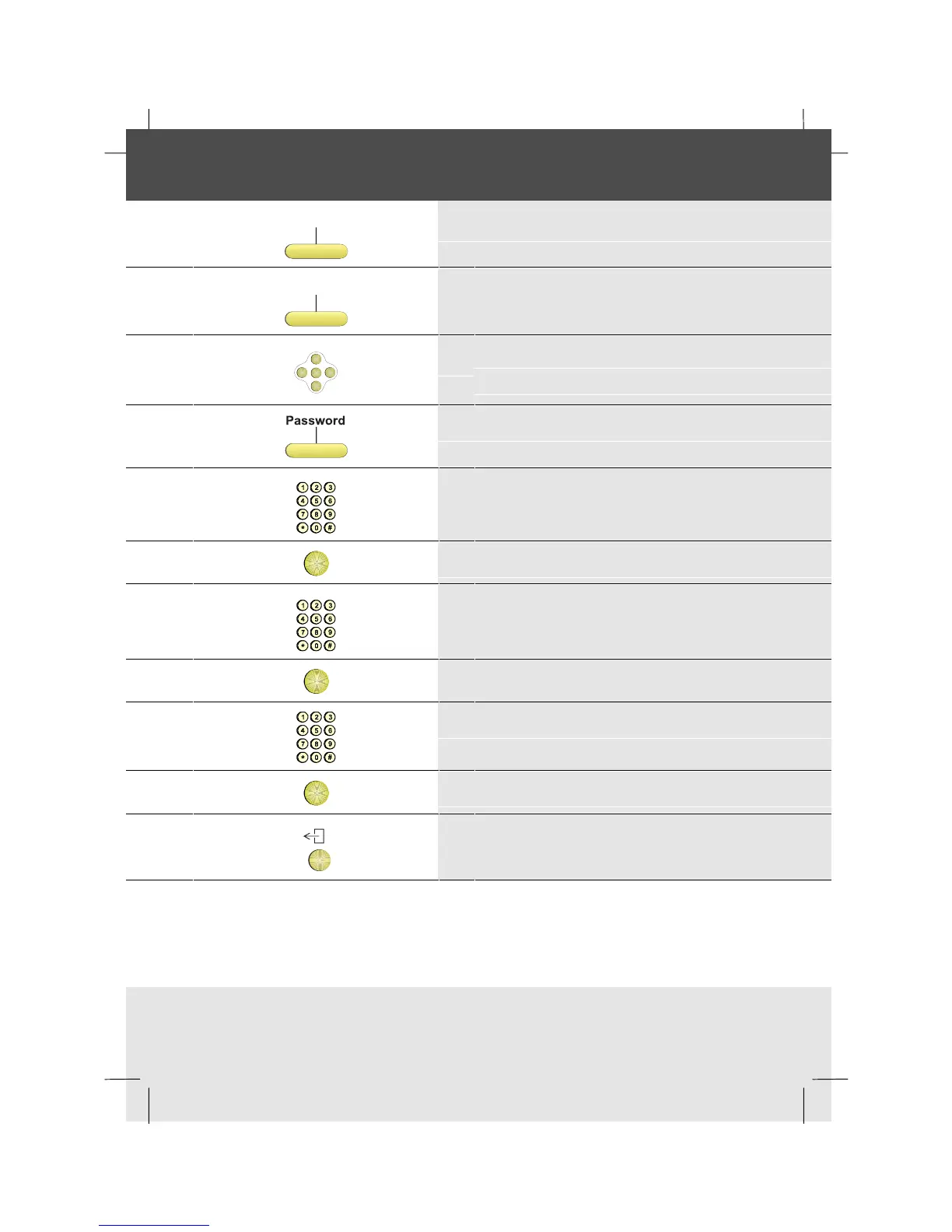
Changing your password to set the lock
Features
1 Press the Features softkey
Setphone
2 Press the SetPhone softkey
OK
<
<
<
<
3 Scroll right to display the second row of
softkeys
4 Press the Password softkey
5 Enter the old password
OK
6 Press OK
7 Enter the new password
OK
8 Press OK
9 Enter the new password again
OK
10 Press OK
11 To return to idle, press the Exit key



 To Next Page