Using the last number redial
15
Calling someone from the Redial list
Every time you make a call the number you call is stored in the Redial list. This list
can contain 10 numbers.
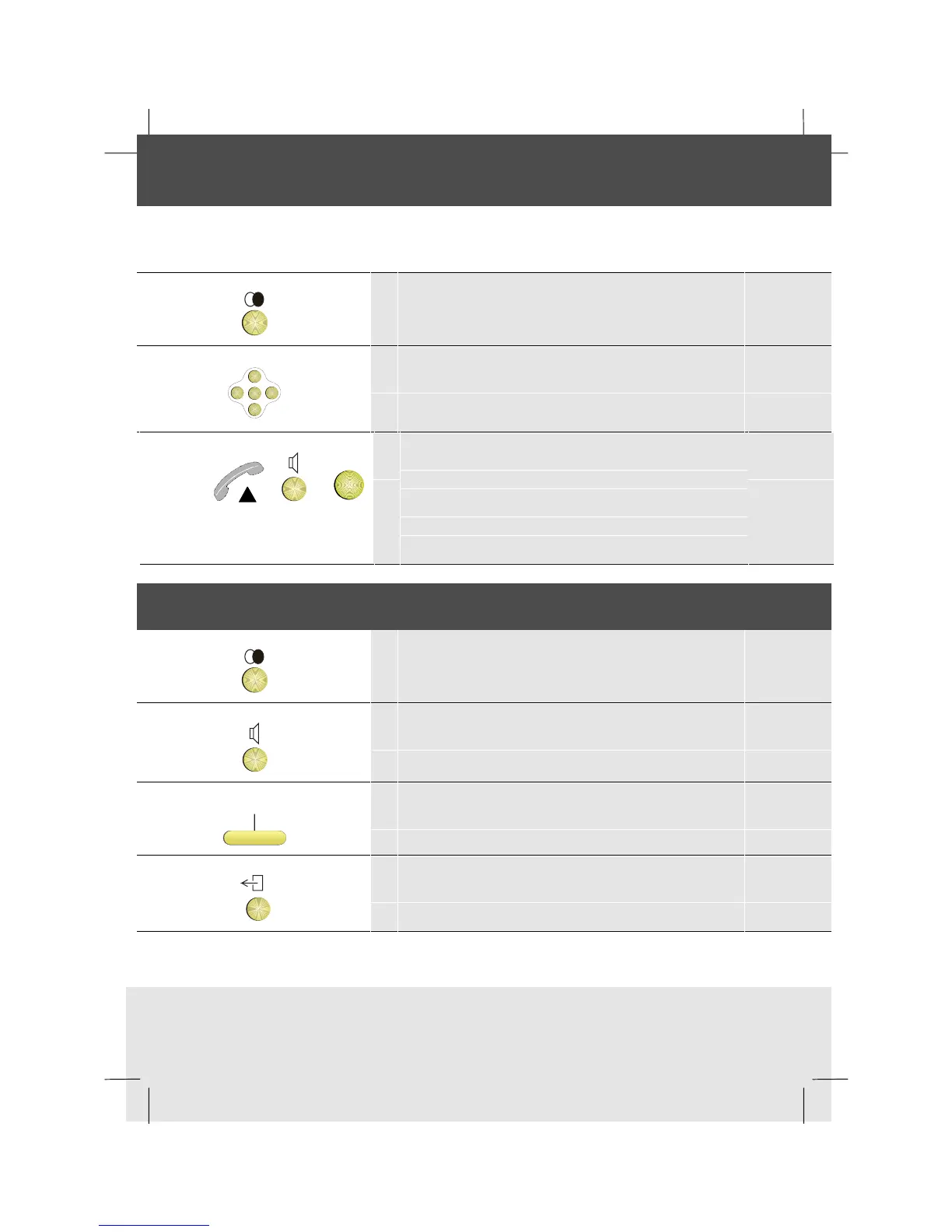
1 Press the Redial key
OK
<
<
<
<
2 Scroll to find the number you want to call
or or
OK
3 Either lift the handset, or if using the telephone
handsfree press the Loudspeaker key, or press
OK.
Any currently connected party is put on Hold
automatically
Removing a number from the Redial list
1 Press the Redial key
2 Scroll to the number you want to remove
Remove
3 Press the Remove softkey
4 To return to idle, press the Exit key



 To Next Page