Toggling features on and off
38
Toggling features on and off (continued)
Features
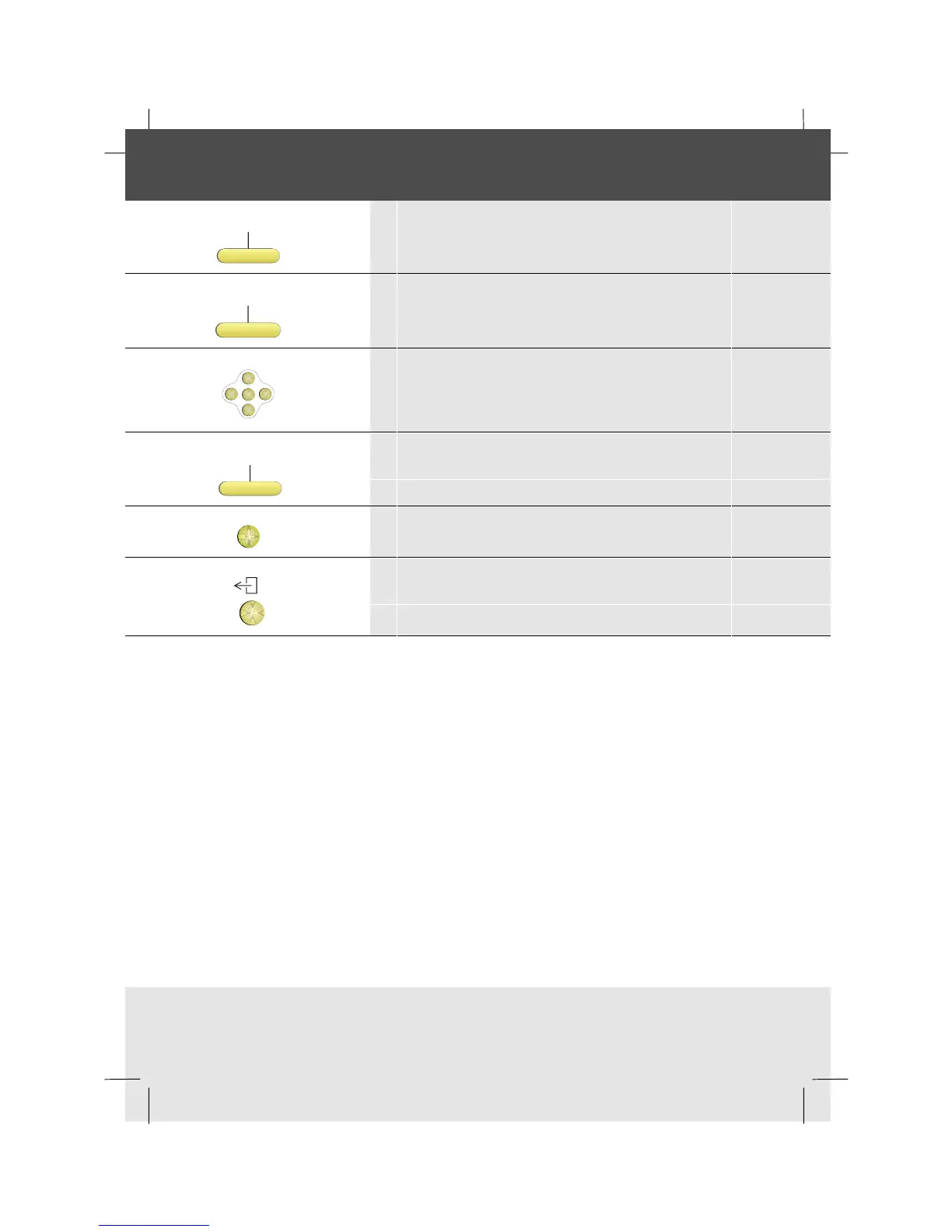
1 Press the Features softkey
ToggleLst
2 Press the ToggleList softkey
OK
<
<
<
<
3 Scroll to the feature you want
Change
4 Press the Change softkey
OK
5 Press OK to save the setting
6 To return to idle, press the Exit key



 To Next Page