10
USER GUIDEUSER GUIDE
USER GUIDEUSER GUIDE
USER GUIDE
COMPCOMP
COMPCOMP
COMP
ACT USER INTERFACT USER INTERF
ACT USER INTERFACT USER INTERF
ACT USER INTERF
ACEACE
ACEACE
ACE
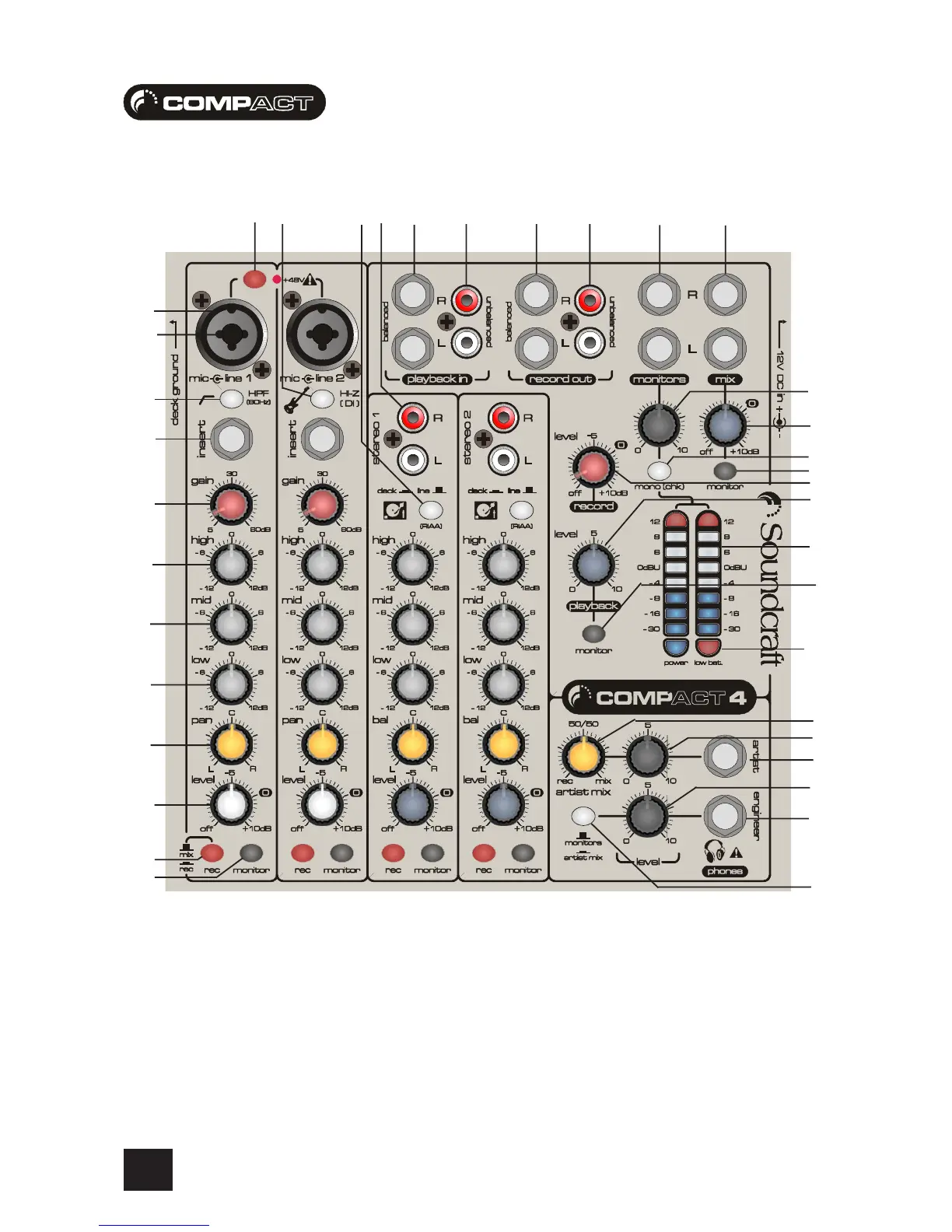
To get you working as fast as possible, this manual begins with a 10 second tutorial. Here you can find quick information on any feature of
the console, and a page reference where you can find a more detailed explanation.
Just pick out the feature you need more information on, find the associated number and read the brief explanation on the opposite page.
More detail can be found by delving deeper into the user guide.
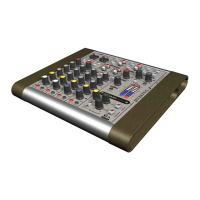
Owners of Compact10 consoles will notice additonal jack inputs on Stereo Channels 1-4, these can be used for line level inputs from
synthesisers, samplers, drum machines etc.
NOTE: ALL SETTINGS ARE SHOWN IN THEIR DEFAULT POSITION - I.E. THE MOST COMMON SETTINGS TO BEGIN A SESSION
1
t
2
3
4
5
6
7
8
9
p
y
d
0
q
ui
g
h
f
s
e
w
o
ar
j
k
l
;
z
x
c
v
b
n
m








 To Next Page