Setup Operaons:
C. Video Sengs
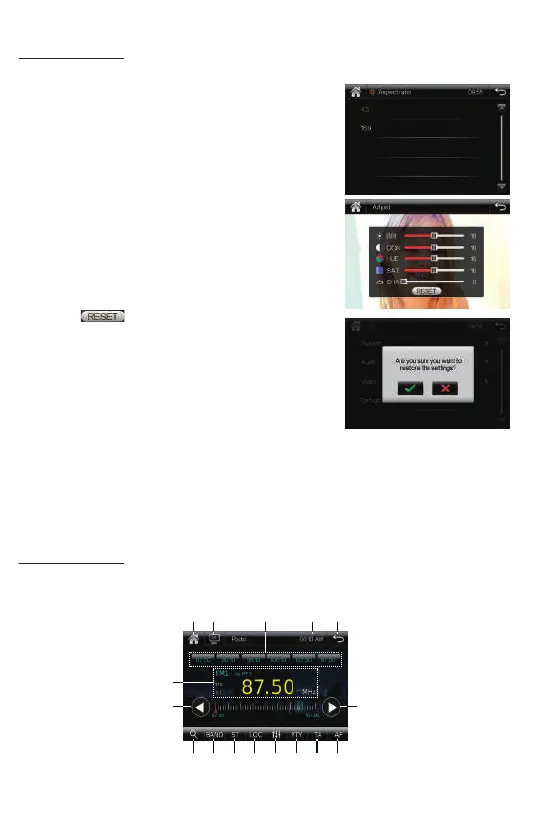
Tap this item to set the aspect rao and video
parameter.
• Aspect Rao: 4:3 or 16:9
This is to select the appropriate TV aspect
4:3 or 16:9 according to the connected TV set.
• Adjust(Video Parameter Sengs)
Tap this item to set the Brightness, Contrast, Hue,
Saturaon, Sharpness of this TFT screen.
- Brightness: 0, ~, 32
- Contrast: 0, ~, 32
- Hue: 0, ~, 32
- Saturaon: 0, ~, 32
- Sharpness: 0, ~, 32
Tap the icon to clear all video sengs.
D. Default
Tap this item to restore to all parameters to factory
default sengs.
9
Radio Operaons:
Press the MODE buon on the remote control, or tap the “Radio” icon on touch screen
to enter radio mode.
11
1 2 543
9 10
7
6
8
12 13 14 15 16













 To Next Page