DJSPLA Y CONTROL
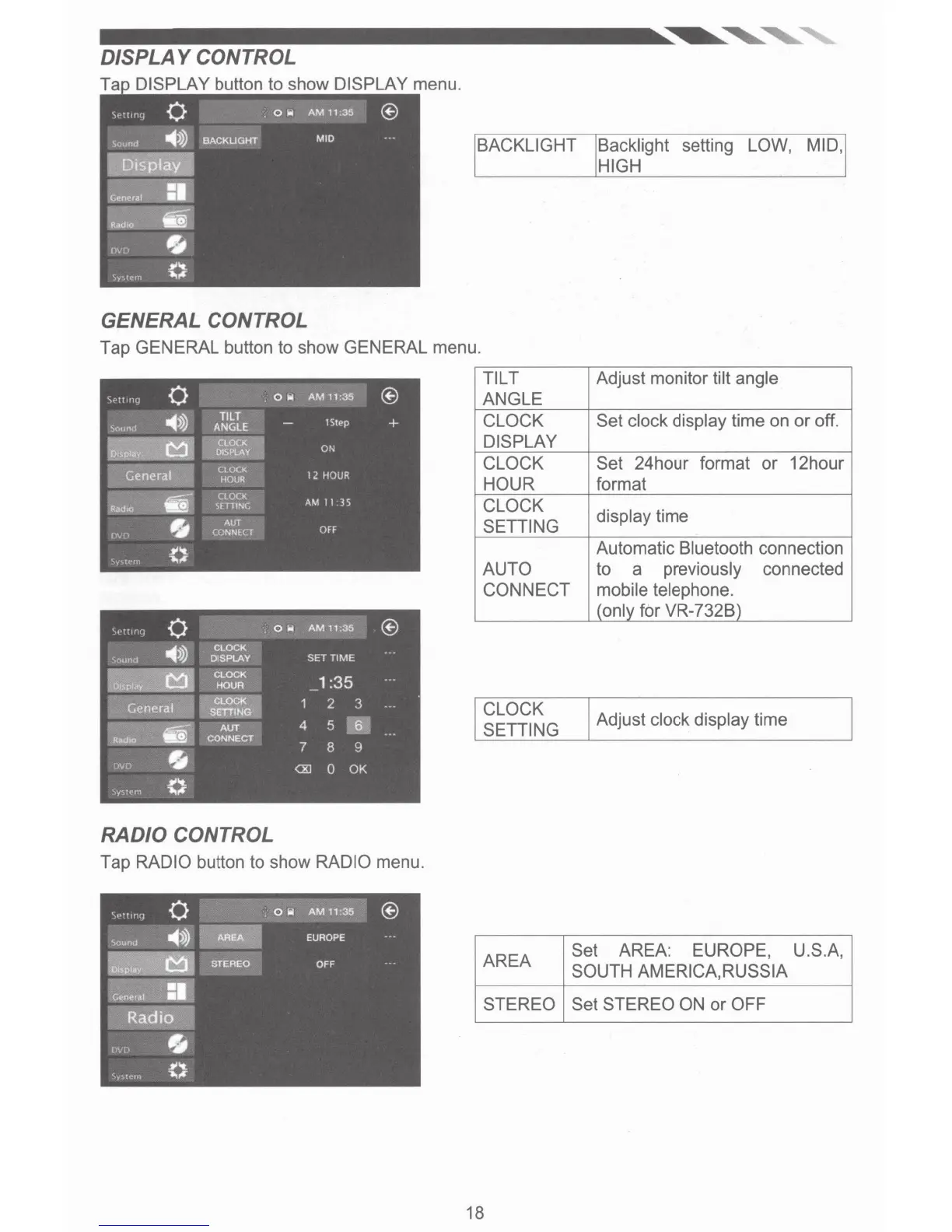
Ta DISPLAY button to show DISPLAY menu.
GENERAL CONTROL
BACKLIGHT Backlight setting LOW, MID,
HIGH
Tap GENERAL button to show GENERAL menu.
RADIO CONTROL
Tap RADIO button to show RADIO menu.
TILT
ANGLE
CLOCK
DISPLAY
CLOCK
HOUR
CLOCK
SETTING
AUTO
CONNECT
CLOCK
SETTING
AREA
STEREO
18
Adjust monitor tilt angle
Set clock display time on
or
off.
Set 24hour format
or
12hour
format
display time
Automatic Bluetooth connection
to a previously connected
mobile telephone.
(only for VR-732B)
Adjust clock display time
Set AREA: EUROPE,
U.S.A,
SOUTH AMERICA,RUSSIA
Set STEREO ON
or
OFF













 To Next Page