'
~
Smart Control (Only
for VR-732)
Smart Control
technology communicates hands-free
calling
and MP3 playback commands by
the headphone connections
of
select Apple
and Android devices. Incoming
call
answering,
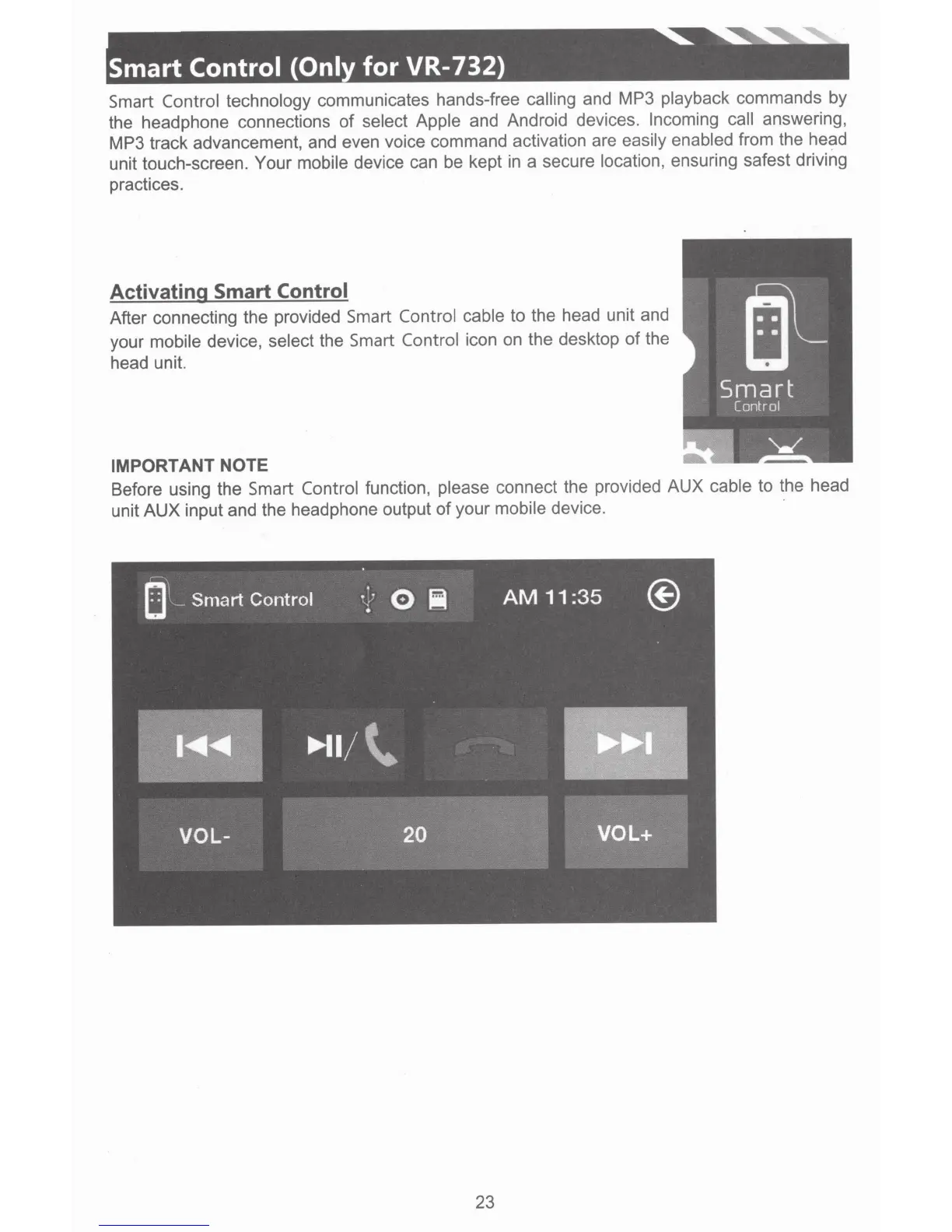
MP3 track advancement, and even voice command activation are easily enabled from the head
unit touch-screen. Your mobile device can be kept in a secure location, ensuring safest driving
practices.
Activating Smart Control
After connecting the provided Smart Control cable
to the head unit and
your mobile device, select the Smart Control
icon on the desktop
of
the
head unit.
IMPORTANT NOTE
a.
Before using the
Smart Control
function, please connect the provided AUX
cable
to the head
unit AUX input and the headphone output
of
your mobile device. ·
23













 To Next Page