............................
~~
~
~~
Voice Transfer
During a call, you can change a call from Bluetooth mode to phone by tapping Transfer button.
To have a call in Bluetooth mode again, tap Transfer button.
NOTE: the phonebook only supports Western
Characters. Any difference
in
character will be
shown such
as"+,*
or#"
.
2. BT PHONE BOOK
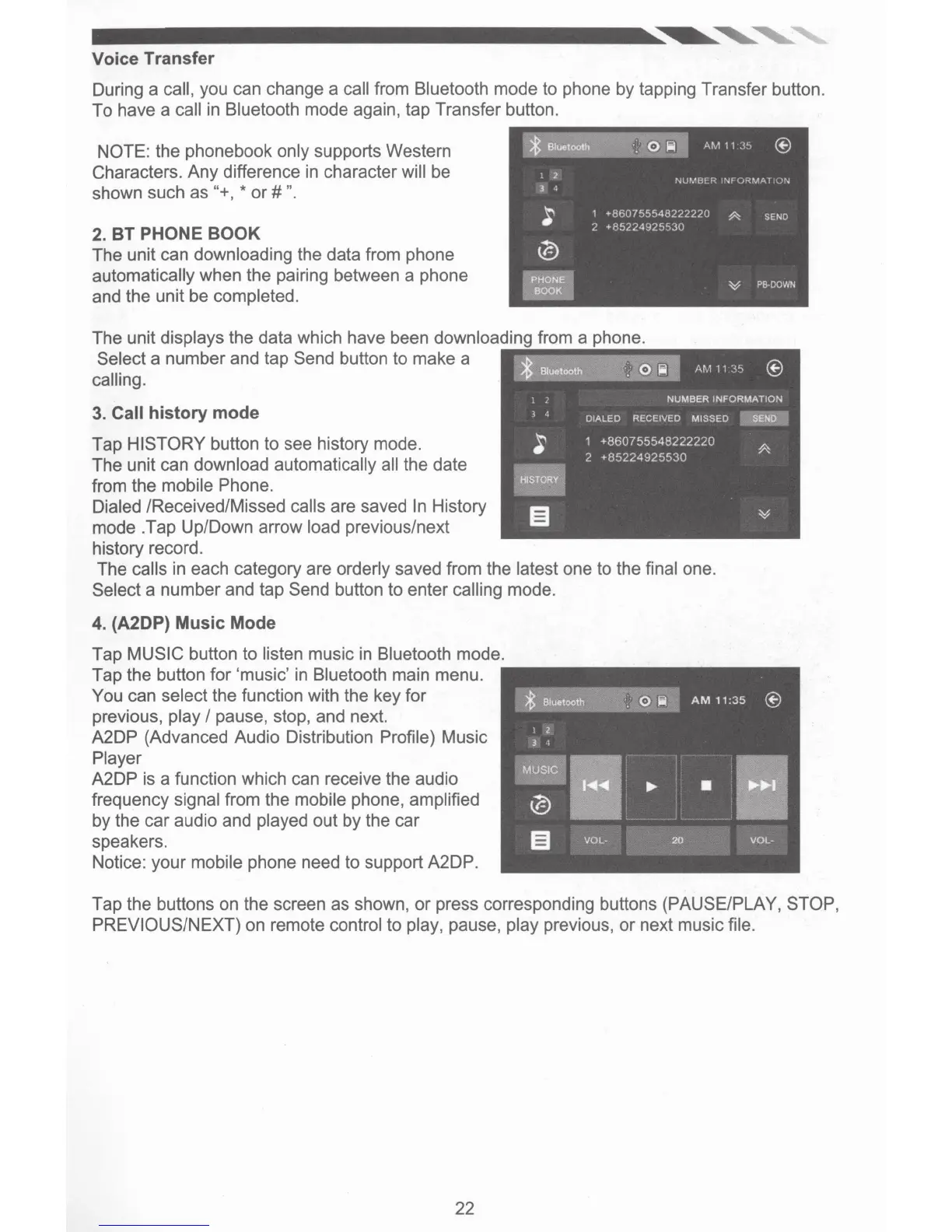
The unit can downloading the data from phone
automatically when the pairing between a phone
and the unit be completed.
The unit displays the data which have been downloadi
Select a number and tap Send button to make a
calling.
3. Call history mode
Tap HISTORY button
to
see history mode.
The unit can download automatically all the date
from the mobile Phone.
Dialed /Received/Missed calls are saved
In
History
mode .Tap Up/Down arrow load previous/next
history record.
The calls in each category are orderly saved from the latest one to the final one.
Select a number and tap Send button to enter calling mode.
4. (A2DP) Music Mode
Tap MUSIC button to listen music in Bluetooth mode.
Tap the button for 'music'
in
Bluetooth main menu.
You can select the function with the key for
previous, play
I pause, stop, and next.
A2DP (Advanced Audio Distribution Profile) Music
Player
A2DP is a function which can receive the audio
frequency signal from the mobile phone, amplified
by the car audio and played out by the car
speakers.
Notice: your mobile phone need to support A2DP.
Tap the buttons on the screen as shown,
or
press corresponding buttons (PAUSE/PLAY, STOP,
PREVIOUS/NEXT) on remote control to play, pause, play previous,
or
next music file.
22













 To Next Page