91369 Service Manual 7-1
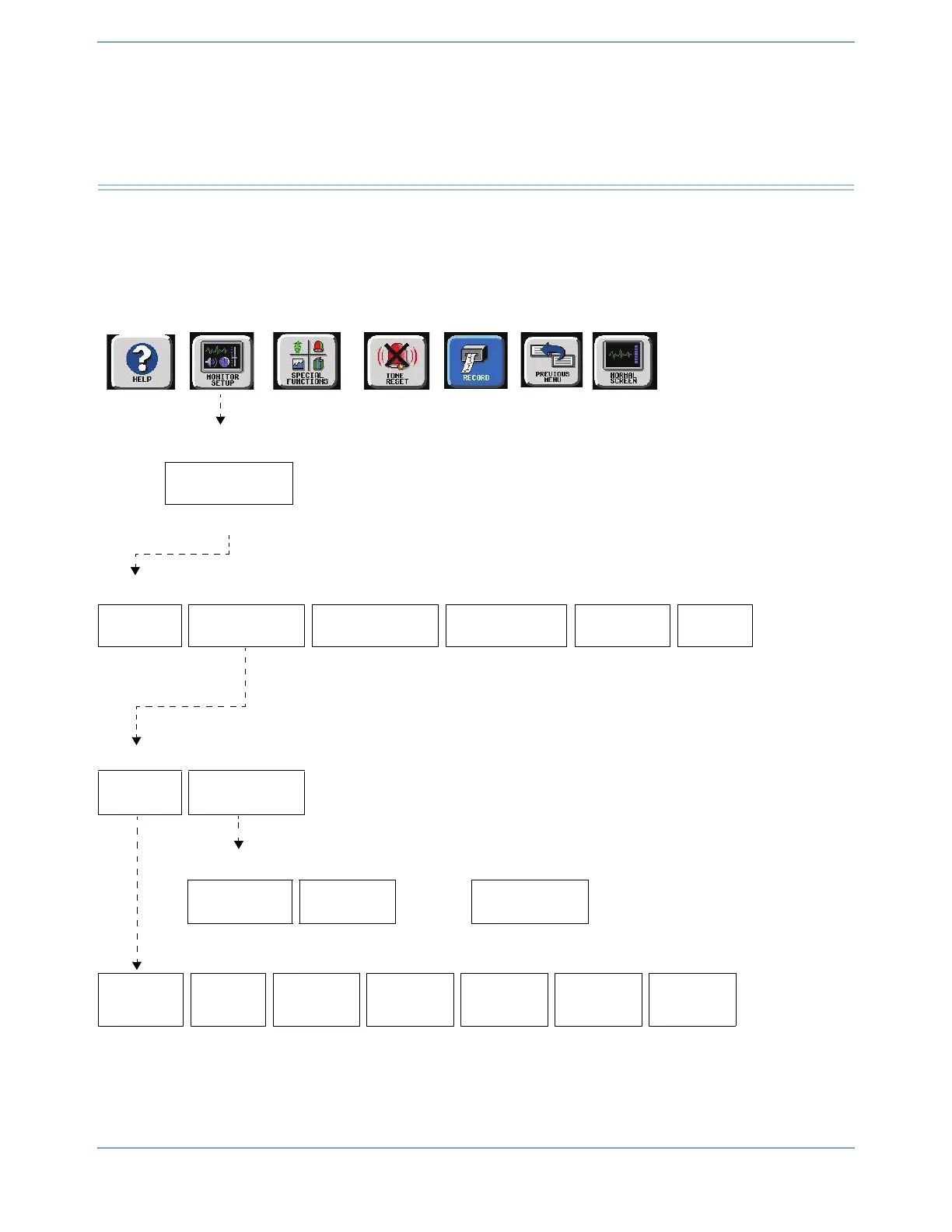
Directory of Keys
BIOMED Directory of Keys
The Biomed Level menu displays when the operator enters the Biomed password into the Privileged Access
window. An alternative means of displaying this menu is to enter either the CSR or SL passwords and then
select the BIOMED MENU key.
MONITOR SETUP
PRIVILEGED
ACCESS
Enter Biomed password and touch ENTER
BIOMED LEVEL
NETWORK
SETUP
SERIAL PORT
MONITOR
CALIBRATION
CHANGE BIOMED
PASSWORD
CLINICAL
MENU
MORE
Refer to
Setup
chapter
Refer to
Setup chapter
Refer to
Setup chapter
Refer to
page 7-3
Refer to
page 7-2
Serial Port Configuration
SETTINGS ASSIGNMENT
Defined by the
options installed
Restart monitor after selecting owner for serial port
DIAGNOSTICS
DATA
LOGGER
VITALINK
DATA BITS
8
PARITY
NONE
STOP BITS
1
ECHO
NONE
CR / LF
NONE
XON / XOFF
NONE
BAUD
RATE



 To Next Page