Maintenance
91369 Service Manual 4-4
Patient Lead Leakage Current Tests (Patient Modules)
Refer to the service manual of the specific module(s) you are using for patient lead leakage test instructions.
Preventive Maintenance
A Spacelabs Healthcare Field Service Engineer or qualified hospital biomedical technician should check the
monitor and optional equipment for acceptable performance and electrical safety to ensure they operate
according to current requirements.
Touchscreen Calibration
In the event the touchscreen becomes difficult to use or a replacement has been installed, you may need to
calibrate it. This can be performed using the calibration function in the Biomed menu.
To perform the calibration, attach a mouse (in the event the touchscreen is unusable) and perform the
following:
1 Power ON the monitor with the mouse attached and wait for the monitor to pass the self tests.
2 Click (or touch) the MONITOR SETUP key and then click (or touch) the PRIVILEGED ACCESS key.
3 Enter the Biomed password (default is Biomed).
4 Click (touch) MONITOR CALIBRATION.
5 Click (touch) TOUCHSCREEN CALIBRATION and wait for the Reset Monitor dialog box to display. Click
(touch) the RESET MONITOR key. The monitor will reset.
6 After 15 to 20 seconds, a lighted box will appear in the upper left corner of the screen. Touch the lighted box
for one or two seconds until it disappears.
7 Two more lighted boxes will appear, one at a time, in the upper right and lower right corners. Touch them
as they appear.
8 After touching these three corners one at a time as the boxes appear, the touchscreen is calibrated.
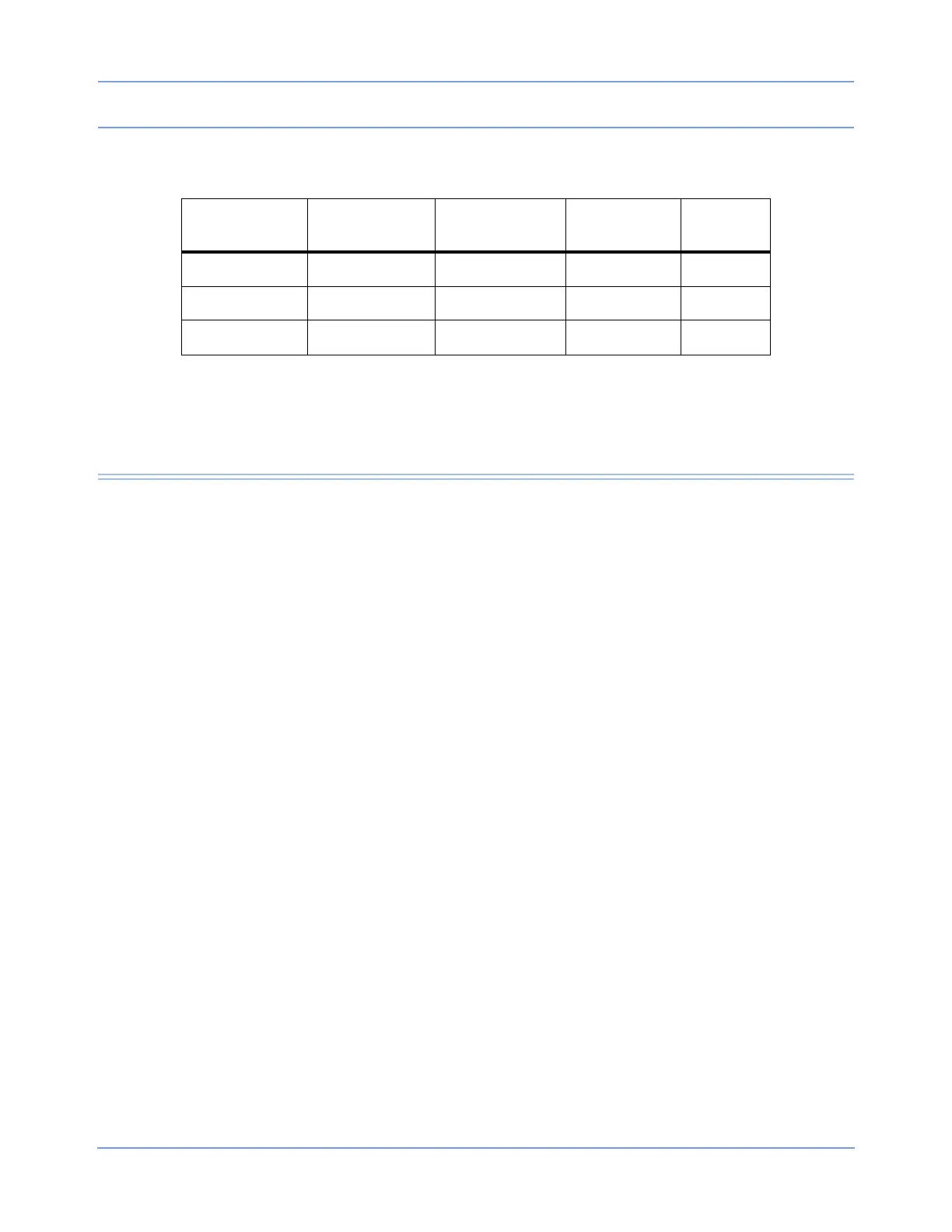
Table 2: Enclosure Leakage Test Conditions and Limits
Neutral
Condition
Ground
Condition
Polarity
International
Limit
U.S. Limit
Closed neutral Closed ground Normal polarity 100 μA 300 μA
Open neutral Open ground Normal polarity 500 μA 300 μA
Closed neutral Open ground Normal polarity 500 μA 300 μA



 To Next Page