46
5. Live, Search and Playback
5-1. Live View
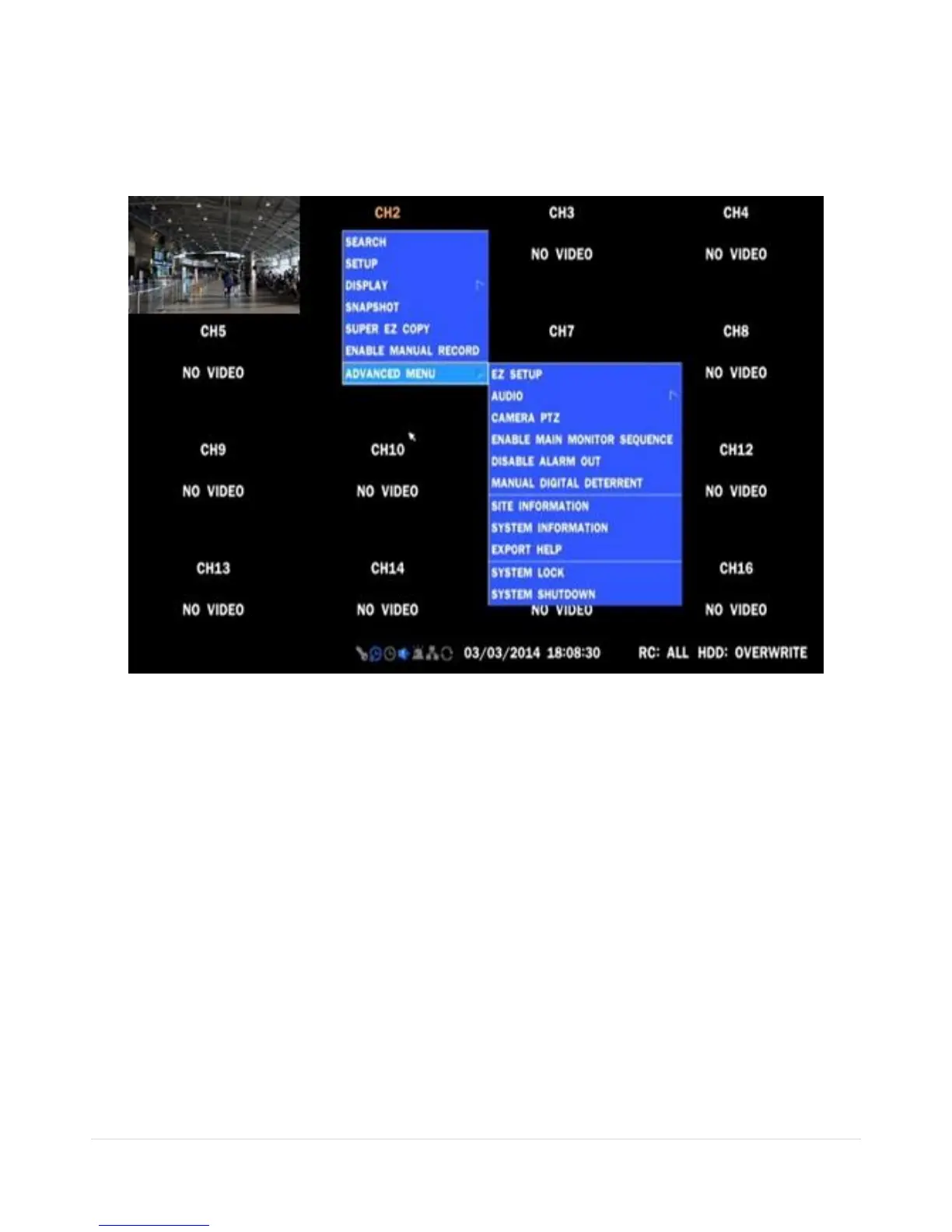
In the Live screen, video inputs from the cameras are displayed as they are configured in the Display Setup
screen. When the mouse is right clicked, and the quick operation window will be displayed as below.
Figure 5.1.1. Live Screen and Quick Operation Window
On the bottom of the screen, various On-Screen Display (OSD) symbols, which indicate the status of the
DVR, are described in Table 5.1.1.



 To Next Page