83
7-7-3. Device
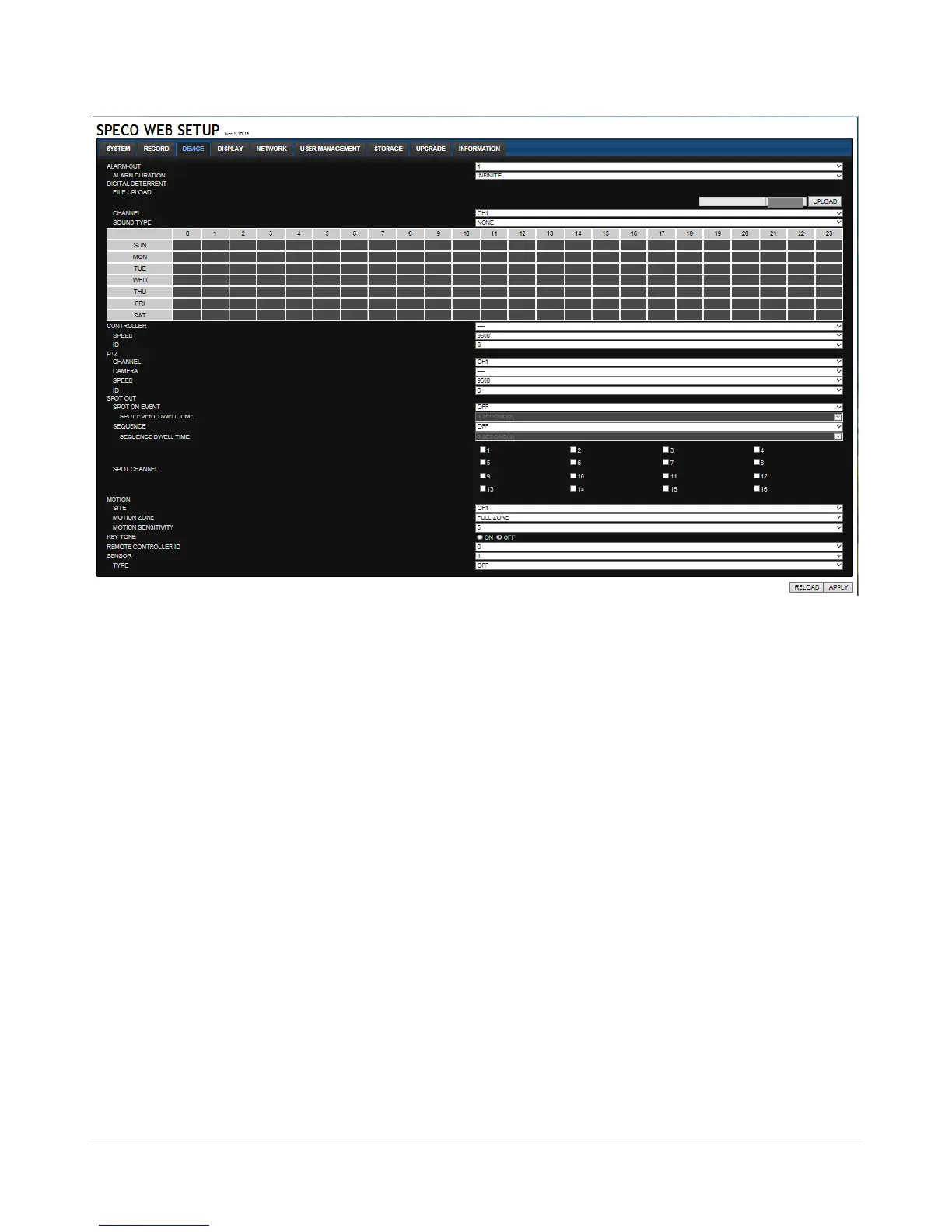
Select Device to set Spot Out, Enable/Disable CVBS Out, motion zone.
ALARM OUT: Set the alarm out duration.
DIGITAL DETERRENT: Set the schedule of digital deterrent function and upload the sound file to
DVR.
CONTROLLER: Set the controller baud rate and ID.
PTZ: Set the PTZ baud rate, protocol, and ID.
SPOT: Enable/Disable the SPOT OUT and SEQUENCE.
MOTION: Setup the motion detection area and the sensitivity.
o SITE: Select the channel
o MOTION ZONE: FULL Zone or PARTIAL Zone
o MOTION SENSITIVITY: 1~9 (High sensitivity level)
KEYTONE: Sets On or Off of Key Tone.
REMOTE CONTROLLER ID: Sets an ID number on the supplied remote control for its identification.
SENSOR: Select the type of each sensor.



 To Next Page