98
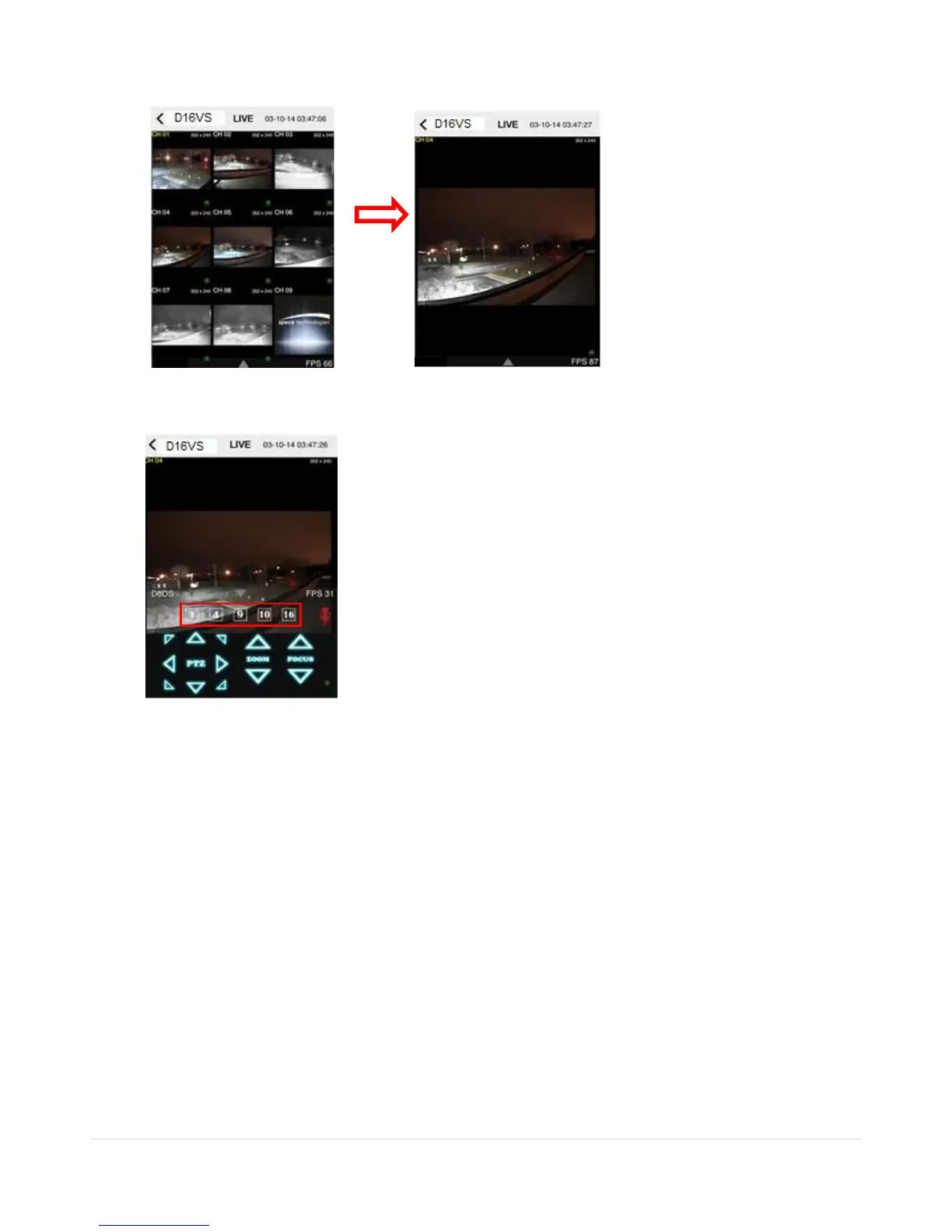
4. The app will display the selected channel(s). Double tap the channel screen to switch 1 channel display to 4,
8, 10, 16 channels split display depending on the DVR.
5. To select the display mode(1, 4, 9, 10 or 16 split display), tap the arrow menus button
6. Drag and drop channels
Touch and drag one channel to the other channel to swap the channel location. To swap the channel, drag a
channel to another channel.
7. Digital Zoom In-Out
Double tap on the desired channel to view in 1channel mode. Then use the iPhone zoom feature using two
fingers to pinch the screen to zoom in or out on the video image. User can also move the zoomed image
around by touching the desired spot and dragging the zoom image.
9-1-2.PTZ Control
To control the PTZ functions of the camera, tap the menu button. Then PTZ menu icons will display. Using the PTZ
icon on the screen, control PTZF control.



 To Next Page