99
9-1-3. Playback
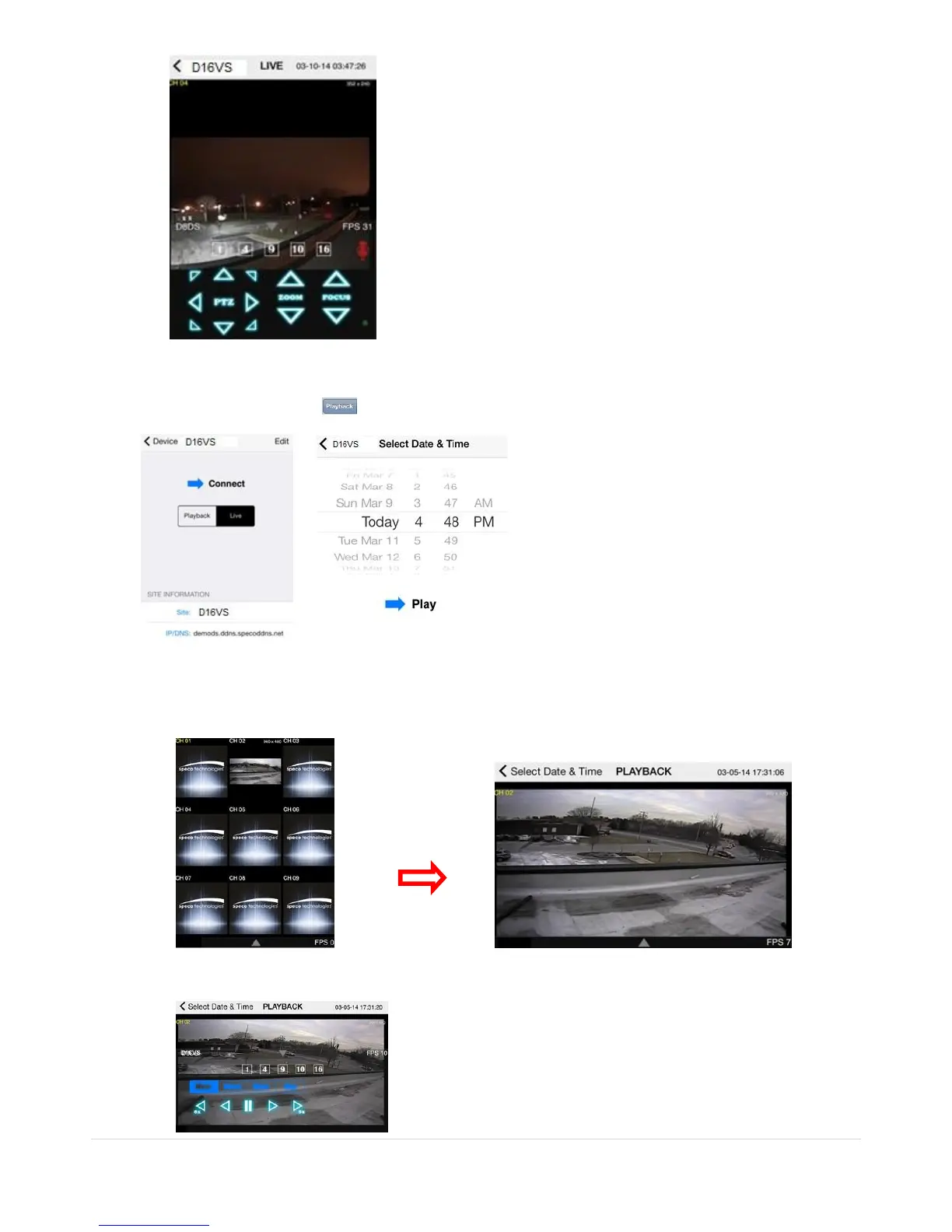
1. Select Mode as ‘Playback’ and click ‘CONNECT’ button. Then select Date & Time and click PLAY button.
2. The app will display the selected channel(s). Double tap the channel screen to switch 1 channel display to 4,
8, 10, 16 channels split display depending on the DVR.
3. Tap the menu button. Then Playback menu icons will display.



 To Next Page