63
6-5. Playback of Backup Video
6-5-1. AVI Format
AVI format: AVI format video can be played back by Window Media Player™ or other media player that is
compatible with AVI format video.
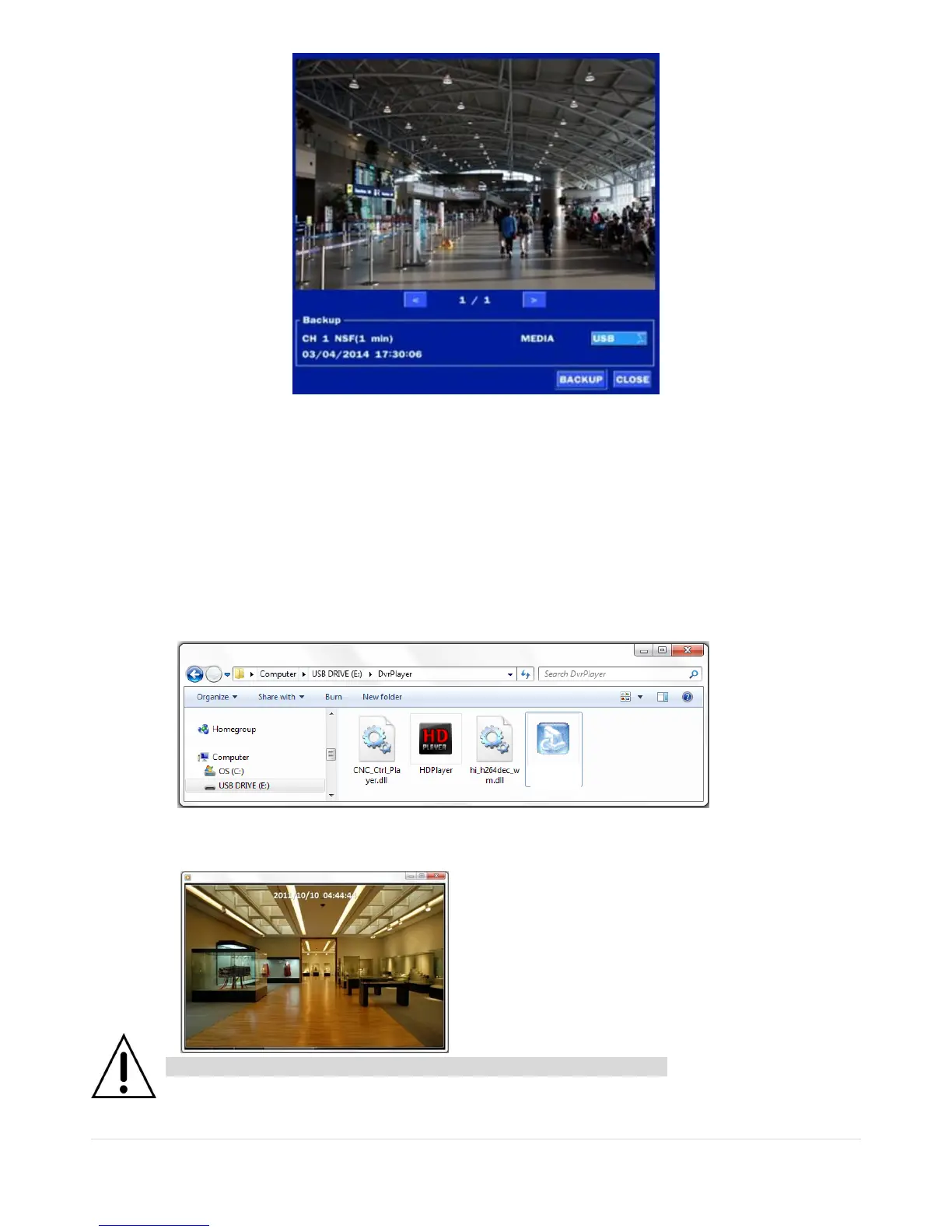
1. Please install the Decoder Filter that the DVR copies “DvrPlayer” folder on USB flash drive with
the video. Decoder Filter is exported to the “/DvrPlayer” folder of the USB drive.
2. Otherwise, the video and time stamp over video can’t be properly played back and wont be
displayed on Window Media Player™.
Timestamp On AVI. The subtitle is embedded to the video clip file.
The subtitle is embedded to the AVI file. To display a subtitle, user should install a special filter
called “Decoder Filter”.



 To Next Page