Direct Backup of the selected channel to USB flash drive without
going through the search mode.
Manual Record button. Click this button to enable manual recording.
Also known as Panic Record.
Select this option to start EZ Setup Wizard
Select this option to set an audio channel to output;
(Channel 1 through 4, Audio Mute).
Select this option and the PTZ user interface will appear.
ENABLE MAIN
MONITOR SEQUENCE
Select this option to enable/disable sequence function.
Click this button to enable/disable Alarm outputs
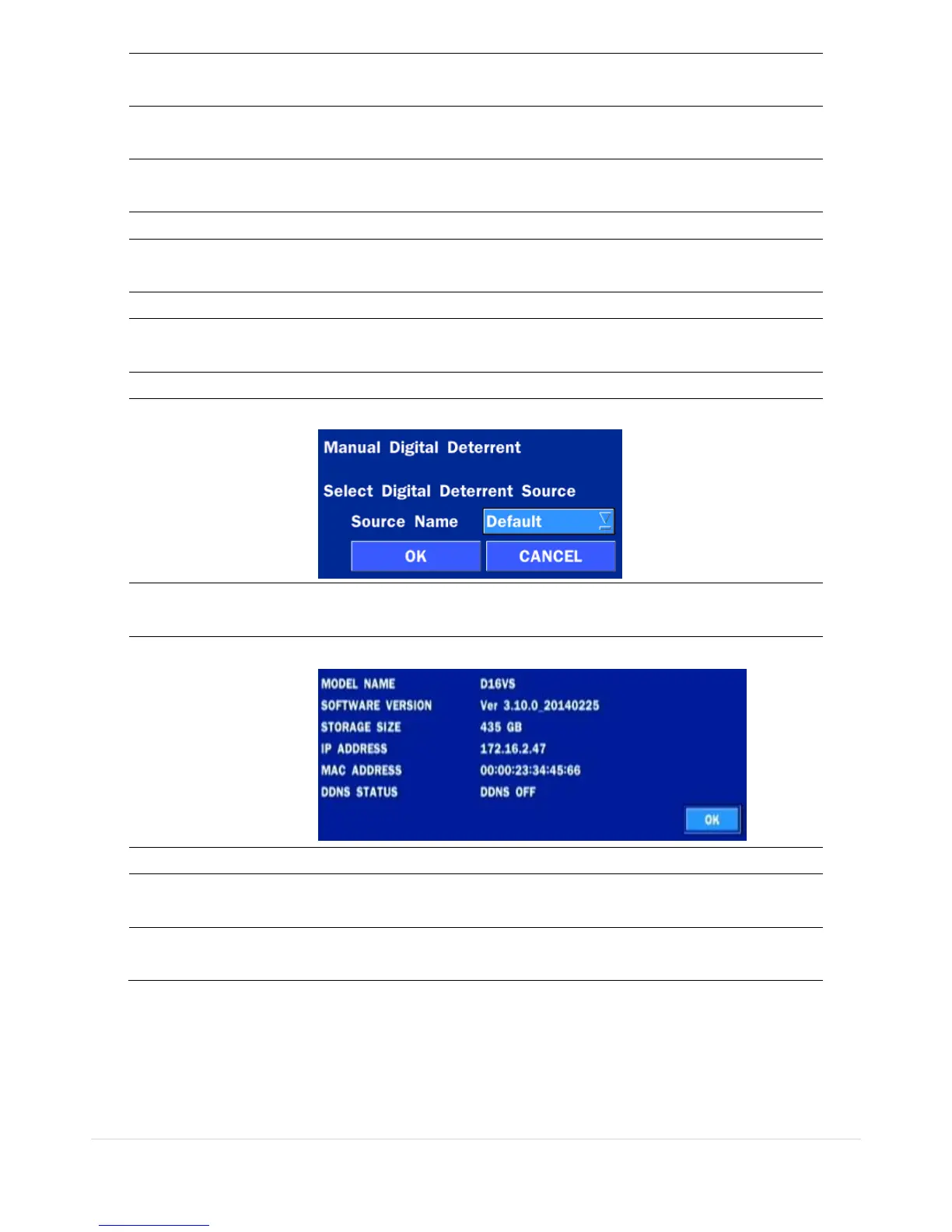
Window where use can manually trigger the digital deterrent audio.
Press the button to view the record setting of a selected channel.
Press the button to view the system information.
Displays window with instructions for exporting video.
Locks the DVR from user access.
Click this button to shutdown system.



 To Next Page