103
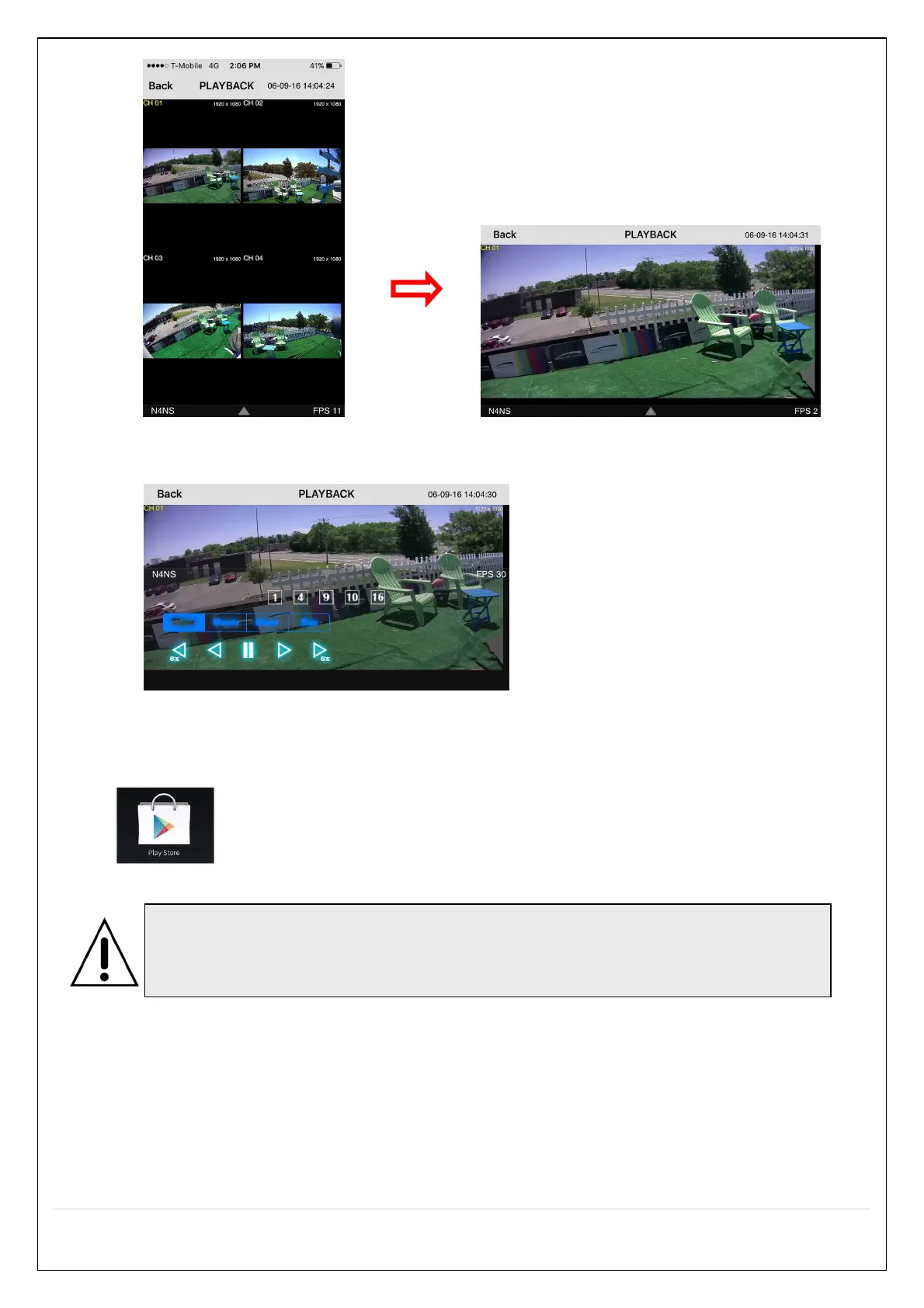
3. Tap the menu button. Then Playback menu icons will display.
9-2. App Viewer for Android Phone
1. Enter the Android Market.
2. Search “Speco Player” in the Android Market and install the “Speco Player” app.
9-2-1. Live
1. Open the installed “Speco Player” App and select the “Live view / Playback”. Then click the menu button of
the phone to add a remote device.
2. Select the registered device and select ‘Live view’ and select up to 4 channels to monitor. Then click ‘Start’
button.
Notice
SPECO Player is for the NS, NSL, HS, HT, VT, WVT and HD series. SPECO Player is
not compatible with the T Series (TH, TN or TL) or the PC Series.


 To Next Page