43
4-4-1. Digital Deterrent
Trigger audio message via motion detection or sensor.
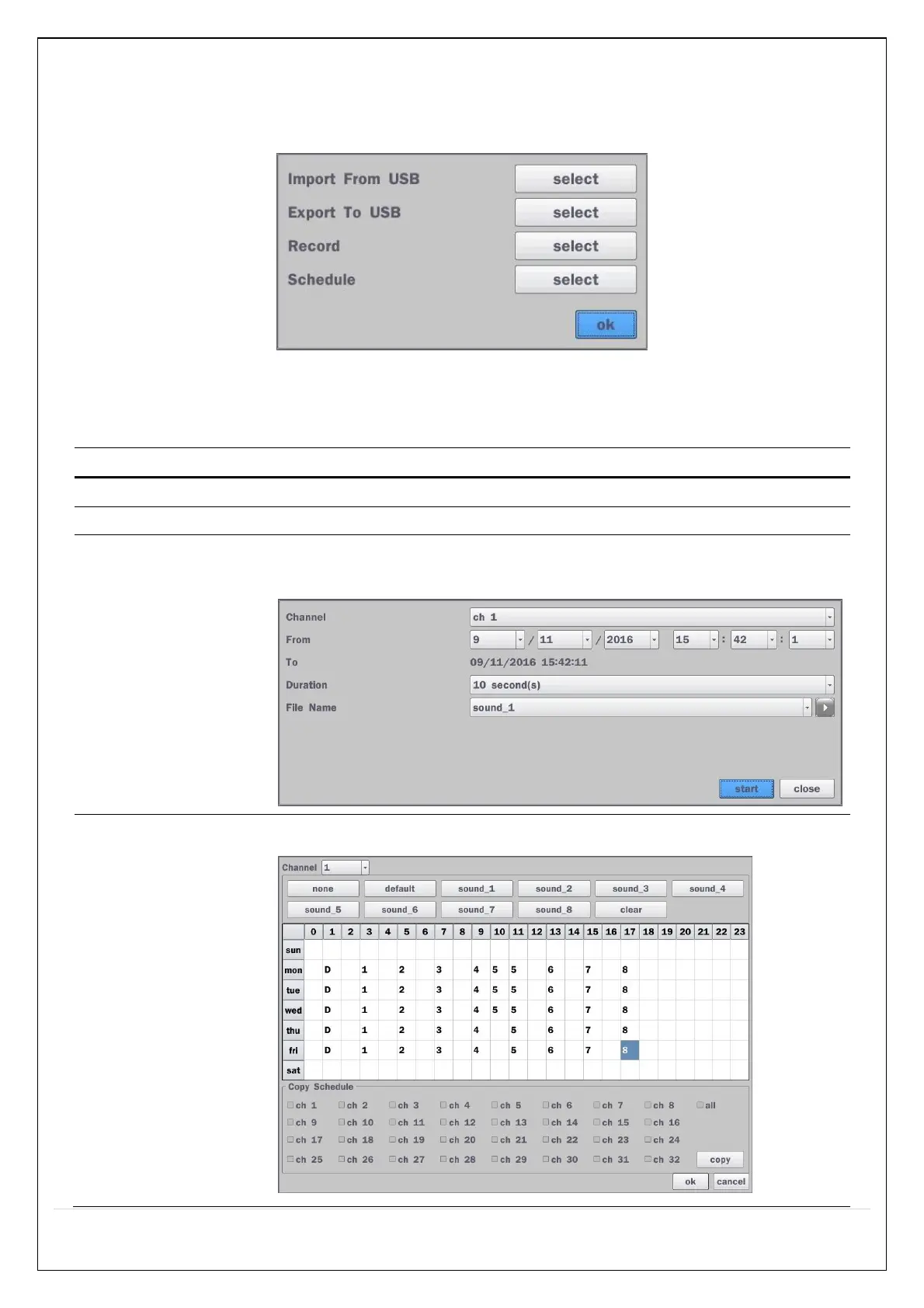
Figure 4.4.2. Digital Deterrent setup screen
Table 4.4.2. Item for Digital Deterrent Setup Screen
Item Description
Import From USB Import up to 8 sound files from USB.
Export To USB Export the sound file to USB
Record Select a channel and set up the date and the duration.
And, select the sound file to play.
Schedule Schedule the sound file considering the expected situation.



 To Next Page