92
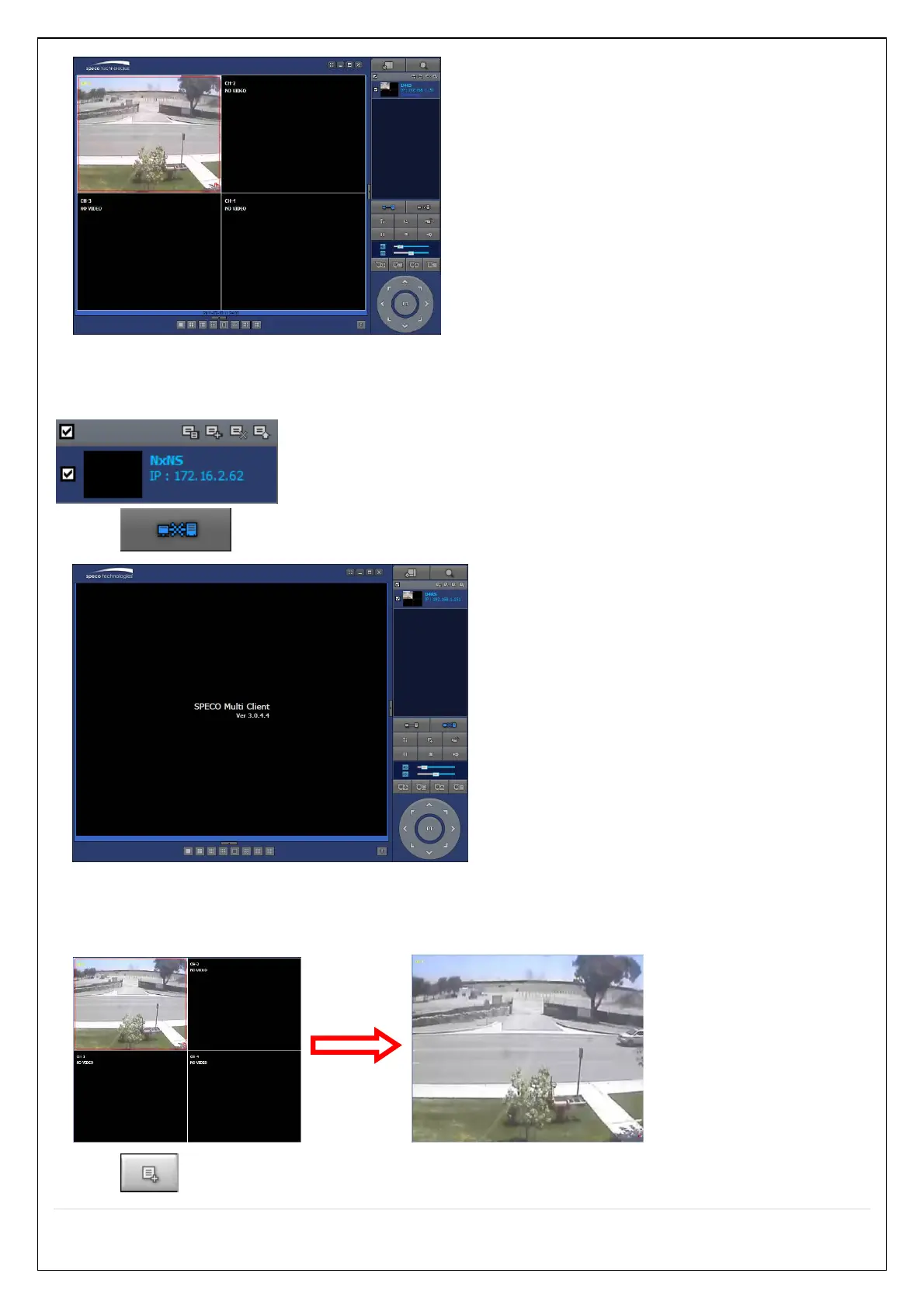
7-8-2-2. Disconnect
1. Select site/sites to disconnect from the directory window.
2. Click “Disconnect” button, and then selected site/sites disconnected.
7-8-3. Still-image Capture During Live
1. Double-click a channel to capture from the display screen. (Otherwise all channels will be captured.).
2. Click ”Capture” button. And then a Capture window will be displayed as below.



 To Next Page