50
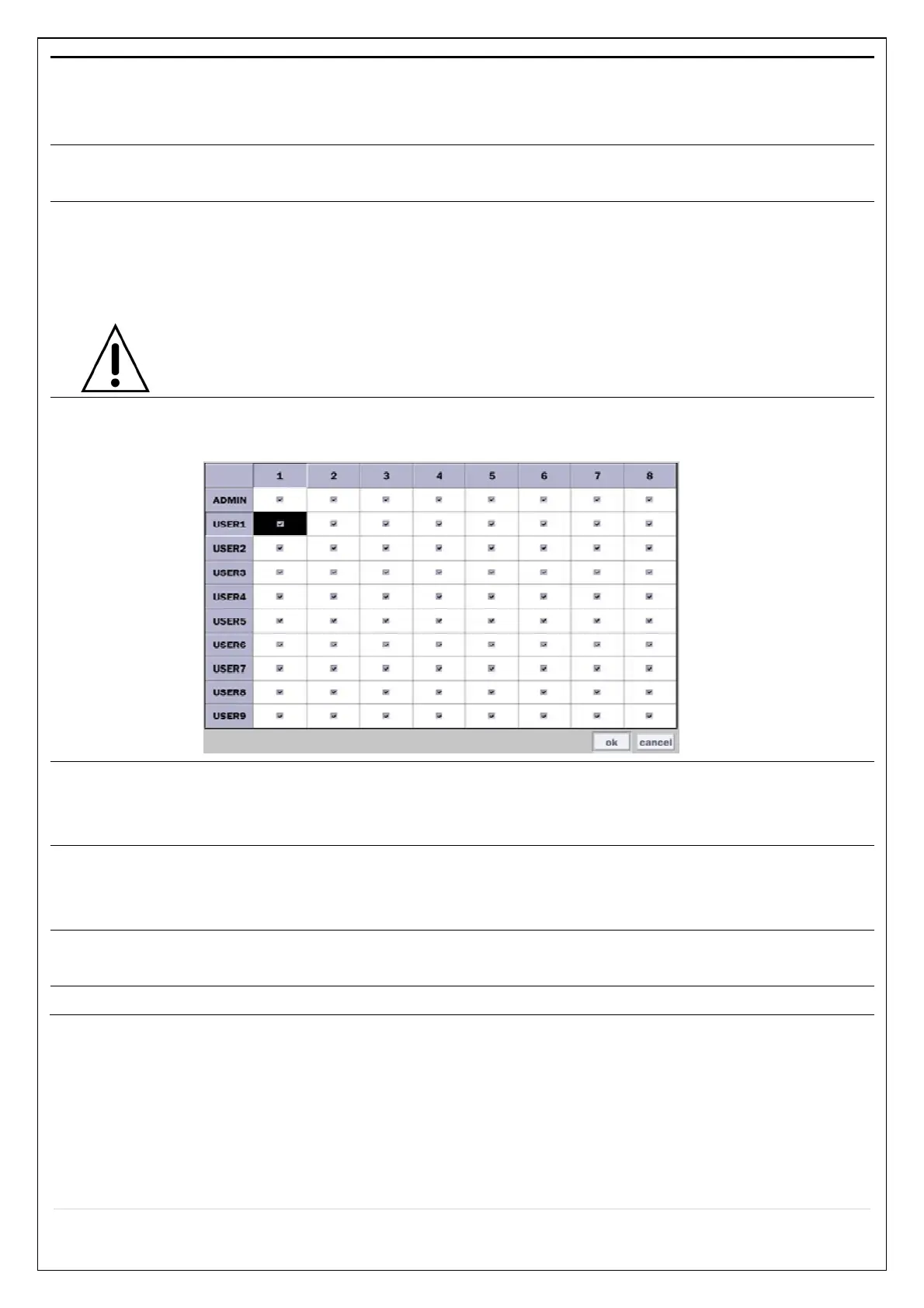
ADMIN, USER1, USER2, USER3, USER4, USER5, USER6, USER7, USER8, USER9:
Selected Checkbox: The user can access the function.
Blank Checkbox: The user cannot access the function.
User Name
Setup
Change the name of USER1, USER2, USER3, USER4, USER5, USER6, USER7,
USER8, and USER9. Click “select” and change the user name on the virtual keyboard.
Password
Setup
Passwords can be changed for ADMIN, USER1, USER2, USER3 USER4, USER5,
USER6, USER7, USER8, and USER9. Select USER PASSWORD using the mouse or
the remote control. Select username and enter the current password. And, enter a
new password, enter the same password again to confirm and select OK. Then the
message “PASSWORD CHANGED” is displayed.
The factory default password is 1111.
It is highly recommended to assign a new password to protect the system.
Playback
Authority
Set authority level of playback on each user.
Checked box: authorized to playback. Blank check box: no authority.
Remote
Playback
Timeout
Disconnect the remote playback after the specific time (Disable, 5min, 10min, 15 min,
30min, 60min.
Import
Certificate From
USB
Upload https certificate through USB
Advanced
Setup
Send IP address and ports information to the control center
Debug Port Open or Close the ports for remote checking



 To Next Page