95
8. Use the mouse scroll to digitally zoom in and out from a single channel display.
7-8-5-2. Playback of Recorded Video on Remote NS
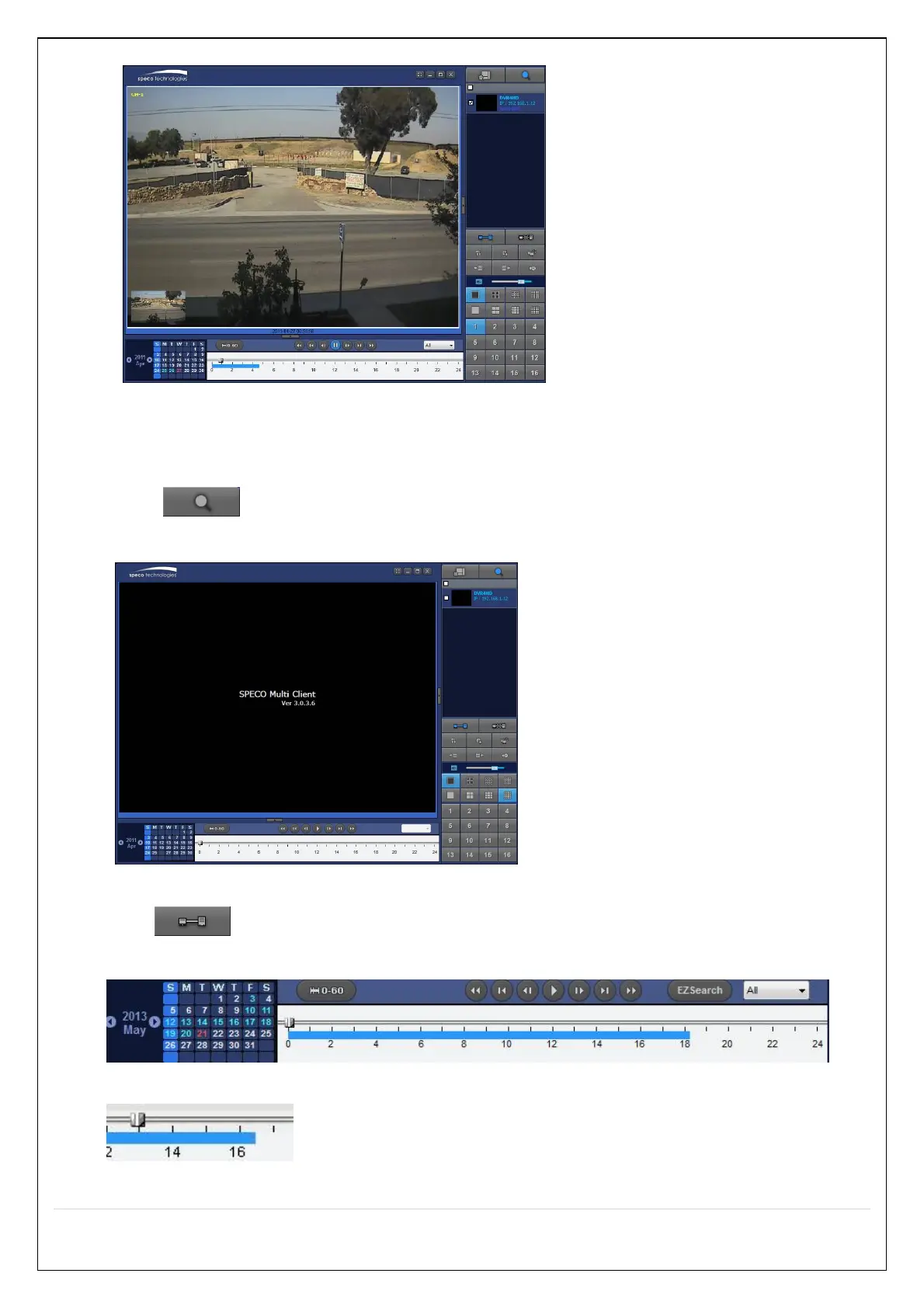
1. Click “Remote Playback”. And then Playback Window will be displayed over the Live
Window.
2. Select the site to connect from the directory window.
3. Click “Connect”. And then blue bar displays on Search calendar and timeline
scale window.
4. Move the marker on the timeline scale to where there is video data and press the “Play” button.
5. Video data that is recorded on the remote NS is play-backed.



 To Next Page