IM-P736-02 EMM Issue 3
83
VLM30 In-Line Vortex Flowmeter
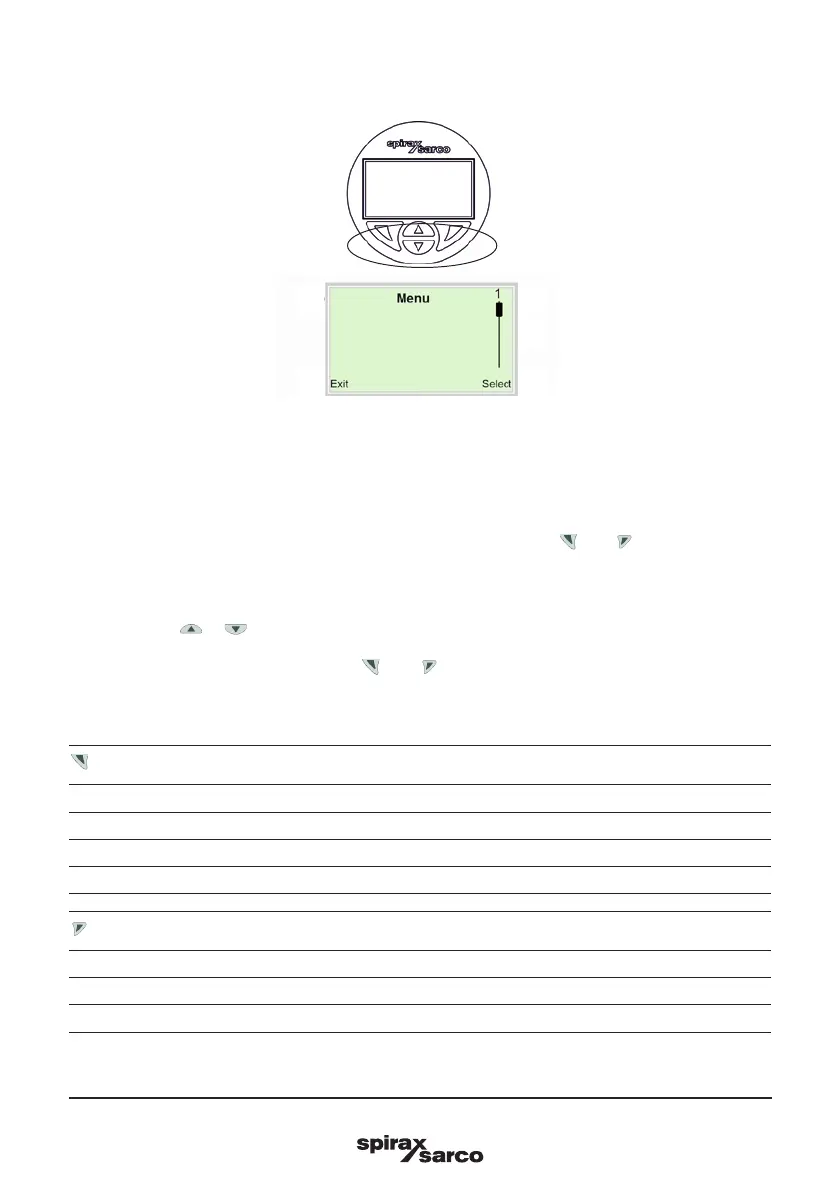
1 Operating buttons for menu navigation
2 Indication of menu designation
3 Indication of menu number
4 Marking to indicate relative position within the menu
5
Indication of the current function assigned to the operating buttons and
Fig. 42 LCD indicator (example)
You can use the or operating buttons to browse through the menu or select a number or character
within a parameter value.
Different functions can be assigned to the and operating buttons. The function that is currently
assigned is shown on the LCD display.
Operating button functions
Meaning
Exit Exit menu.
Back Go back one submenu.
Cancel Cancel parameter entry.
Next Select the next position for entering numerical and alphanumeric values.
Meaning
Select Select submenu/parameter.
Edit Edit parameter.
OK Save parameter entered.
5.4 Menu navigation
1
2
5
3
5
4



 To Next Page