When converting an engine from a carburetor normally present a problem. The pipe from the tank
is too thin and fuel must be sucked from the top. Fuel injection systems are normally gravity feed
and have poor suction capabilities. This system requires a lot of fuel to maintain a constant
pressure of 2.5 to 3.5bar on the fuel rail. A lot of fuel is returned to the tank via the pressure
regulator.
This can be partially overcome by teeing the return line in before the pump instead of letting it go
to the tank. You still have the suction problem and if there is air in the system, it has to go out via
the injectors.
If the pump has enough pressure but lacks in flow rate, it will cause the fuel mix to go lean and
loose power under heavy load conditions at high RPM’s.
These pumps get damaged by dirt, water and air bubbles. It is good practice to put an inline filter
in front of the pump to ensure that dirt does not go through the pump. This will also indicate if air is
in the system as most filters are see-through.
Do not install the pump next to the exhaust for it will run too hot.
Ensure that return lines are thick enough.
5. Software Installation
5.1 PC Software installation
The PC Software does not require installation. It is an executable file and can run from any
memory medium. See PC Requirements however. The software will create an ecu.ini file in the
same directory where your software is run from. This is to save your preferred settings in the
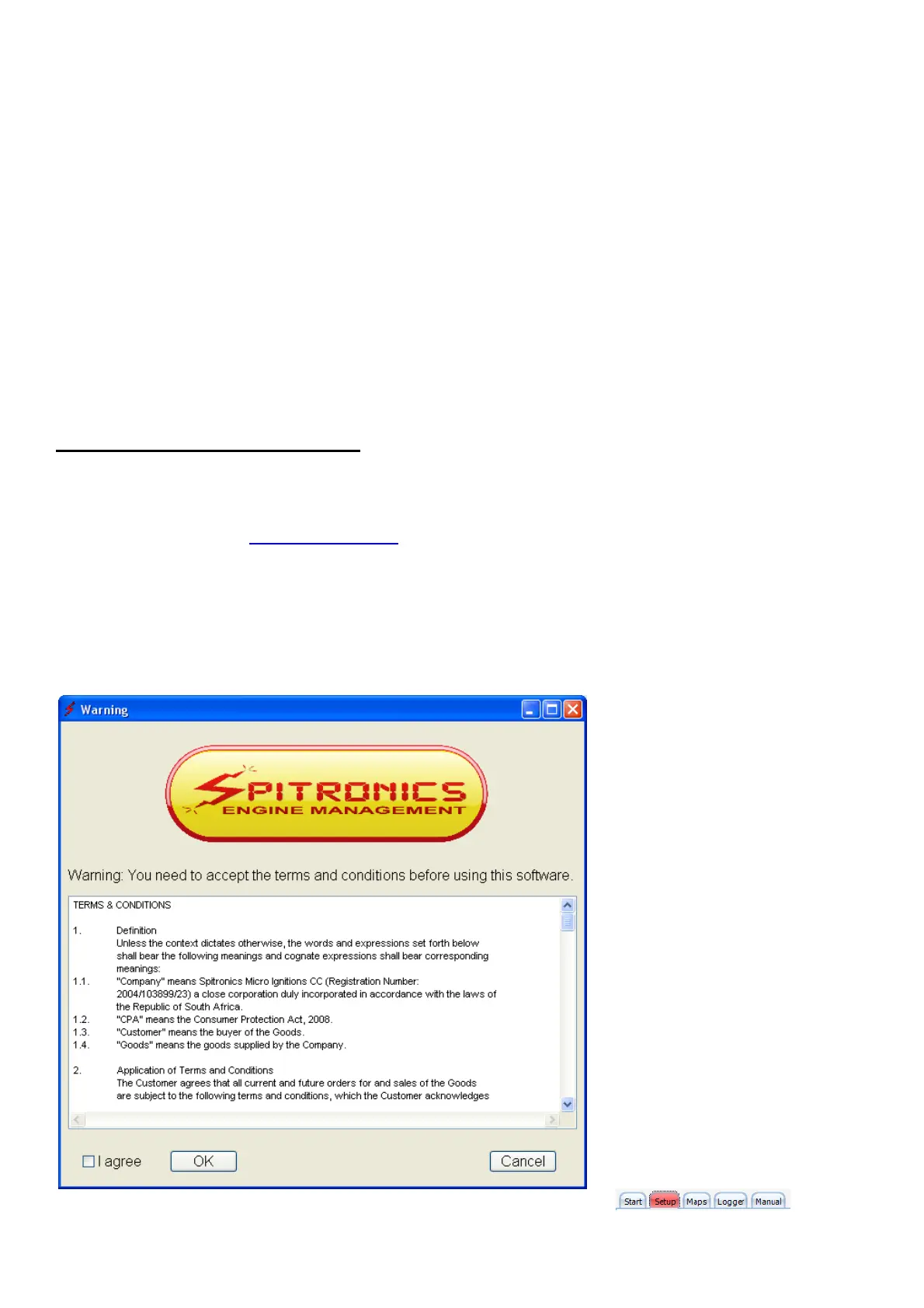
software. When you start the software for the first time, it will prompt you to accept the Terms &
Conditions as laid out by Spitronics Micro Ignitions cc. Read these conditions carefully and if you
agree you may except the terms and continue to work on the ECU. If you press cancel the
program will close. If you load a new manual it will ask you to agree to the terms and conditions
again.
There is also an html help file. When you click on manual button, guide the
software to this file and then you can access the manual from the PC software.



 To Next Page