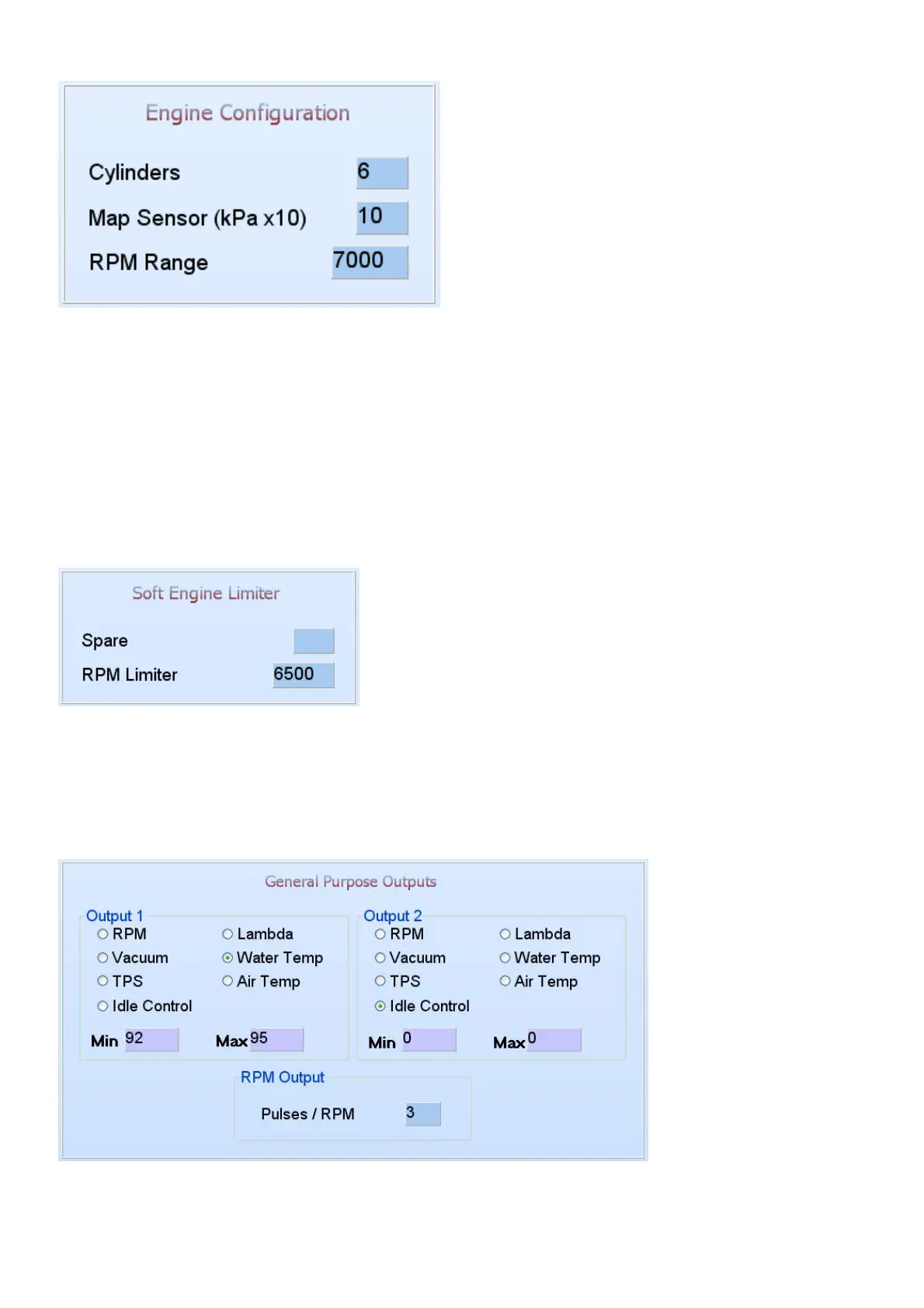
6.7.1.2 Engine Configuration
Cylinders – 2,3,4,5,6,8 or 12 cylinders can be typed in this block, depending on the engine
specific ECU. Most ECU firmware will over-write this block at start-up.
Map sensor – adjusts the map sensor range that you use e.g. 1bar = 10, 2.5bar=25. If you have
a 2.5 bar sensor but you only use 0.5 bar boost, enter a value of 15 for 1.5 bar and calibrate the
MAP sensor so that you are able to make full use of the complete vacuum range for correction
adjustment. See Active sensors and Calibrate further in the manual. These changes only take
effect when you Exit and start the PC software again.
RPM range – set the rpm maximum RPM that you want to map the ECU at e.g. redline starts at
6500rpm add 500rpm and type in 7000 for the rpm range. These changes only take effect when
you Exit and start the PC software again.
6.7.1.3 Engine Configuration
Spare – Reserved for future use.
RPM limiter – This will set the maximum rpm for the soft engine limiter in 100 RPM intervals. The
ECU will first retard the timing in three stages and then after 300 RPM over this limit will cut the
fuel completely. The spark however will not be cut. This will prevent fuel from entering the exhaust
and backfire there.
6.7.1.4 General Purpose Outputs
There are two general outputs to configure for several different functions. These outputs can be
configured to use one of the analogue signals and switch a relay on or off when certain limits have
been reached.



 To Next Page