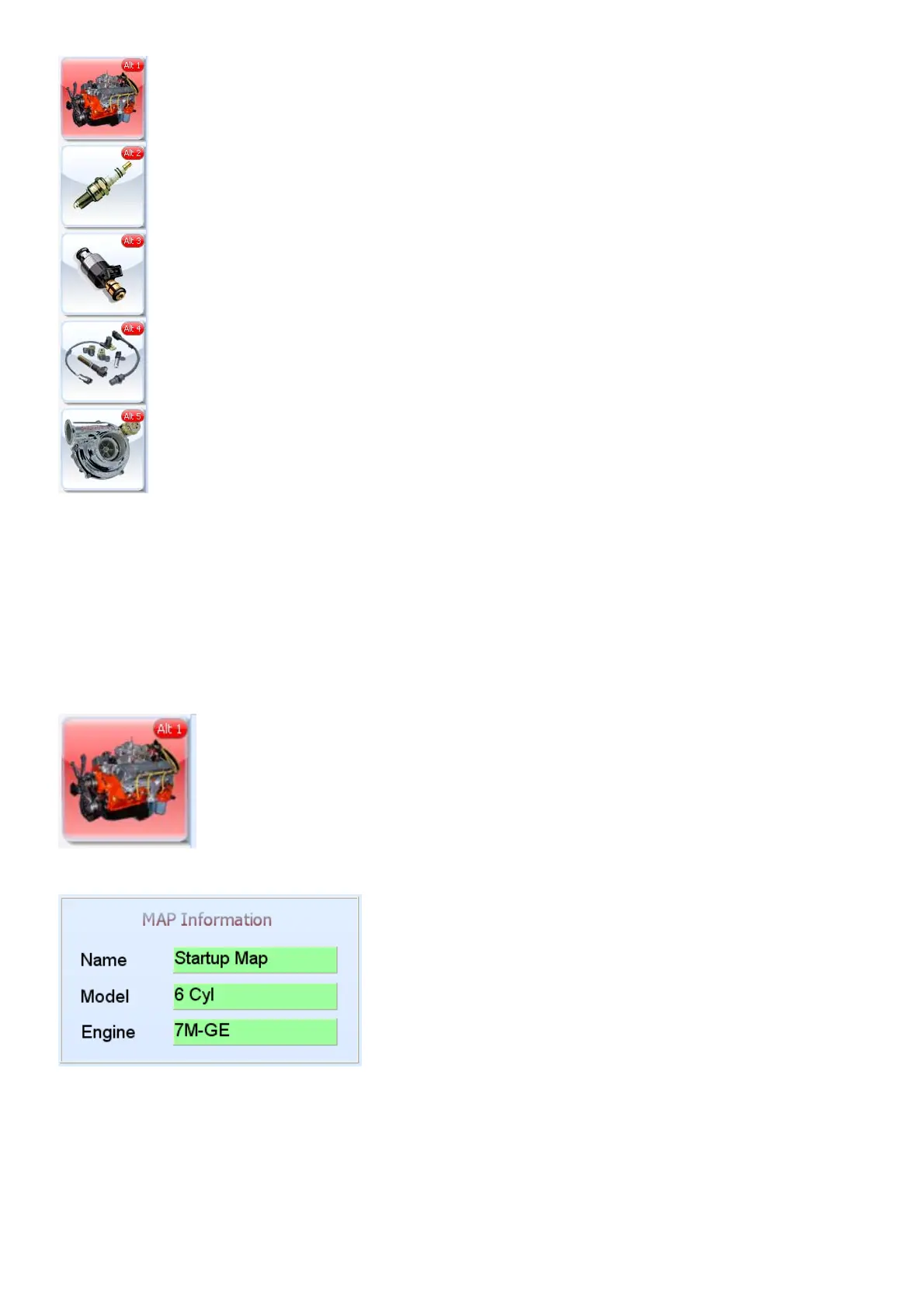
Click on the setup tab to get information on the configuration of your engine. Most parameters are
being preset before the ECU has been shipped. Ensure that these settings are correct as some
may damage components on your engine or the ECU itself.
Click on of these icons to adjust different settings in the setup page. Activate the Hot-Key by
pressing the Alt button plus the correlating number as in the icon block.
6.7.1 Engine Setup (Alt 1)
6.7.1.1 Map Information
The Map information screen contains info for which customer and vehicle the maps have been
done. It saves in the ECU and PC. This is used to identify different tuning maps from each other. It
does not affect any tuning on the engine.



 To Next Page