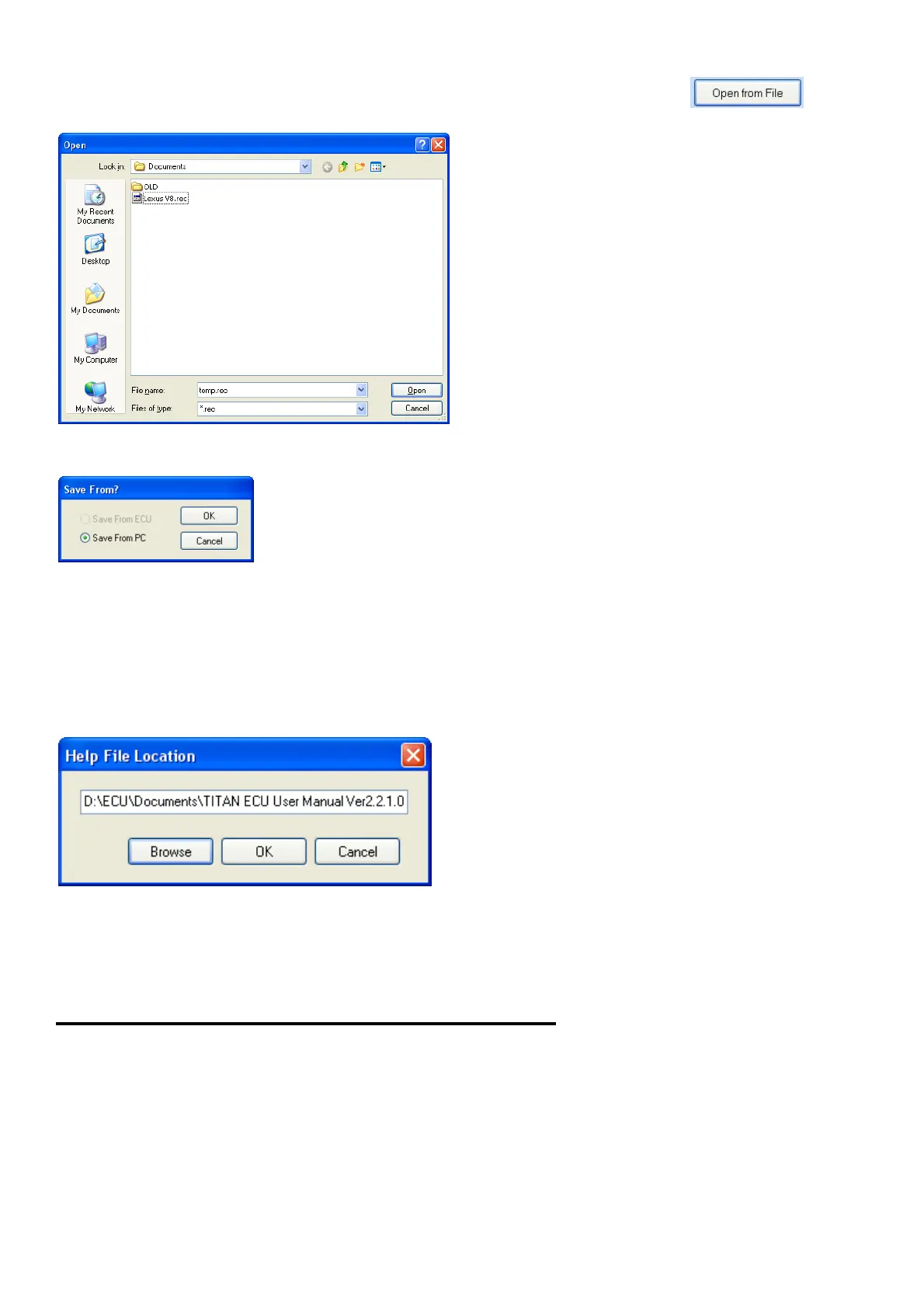
The Log file can be opened and replayed at a later stage by pressing the button.
This feature will also allow the file to be mailed to the tuner for remote fault finding.
To do adjustments remotely firs load in the engine map and then open the file. Play it back and do
adjustment. Then save the Map file by pressing save from PC.
6.8.6 Manual (F5)
When you use the manual for the first time the program will prompt about the location and
filename of the help file. The help file normally comes in PDF format for standalone use and HTML
format (EMU User Manual Ver2.2.1.0.mht) to work in the tuning software. Click on Browse and
guide the explorer to the .mht file. Click OK and the file will load. This program will store this file
location in the ecu.ini file so that the next time you don’t need to repeat the process.
If you want to load n newer version of the manual, delete the old manual file first or delete the
ecu.ini file and copy the new one to the hard disk. Close the program and reopen it. Repeat the
above process.
7. Other Setup duties and Information
7.1 Jump Starting the Engine
This is always a bad condition to put any electronics through. The reason is that battery voltage is
too low for the electronics to work properly and very large current and voltage spikes are induced
on the system. It may cause the ECU to erratic behavior and to switch outputs on at the wrong
time. It may also “hang” the micro causing outputs to stay on and damage coils or driver outputs.
If you must jump start follow these rules and you should be save from damaging equipment:
1. Never jumpstart a car without a healthy battery intact. This will cause erratic voltages over
40 volts which will damage most electronics and light bulbs.
2. Make sure that terminals are properly connected and will not come loose.



 To Next Page