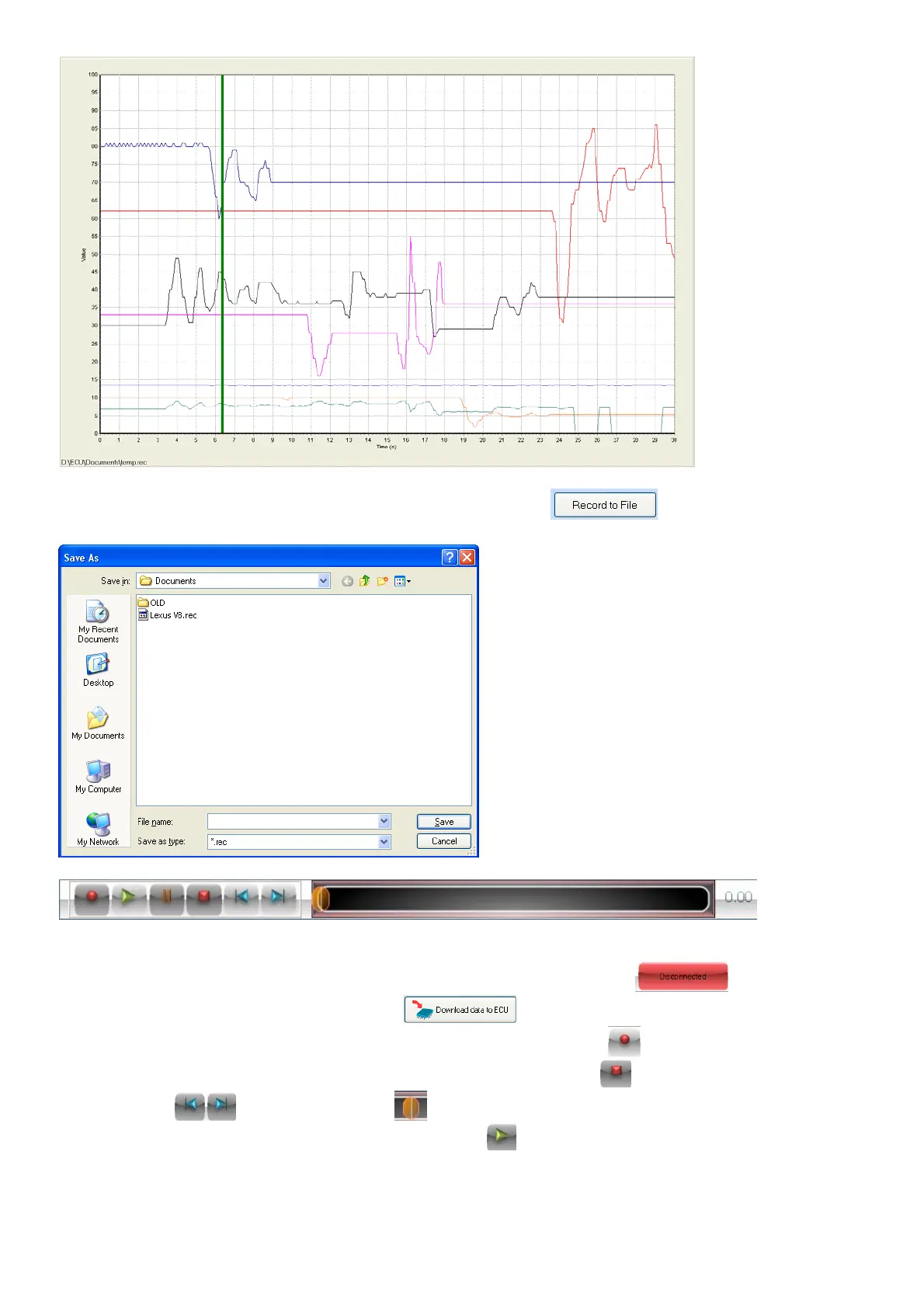
Alternately you can record the data to a file by pressing the button. Select a filename
which the data must be saved in.
Once a recording file is active or a Log file is opened, this bar will be displayed on all the map
pages. You can now replay the data and see how the lambda value was recorded for different
conditions on the engine. When a file is played back, the ECU will be . Once you finish
your changes you can connect and press to save the changes in the ECU.
When a recording file is selected, you can press the record button when ready and record the
relevant signals to a Log file. When finished press the stop button . Now you can move forward
or backwards and move the bar by dragging it with the mouse or arrows and play the
data from that position by pressing the play button . The real time data will then be replaced
with the data in the recorded Log file. Now you can go to the different maps and see how the
signal values changed while you were driving. By looking at the Log data you can do adjustments
on the Maps and save it. Then you can do another test run and see if the engine performed
correctly on the lambda value.



 To Next Page