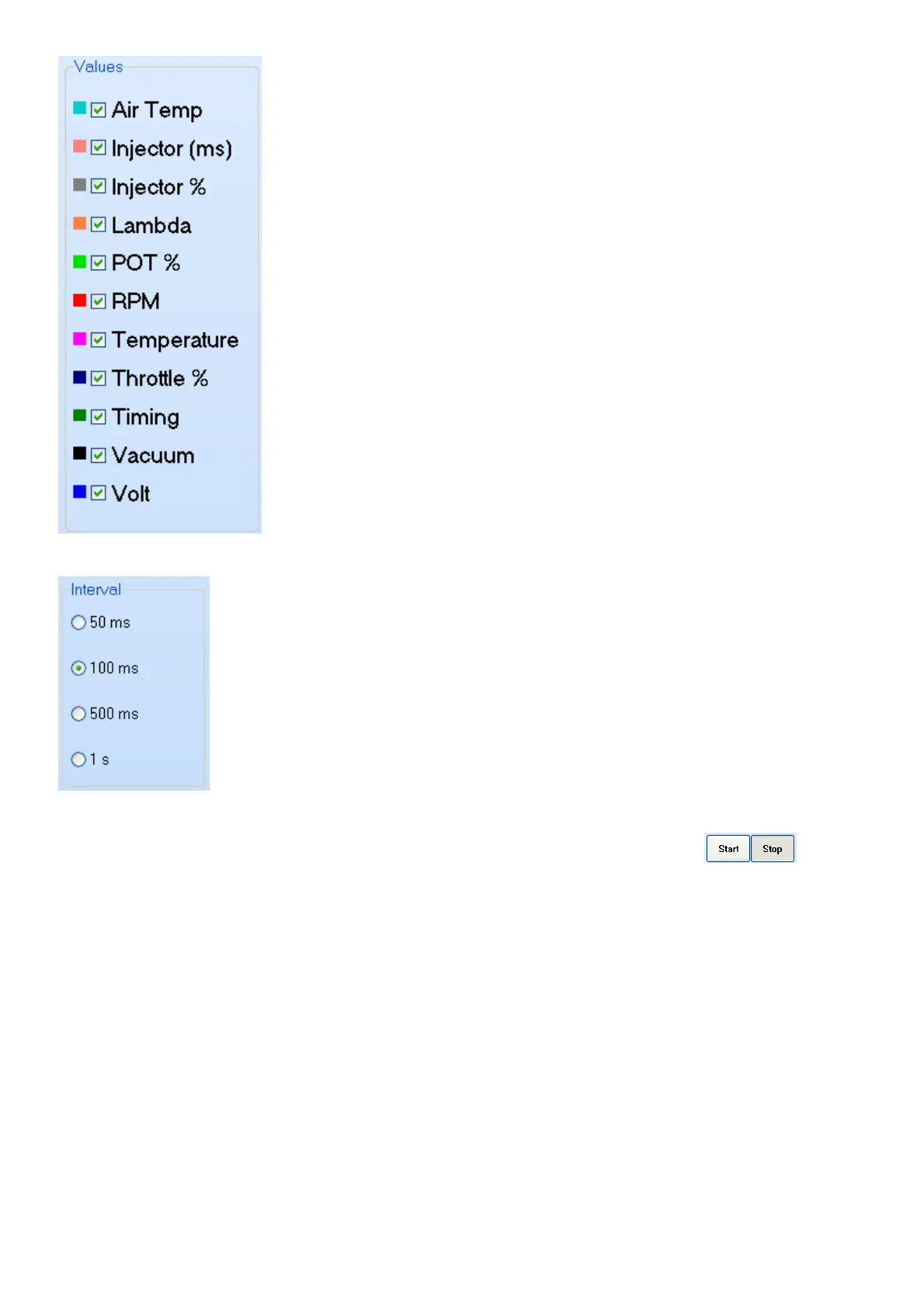
First select the appropriate signal you would like to record by checking the box next to it.
Check the Interval block to decide the resolution of the samples.
For quick real-time logging you can log the data on the map by pressing the buttons.
The data will be recorded and saved in the PC RAM. See the graph below. After logging you can
grab the log sheet with the right mouse button and go to different times in the graph to see what
happened and do alterations on the graphs.



 To Next Page