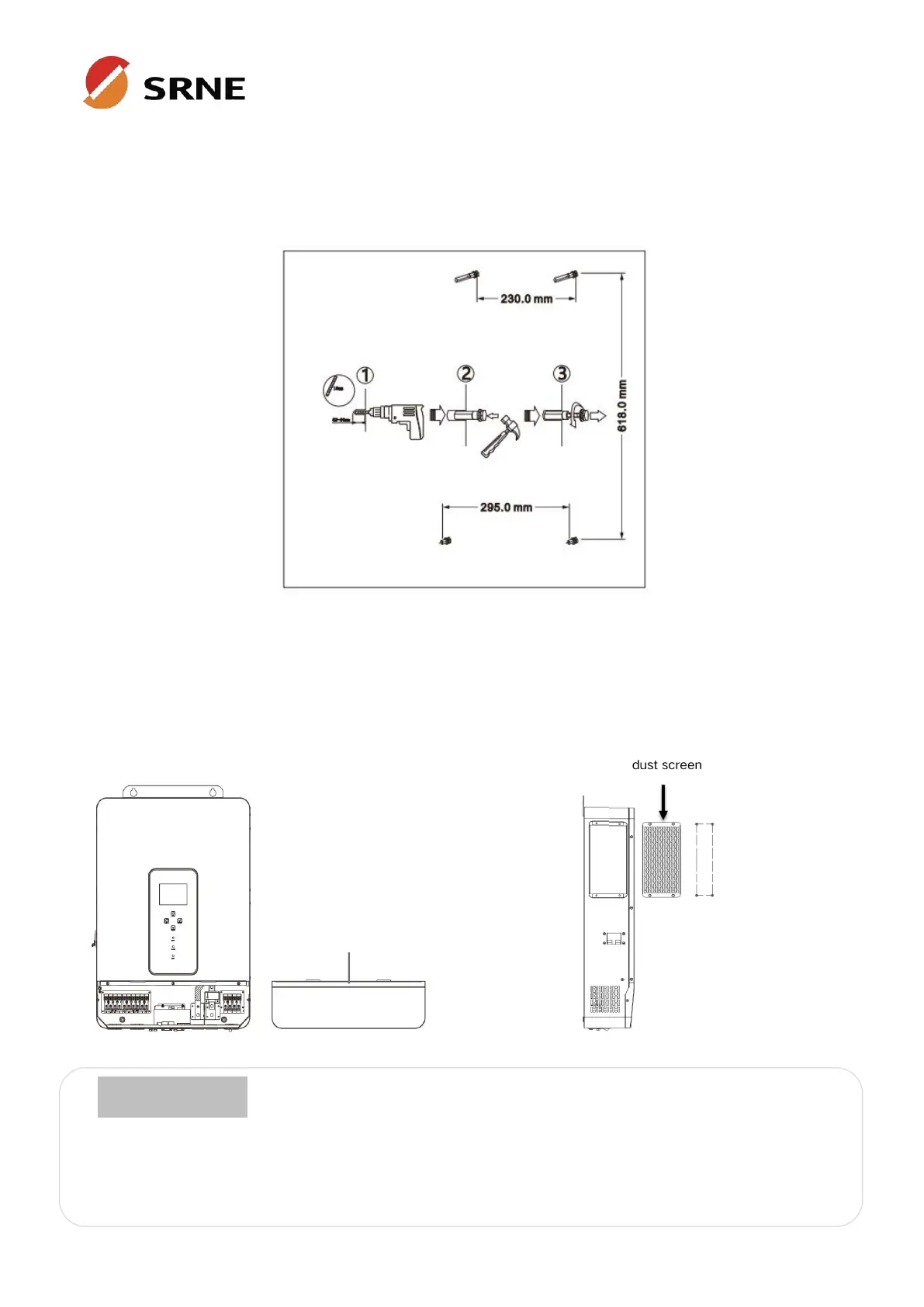
3.2 Mount the inverter
Drill 4 mounting holes in the wall with an electric drill according to the specified dimensions, insert 2
expansion screws above and 2 M5 screws below to fix the inverter.
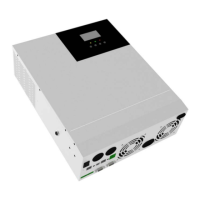
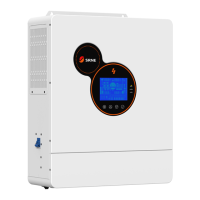
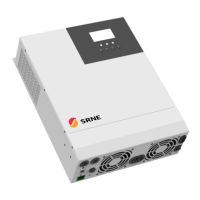
3.3 Remove terminal protection cover and dust screen
Using a screwdriver, remove the terminal protection cover and dust screen.
When using the device in areas with poor air quality, the dust screen is easily blocked by air particles.
Please disassemble and clean the dust screen periodically to avoid affecting the internal air flow rate
of the inverter, which may trigger an over-temperature protection fault (19/20 fault) affecting the use
of the power supply and the service life of the inverter.
terminal protection cover



 To Next Page