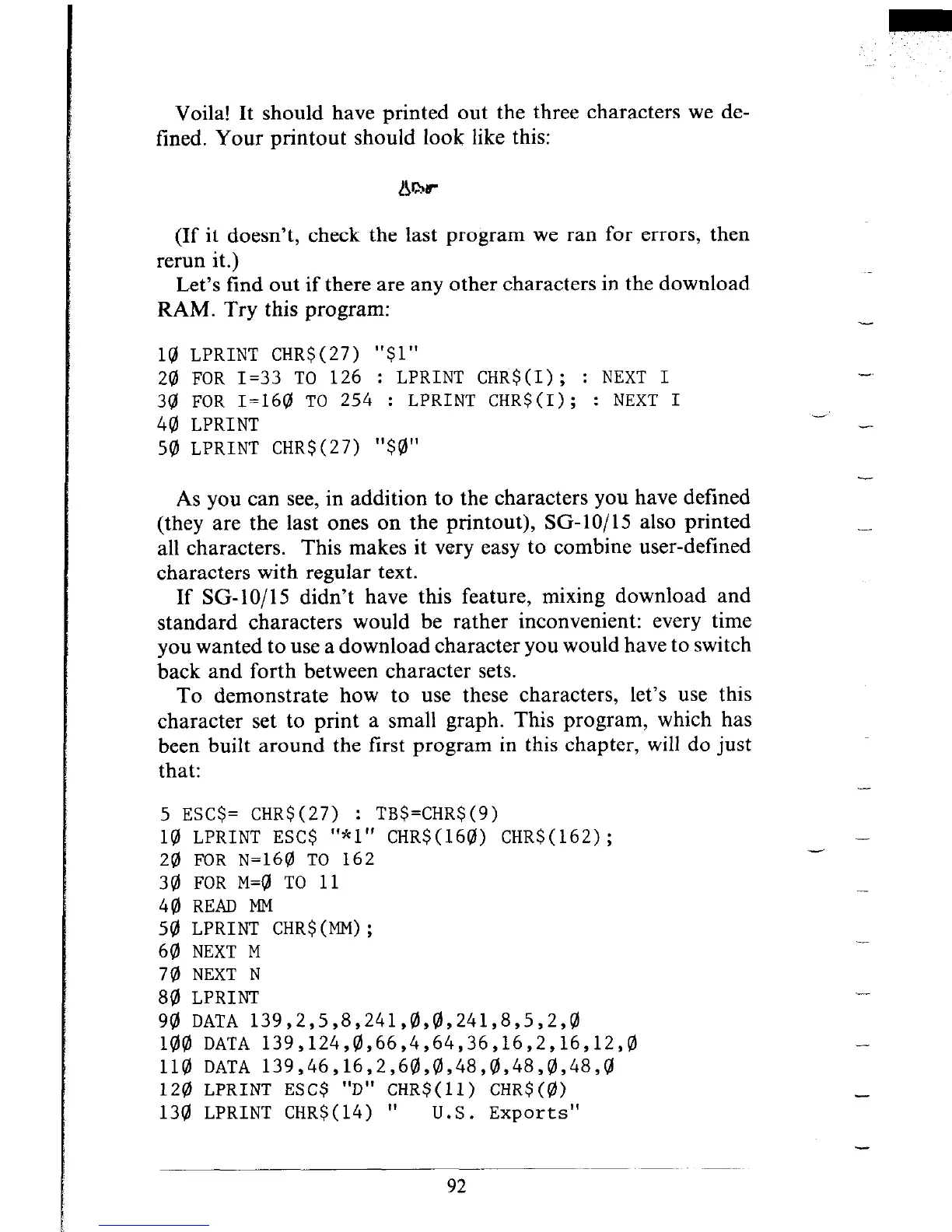
Voila! It should have printed out the three characters we de-
fined. Your printout should look like this:
(If it doesn’t, check the last program we ran for errors, then
rerun it.)
Let’s find out if there are any other characters in the download
RAM. Try this program:
10 LPRINT CHR$(27) "$1"
20 FOR I=33 TO 126 : LPRINT CHR$(I); : NEXT I
30 FOR I=160 TO 254 : LPRINT CHR$(I); : NEXT I
40 LPRINT
50 LPRINT CHR$(27) "$0"
As you can see, in addition to the characters you have defined
(they are the last ones on the printout), SG-lo/15 also printed
all characters. This makes it very easy to combine user-defined
characters with regular text.
If SG- 10/l 5 didn’t have this feature, mixing download and
standard characters would be rather inconvenient: every time
you wanted to use a download character you would have to switch
back and forth between character sets.
To demonstrate how to use these characters, let’s use this
character set to print a small graph. This program, which has
been built around the first program in this chapter, will do just
that:
5 ESC$= CHR$(27) : TB$=CHR$(9)
10 LPRINT ESC$ "*l" CHR$(160) CHR$(162);
20 FOR ~=160 TO 162
30 FOR M=@ TO 11
40 READ MM
50 LPRINT CHR$(MM);
60 NEXT M
70 NEXT N
80 LPRINT
90 DATA 139,2,5,8,241,0,0,241,8,5,2,0
100 DATA 139,124,0,66,4,64,36,16,2,16,12,0
110 DATA 139,46,16,2,60,0,48,8,48,0,48,0
120 LPRINT ESC$ "D" CHR$(ll) CHR$(0)
130 LPRINT CHR$(14) "
U.S. Exports"
-
-
-
__
-











 To Next Page