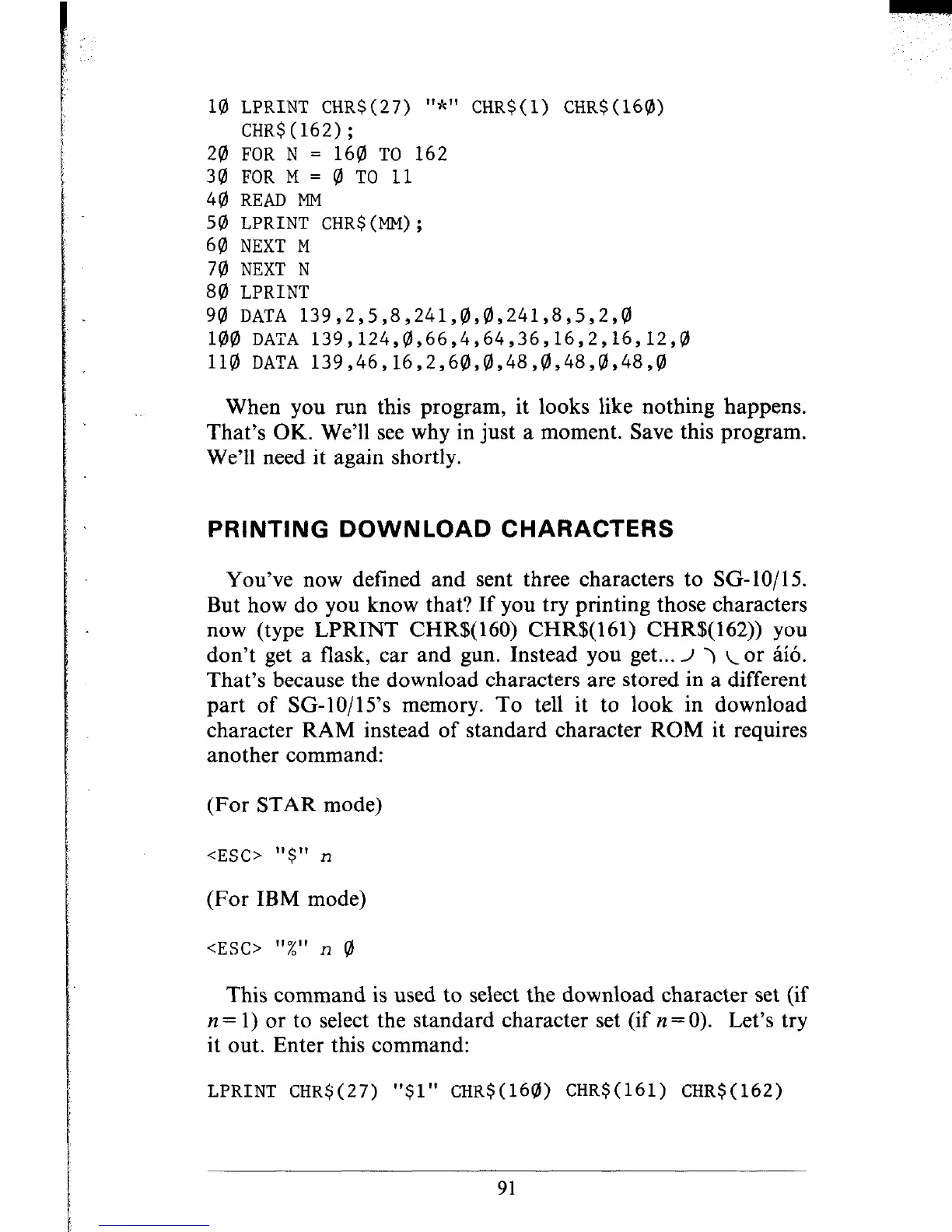
10 LPRINT CHR$(27) "*" CHR$(l) CHR$(160)
CHR$(162);
20 FOR N = 160 TO 162
30 FOR M = 0 TO 11
40 READ MM
50 LPRINT CHR$(MM);
60 NEXT M
70 NEXT N
80 LPRINT
90 DATA 139,2,5,8,241,0,0,241,8,5,2,0
100 DATA 139,124,0,66,4,64,36,16,2,16,12,0
110 DATA 139,46,16,2,60,0,48,8,48,0,48,0
When you run this program, it looks like nothing happens.
That’s OK. We’ll see why in just a moment. Save this program.
We’ll need it again shortly.
PRINTING DOWNLOAD CHARACTERS
You’ve now defined and sent three characters to SG- 10/15.
But how do you know that? If you try printing those characters
now (type LPRINT CHR$( 160) CHR$( 161) CHR$( 162)) you
don’t get a flask, car and gun. Instead you get... I > c or a%.
That’s because the download characters are stored in a different
part of SC-lo/l 5’s memory. To tell it to look in download
character RAM instead of standard character ROM it requires
another command:
(For STAR mode)
<ESC> "$" n
(For IBM mode)
<ESC>
“%” n 0
This command is used to select the download character set (if
n = 1) or to select the standard character set (if n = 0).
Let’s try
it out. Enter this command:
LPRINT CHR$(27) "$1" CHR$(160) CHRS(161) CHR$(162)
91
.“” ., --‘-











 To Next Page