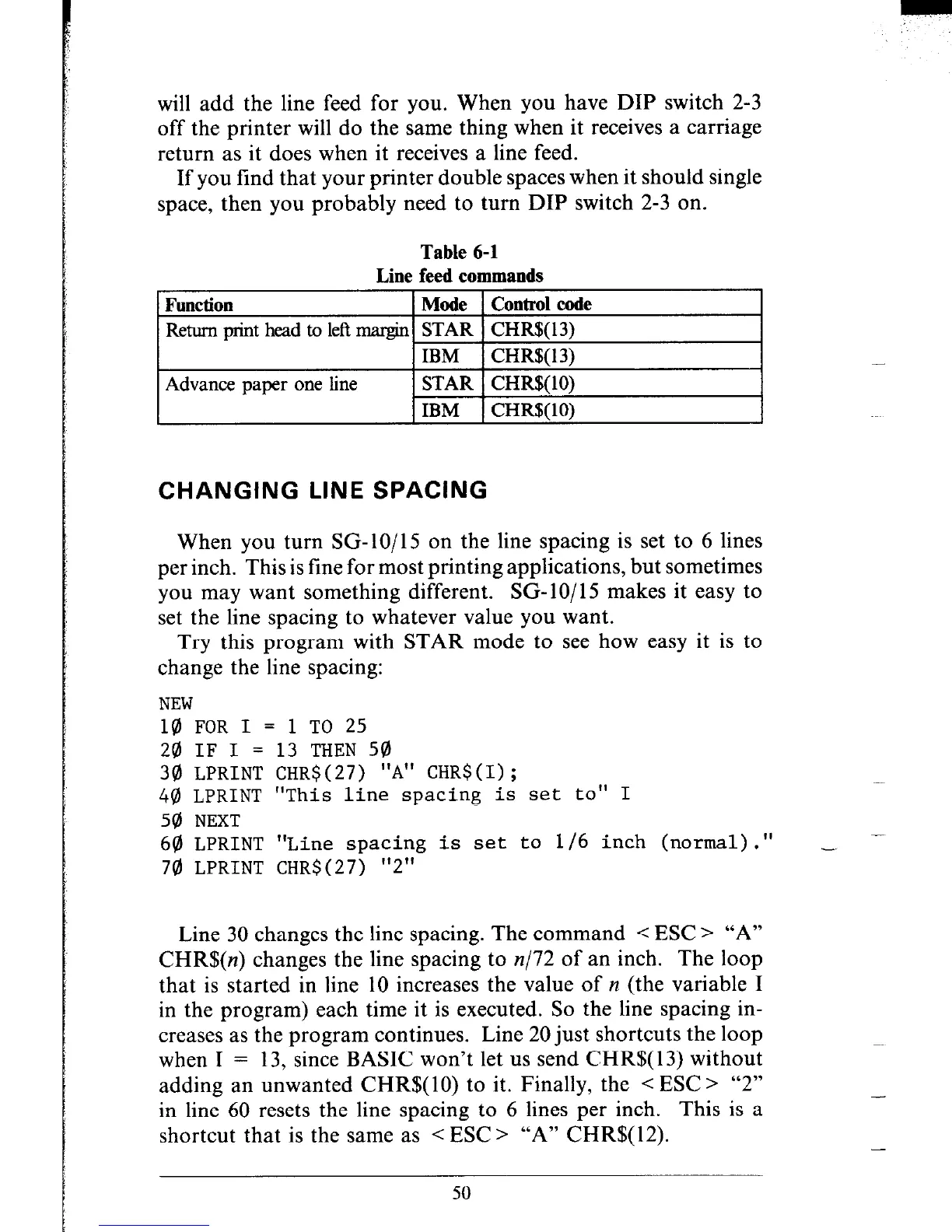
will add the line feed for you. When you have DIP switch 2-3
off the printer will do the same thing when it receives a carriage
return as it does when it receives a line feed.
If you find that your printer double spaces when it should single
space, then you probably need to turn DIP switch 2-3 on.
Table 6-1
Line feed commands
Function
Mode Control code
Return print head to left margin STAR CHR$( 13)
IBM CHR%(13)
Advance paper one line
STAR CHR$( 10)
IBM CHR$(lO)
CHANGING LINE SPACING
When you turn SG-lo/15 on the line spacing is set to 6 lines
per inch. This is fine for most printing applications, but sometimes
you may want something different. SG-lo/15 makes it easy to
set the line spacing to whatever value you want.
Try this program with STAR mode to see how easy it is to
change the line spacing:
NEW
10 FOR I = 1 TO 25
20 IF I = 13 THEN 50
30 LPRINT CHR$(27) "A" CHR$(I);
40 LPRINT "This line spacing is set to" I
50 NEXT
60 LPRINT "Line spacing is set to l/6 inch (normal)." _ -
70 LPRINT CHR$(27) "2"
Line 30 changes the line spacing. The command < ESC > “A”
CHR$(n) changes the line spacing to n/72 of an inch. The loop
that is started in line 10 increases the value of y1 (the variable I
in the program) each time it is executed. So the line spacing in-
creases as the program continues. Line 20 just shortcuts the loop
when I = 13, since BASIC won’t let us send CHR$( 13) without
adding an unwanted CHR$(lO) to it. Finally, the < ESC > “2”
in line 60 resets the line spacing to 6 lines per inch. This is a
shortcut that is the same as < ESC > “A” CHR$(12).
50











 To Next Page