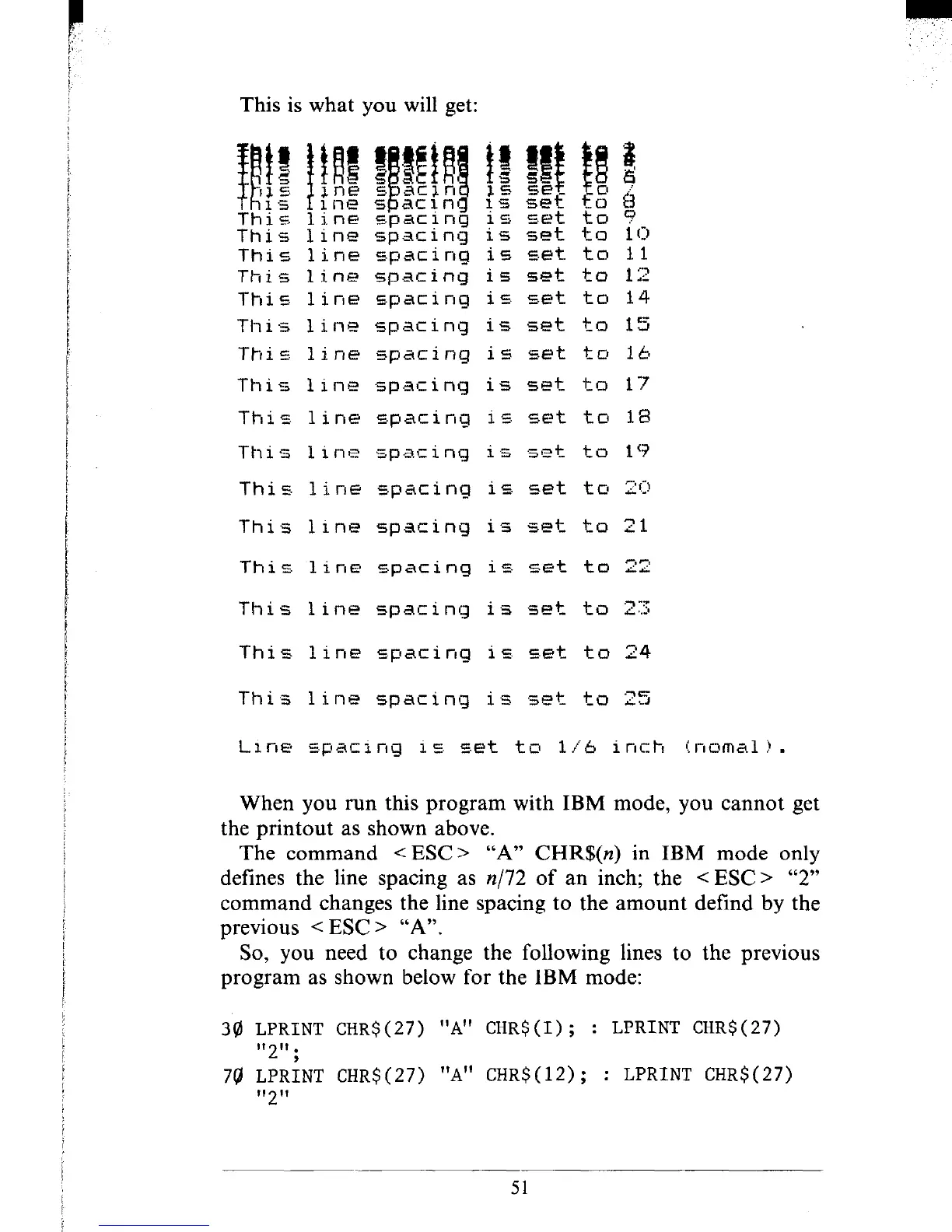
This is what you will get:
This
line +aciniJ is set to 10
This line spacing ic, s.et to 11
This line spacing is set to 12
This 1 ine
spacing is set to 14
This 1inEt spacing is set to 15
Thic line
spacing is E-et tc1 lb
This line spacing is set to 17
This line spacing is set to 18
This 1 ine
spat i ng i .z Set to 19
This. line
E.pacing is set to 29
This line spacing is set to 21
This
1 ine spacing is set to 22
This line spacing is set to 2Z
This line Epacing is set to 24
This line spacing is set to 25
Line spacinq i c. set tL7 l/6 inch
i I-I 0 m A 1 11 .
When you run this program with IBM mode, you cannot get
the printout as shown above.
The command < ESC> “A” CHR$(n) in IBM mode only
defines the line spacing as n/72 of an inch; the < ESC > “2”
command changes the line spacing to the amount defind by the
previous < ESC > “A”.
So, you need to change the following lines to the previous
program as shown below for the IBM mode:
34) LPRINT CHR$( 27) “A” CHR$ (I) ; : LPRINT CHR$( 27)
“2” ;
7g LPRINT CHR$(27) “A” CHR$(12); : LPRINT CHRS(27)
II 1,
2
51











 To Next Page