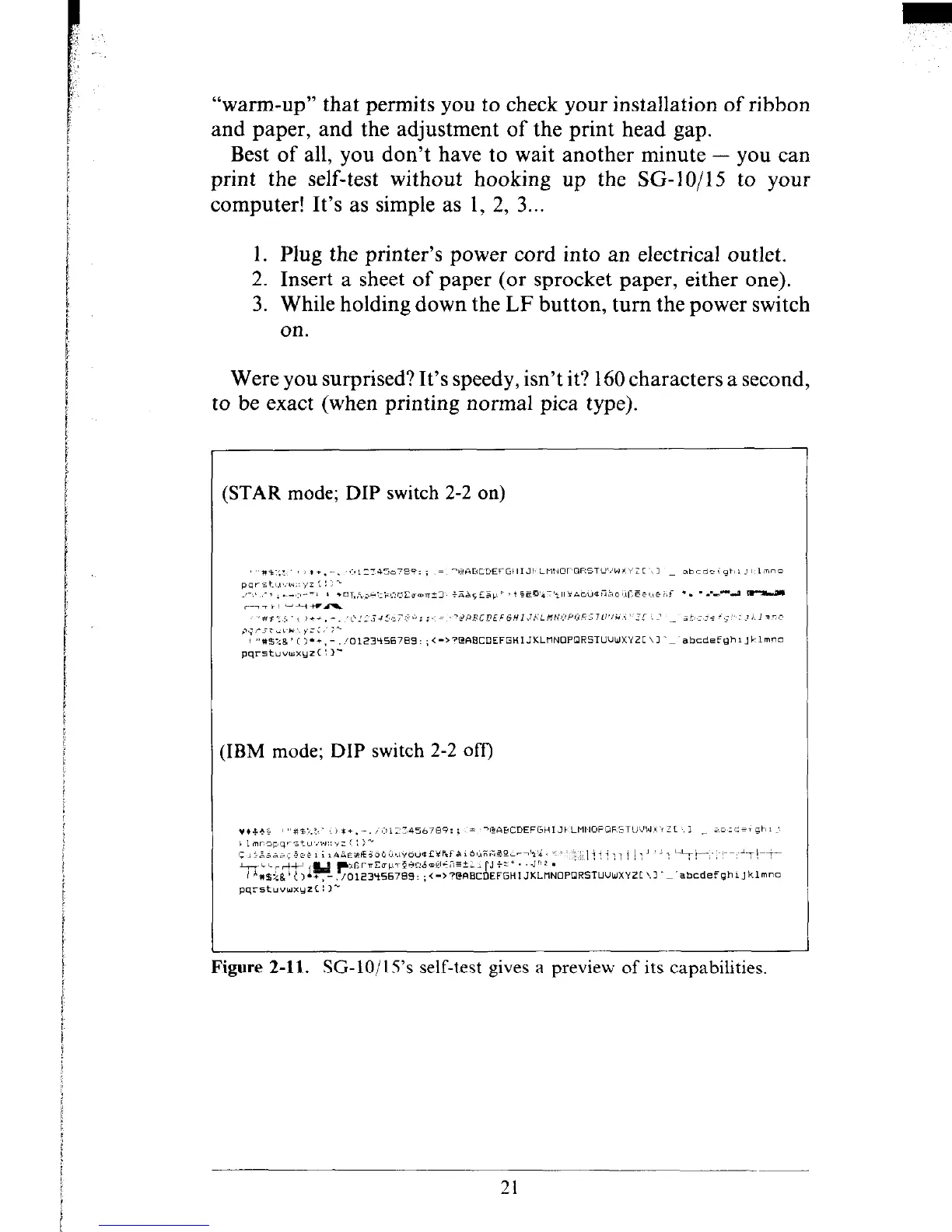
(STAR mode; DIP switch 2-2 on)
“warm-up” that permits you to check your installation of ribbon
and paper, and the adjustment of the print head gap.
Best of all, you don’t have to wait another minute - you can
print the self-test without hooking up the SC&IO/15 to your
computer! It’s as simple as 1, 2, 3...
1. Plug the printer’s power cord into an electrical outlet.
2. Insert a sheet of paper (or sprocket paper, either one).
3. While holding down the LF button, turn the power switch
on.
Were you surprised? It’s speedy, isn’t it? 160 characters a second,
to be exact (when printing normal pica type).
:IBM mode; DIP switch 2-2 off)
Figure 2-11. SC-10/15’s self-test gives a preview of its capabilities.
21











 To Next Page