10
Under the file interface, move the cursor to the need to edit the file name, press【 F3】Edit the file。
Input characters, some of the key is to reuse a key, , reuse is the character that the downside of keys, click on the first【 Shift】
Press the reuse button again, the input is to reuse the upside of keys。
When editing code, press【 F1】Can be inserted in the current edit line, press【 F2】Delete the current line 。press【 F3】
Create a new file, press【 F4】Create a new folder。
3.1.3 Parts option function
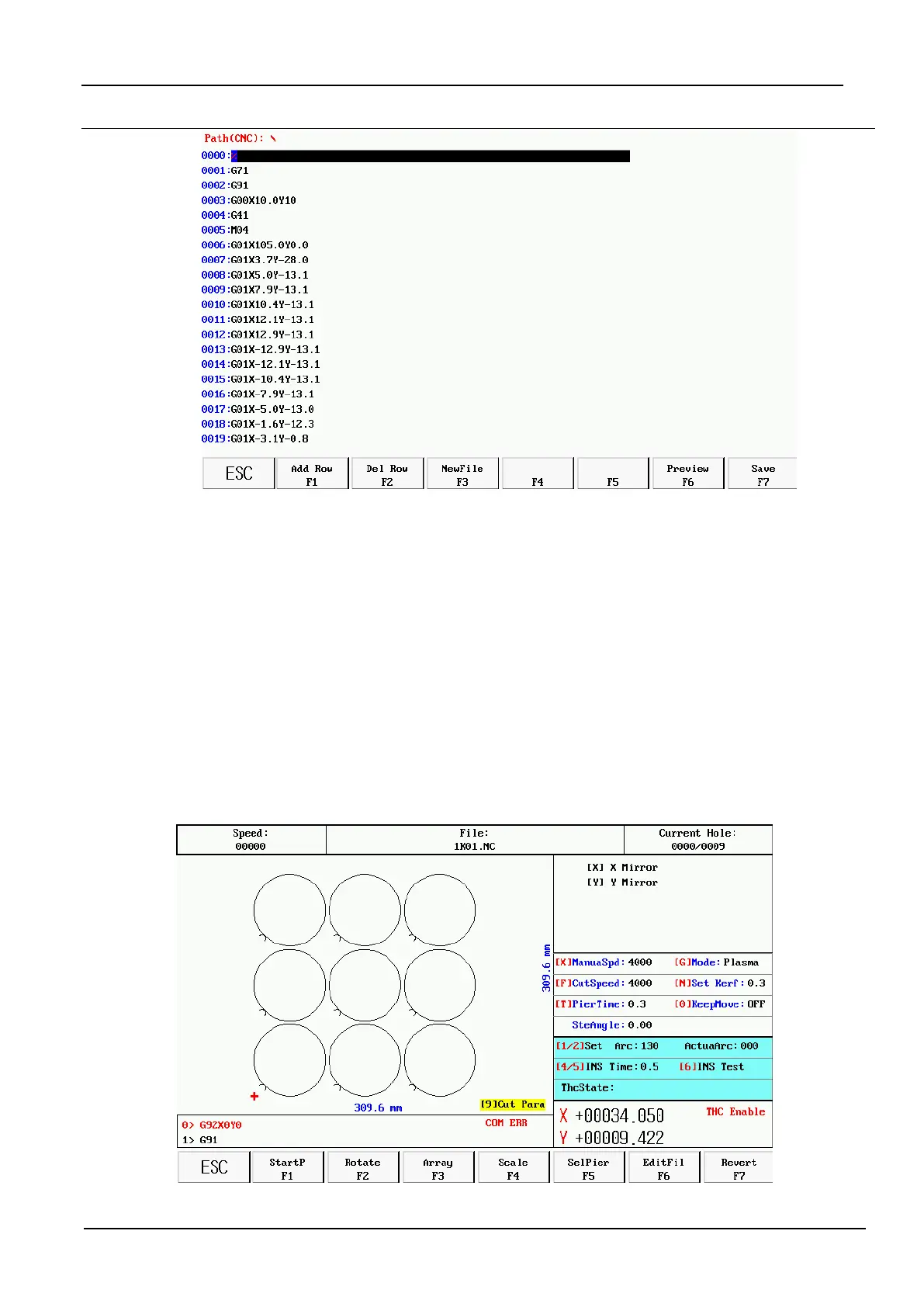
Under the main interface, press 【F3】, into the Parts option interface
【 F1】: Starting point selection, continuous key, can choose the starting location.


 To Next Page
 Loading...