Page 32 | Stellar
®
Heavy-Duty Telescopic Crane Owner’s Manual
Error Input 1 (Pressure Transducer cylinder base end)
Harness wire PD1
Problem: The Boom down, Extension out, and Winch
up functions do not operate and the radio receiver is
displaying Input error 1.
Solutions: Check for broken or loose wires going
to the transducer on the main lift cylinder. If the
connector is unplugged from the transducer, plug
the connector back into the transducer. If the
problem still exists, check to make sure that the PD1
wire harness connector is plugged into the PD1 base
end transducer. This transducer is locate on the
cylinder manifold assembly and is closest to the base
end of the cylinder. PD2 transducer is located closest
to the rod end of the cylinder. If there is no change
contact Stellar Customer Service.
Problem: Winch up and Extension out do not operate
while the main boom cylinder is fully retracted or the
crane is stowed in the boom rest.
Solutions: Raise main lift cylinder slightly, this
condition is due the safety systems of the crane.
Error Input 2 (Pressure Transducer cylinder rod end)
Harness wire PD2
Problem: The Boom down, Extension out, and Winch
up functions are only operating at 75% of their normal
speed and the radio receiver is displaying Input error
2.
Solutions: Check for broken or loose wires going
to the transducer on the main lift cylinder. If the
connector is unplugged from the transducer, plug
the connector back into the transducer. If the
problem still exists, reverse the two transducers and
see if problem reverses. If there is no change contact
Stellar Customer Service.
Error Input 3 (Inclinometer)
Problem: The crane will not lift the rated load per the
capacity chart and the Boom up, Extension out, and
Winch up functions are only operating at 75% of their
normal speed and the radio receiver is displaying
Input error 3.
Solutions: Check for broken or loose wires going to
the Inclinometer located just inside the main boom
assembly. If the connector going to the Inclinometer
has come loose or is unplugged, plug the connector
back into the Inclinometer. If the problem still exists,
replace the Inclinometer.
Error Input 4 (Anti-two-block)
Problem: The Boom Down, Extension out, and Winch
up functions will not operate and the radio receiver is
displaying Input error 4.
Solutions:
1. Make sure that the Anti-2-block weight and chain
on the end of the boom are straight so it easily
slides up and down the wire rope cable.
2. Make sure that the cradle bar is not bent and is
not allowing the limit switch to disengage.
3. Disconnect the two wires connected to the limit
switch and twist them together. If all functions
operate, replace the limit switch.
4. If the functions still do not operate after testing
the limit switch, visually inspect the cord reel wires
going to the limit switch. If the wiring appears to be
ok, check the continuity of the cord or disconnect
the cord reel from the crane harness and bypass
the harness connection. If the crane operates
properly, replace the cord reel.
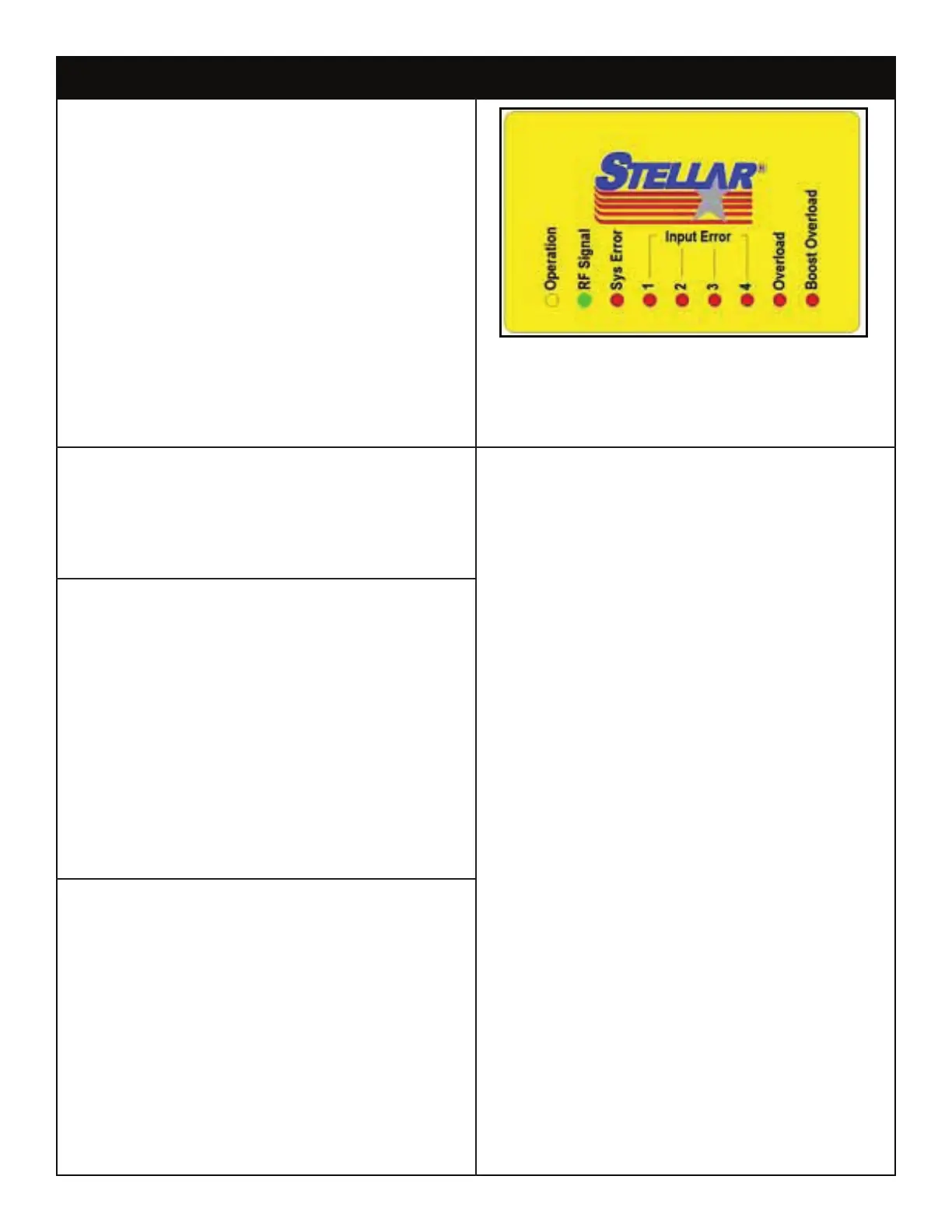
Stellar ® CDT Radio Error Code Troubleshooting
When troubleshooting the radio system, please note which
lights are lit up on the receiver mounted on the crane. If
the System Error LIght (Sys Error) is ashing, please note the
ash pattern. For example, Is it ashing steadily or does it
have a ash pattern of 1, 2, or 3? This information may be
helpful to your Stellar Customer Service Representative when
diagnosing the issue with your radio system.



 To Next Page