Page 4 | Stellar
®
Heavy-Duty Telescopic Crane Owner’s Manual
Step 5: Operate the crane.
Using the Radio Remote:
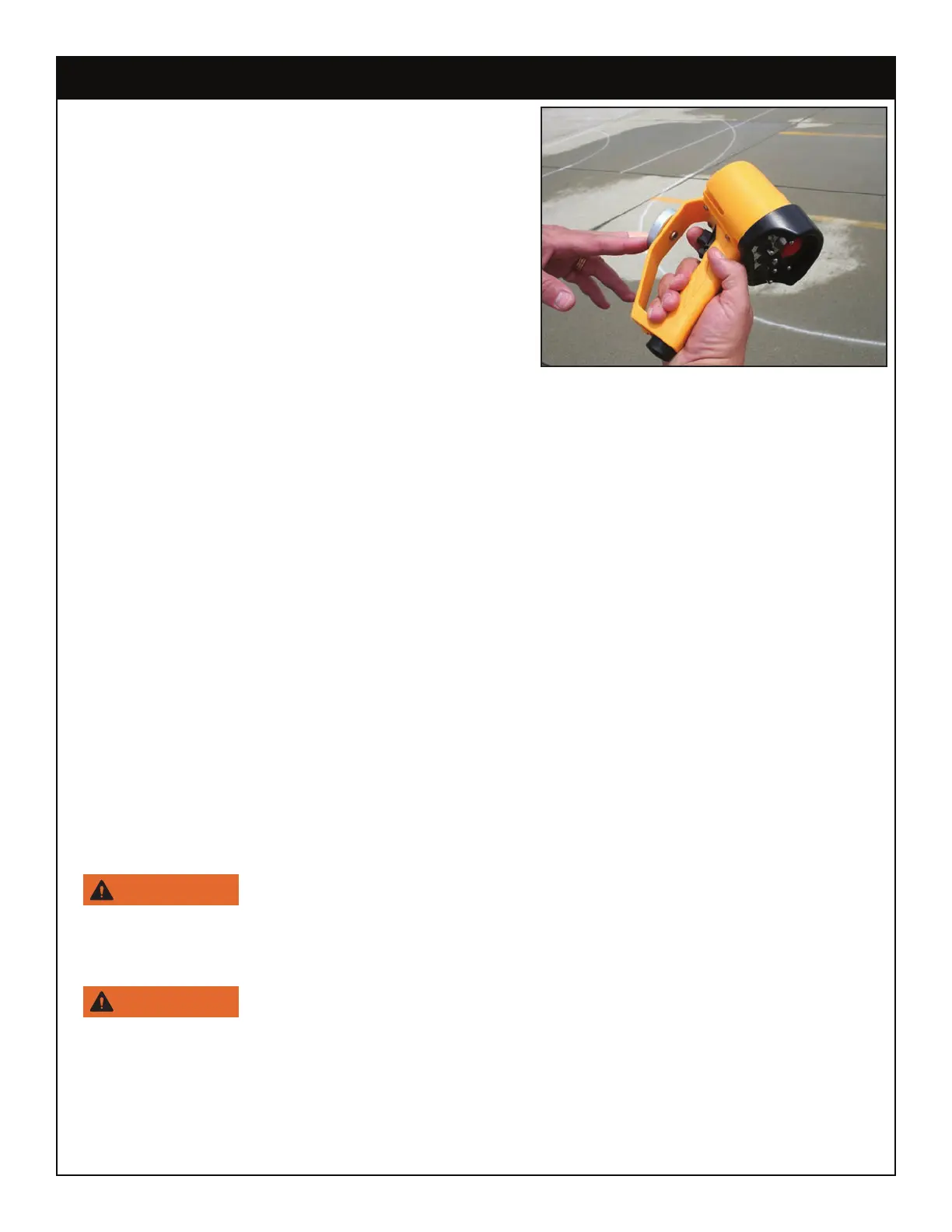
To operate the crane using the radio remote
control:
1. Activate and hold the desired toggle switch (See
next page for details).
2. While holding the toggle, gently pull the
variable speed trigger until the crane begins to
move. The speed of the crane will vary in direct
correlation to how much or how little the trigger is
engaged.
Note: The radio remote allows for simultaneous functions. With practice, it is possible to use
more than one toggle at the same time (Extension Out/Winch Down for example).
Unstowing the Crane:
To unstow the crane and prepare it for a lift:
• Winch down slightly.
• Raise the boom high enough to clear the boom rest and any other obstructions from the
chassis.
• Rotate the crane until it clears the side of the truck body.
• Lower the crane boom down far enough so that the snatch block is within comfortable
reach.
• Winch down to create slack in the wire rope and unhook the snatch block.
Attaching the load:
• Position the crane with the hook centered directly over the load avoid side loading.
• Attach the load to the hook by means of slings or other approved devices.
Never use a sling bar or anything larger than the hook throat that
could prevent the hook latch from closing. This would negate the safety feature.
• Maintain a minimum of 3 full wraps of wire rope on the winch drum at all times.
Do not wrap the wire rope around the load.



 To Next Page