EasyManua.ls Logo

stellar labs Model 28000 - User Manual

Default Icon
58 pages
Print Icon
To Next Page IconTo Next Page
Loading...
"!,01)!*,%('1%',!''!1'+,&&,%('1*,+
 
2
 
Stellar Industries, Inc.
190 State Street
PO Box 169
Garner, IA 50438
800-321-3741
Fax: 641-923-2811
www.stellarindustries.com
Last Revision: 01/23/13
Subject to Change without Notification.
© 2013 Stellar Industries, Inc.

Questions and Answers

  • K
    Kim FordSep 6, 2025
    What to do if my stellar labs Model 28000 crane does not function?
    • V
      Vicki CastroSep 6, 2025
      If the crane does not function on your Stellar Labs Construction Equipment, charge the battery. Check the electrical wiring, terminals, connections and their integrity. Turn on control handle.
  • A
    Amanda WarrenSep 4, 2025
    Why is the crane rotation not regular on my stellar labs Model 28000 Construction Equipment?
    • A
      Alicia PowellSep 5, 2025
      If your Stellar Labs Construction Equipment crane rotation is not regular, grease the gear bearing and level the truck. If the issue persists, consider replacing the rotation motor or gear.
  • D
    Dylan VelazquezSep 3, 2025
    Why won't the outer 'Extend' and Extension In and Out operate on my Stellar Labs Construction Equipment?
    • M
      matathomasSep 3, 2025
      If the outer “Extend” and Extension In and Out functions of your Stellar Labs Construction Equipment will not operate manually or remotely, check to see if the functional cut out connector, located on the valve section is lit. Functional cut out connectors will have an LED light on when electrical power is present. Check to see if there is 12 volt power going to functional cut out connector. Check to make sure the Bosch relay is functioning properly. It is located just behind the panic bar E-stop switch. If functional cut out connector is lighting properly, check to make sure the connector is tight.
  • D
    Donna WilsonAug 30, 2025
    What should I do if the hydraulic extension is not extending on my stellar labs Model 28000 Construction Equipment?
    • C
      Christopher OrtizAug 31, 2025
      If the hydraulic extension on your Stellar Labs Construction Equipment is not extending, lubricate the wear pads and replace them if worn. Also, check for 12V power going to the extension function and adjust the sequence valve on the extension cylinder if needed.
  • A
    Amy RitterAug 29, 2025
    What causes intermittent operation of crane functions on my stellar labs Model 28000 Construction Equipment?
    • P
      Peter JohnsonAug 29, 2025
      If not all functions operate or the crane operates intermittently using the radio remote transmitter of your Stellar Labs Construction Equipment, ensure the function switch is working properly; replace it if defective. Also, check for power going from the valve bank twin solenoid to the function that isn't working. If there's no power, inspect wiring connections on the wire harness plug connector for broken wires, loose connections, or poor crimps. If power is present, the solenoid valve may not be opening; check the twin solenoid for polarity and replace it if it doesn't magnetize.
  • O
    Olivia DeleonAug 27, 2025
    Why is my stellar labs Model 28000 crane vibrating with every function when the oil is hot?
    • J
      Joshua KingAug 27, 2025
      If your Stellar Labs Construction Equipment crane experiences vibrations with every function when the oil is hot, add hydraulic oil to the tank. Then, operate the control, carrying the cylinders to stroke end several times in both directions to remove any air in hydraulic system.
  • K
    Kayla GilmoreAug 26, 2025
    Why does my stellar labs Model 28000 Construction Equipment crane operate slowly?
    • S
      Scott BradleyAug 26, 2025
      If your Stellar Labs Construction Equipment crane operates slowly, ensure it's receiving the recommended GPMs to operate. Check the hydraulic fluid level in the reservoir and add fluid if needed. Also, check if the valve bank proportional valve is operating and receiving 12V power when a function is activated.
  • A
    Allen JonesAug 23, 2025
    What to do if my stellar labs Model 28000 crane will not operate?
    • C
      cbruceAug 23, 2025
      If your Stellar Labs Construction Equipment crane isn't operating, make sure the parking brake and the PTO are engaged. Check that 12V power is reaching the radio receiver; if not, trace back to the power source and inspect for blown fuses or loose ground connections. Ensure the transmitter batteries are fully charged, keeping in mind that rechargeable batteries last for approximately 11 months or 200 charges. Also, verify the hydraulic pump is operating at its rated flow (GPMs) using a flow meter. If the pump seems weak, contact Stellar Customer Service.
  • D
    Denise RichardsonDec 3, 2025
    Why does the cylinder on my Stellar Labs Construction Equipment drift outward or downward?

    Summary

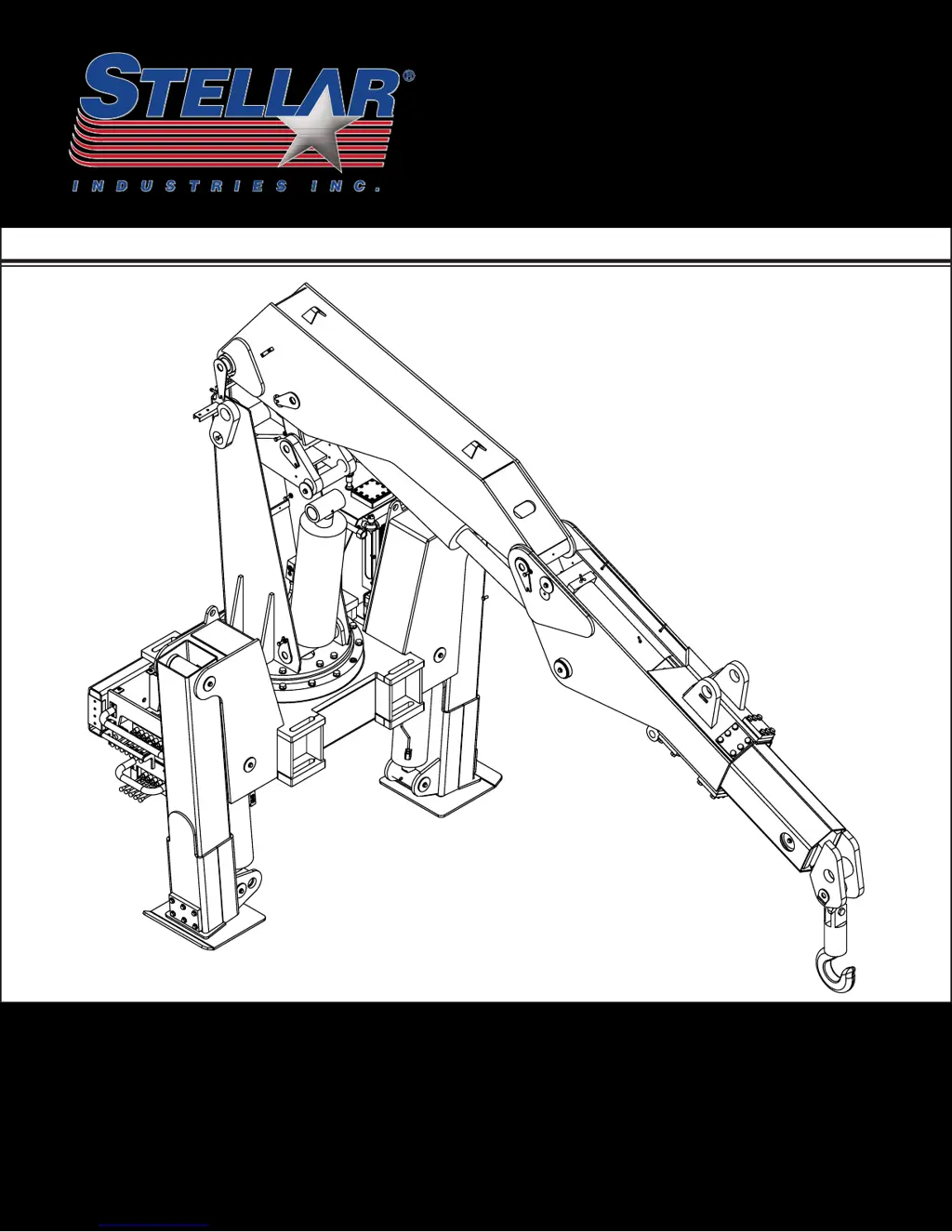
    STELLAR MODEL 28000 ARTICULATING CRANE OWNERS MANUAL

    Introduction

    Chapter 1 - Safety

    GENERAL

    General safety responsibilities and guidelines for crane operation.

    PERSONAL SAFETY

    Personal protective equipment and precautions for operators.

    MAINTENANCE SAFETY

    Safety procedures for performing maintenance on the crane.

    STABILITY

    Ensuring crane stability through proper setup and operation.

    Chapter 2 - Operation

    Job-Site Set-Up

    Procedure for positioning the vehicle and preparing the crane for operation.

    Unit Operation Overview

    Step-by-step guide to operating the crane functions.

    Radio Remote Operation

    Details on operating the crane using the radio control system.

    Manual Operation

    Instructions for operating the crane via manual valve overrides.

    Crane Precautions

    Important safety precautions to follow during crane operation.

    Hook Precautions

    Safety guidelines for using the crane's hook and rigging.

    Crane Transport

    Procedures for safely transporting the crane.

    Operator Information

    OPERATOR REQUIREMENTS

    Qualifications and responsibilities for crane operators.

    OPERATOR CONDUCT

    Guidelines for operator behavior and responsibilities during operation.

    HANDLING THE LOAD

    Procedures and safety measures for lifting and moving loads.

    Chapter 3 - Maintenance

    Maintenance Procedures

    General steps to follow before performing maintenance tasks.

    Daily Inspection

    Items to inspect each day before operating the crane.

    Periodic Inspection

    Inspection items for regular intervals while the crane is in use.

    Weekly Inspection

    Items to inspect at the beginning of each work week.

    Monthly Inspection

    Items to inspect at the beginning of each work month.

    Lubrication Recommendations

    Table detailing components, locations, and recommended lubricants.

    Torque Data Chart

    Table of recommended torque values for various bolt sizes and grades.

    Inspection Checklist

    Form for recording daily, monthly, quarterly, and annual inspection results.

    Chapter 4 - Specifications

    Capacity Chart - Decal PN 16055

    Diagram and table showing lifting capacities at various reach and boom angles.

    Chapter 5 - Decals

    Decals of Note

    Highlighting important safety and operation decals with their functions.

    Decal Kit - PN 16658

    List and diagram of decals included in the decal kit.

    Chapter 6 - Installation

    General Installation

    General guidelines for installing the crane on a service body.

    Installation Overview

    Step-by-step procedure for mounting the crane onto the vehicle frame.

    Chapter 7 - Assembly Drawings

    Base Assembly - PN 47880

    Detailed diagram and parts list for the crane base assembly.

    Mast Assembly - PN 18073

    Diagram and parts list for the mast assembly component.

    Main Boom Assembly - PN 55106

    Diagram and parts list for the main boom assembly.

    Outrigger Assembly - PN 48689

    Diagram and parts list for the outrigger assembly.

    Chapter 8 - Hydraulics - Electrical

    Control Kit - PN 41919

    Diagram and parts list for the standard control kit.

    Hydraulic Kit - PN 48690

    Diagram and parts list for the hydraulic system kit.

    Optional Load Sensor Hydraulic Kit - PN 66288

    Diagram and parts list for the optional load sensor hydraulic kit.

    Chapter 9 - Replacement Parts

    HYDRAULIC SYSTEM COMPONENTS

    List of replacement parts for the crane's hydraulic system.

    ELECTRICAL COMPONENTS

    List of replacement parts for the crane's electrical system.

    ASSEMBLY COMPONENTS

    List of replacement parts for various crane assembly components.

    Chapter 10 - Troubleshooting

    Crane will not operate

    Solutions for problems where the crane fails to operate.

    Crane operates slowly

    Solutions for issues causing slow crane movement.

    BMS-2 Receiver Troubleshooting

    Troubleshooting specific issues related to the BMS-2 receiver system.

    STELLAR Limited Warranty Statement

    stellar labs Model 28000 Specifications

    General IconGeneral
    Brandstellar labs
    ModelModel 28000
    CategoryConstruction Equipment
    LanguageEnglish

    Related product manuals