3 OptionalCongurationParameters
3.1 CongureCallandAudioSettings
It is optional to congure the call and audio settings. Default settings will
be used if they are not congured.
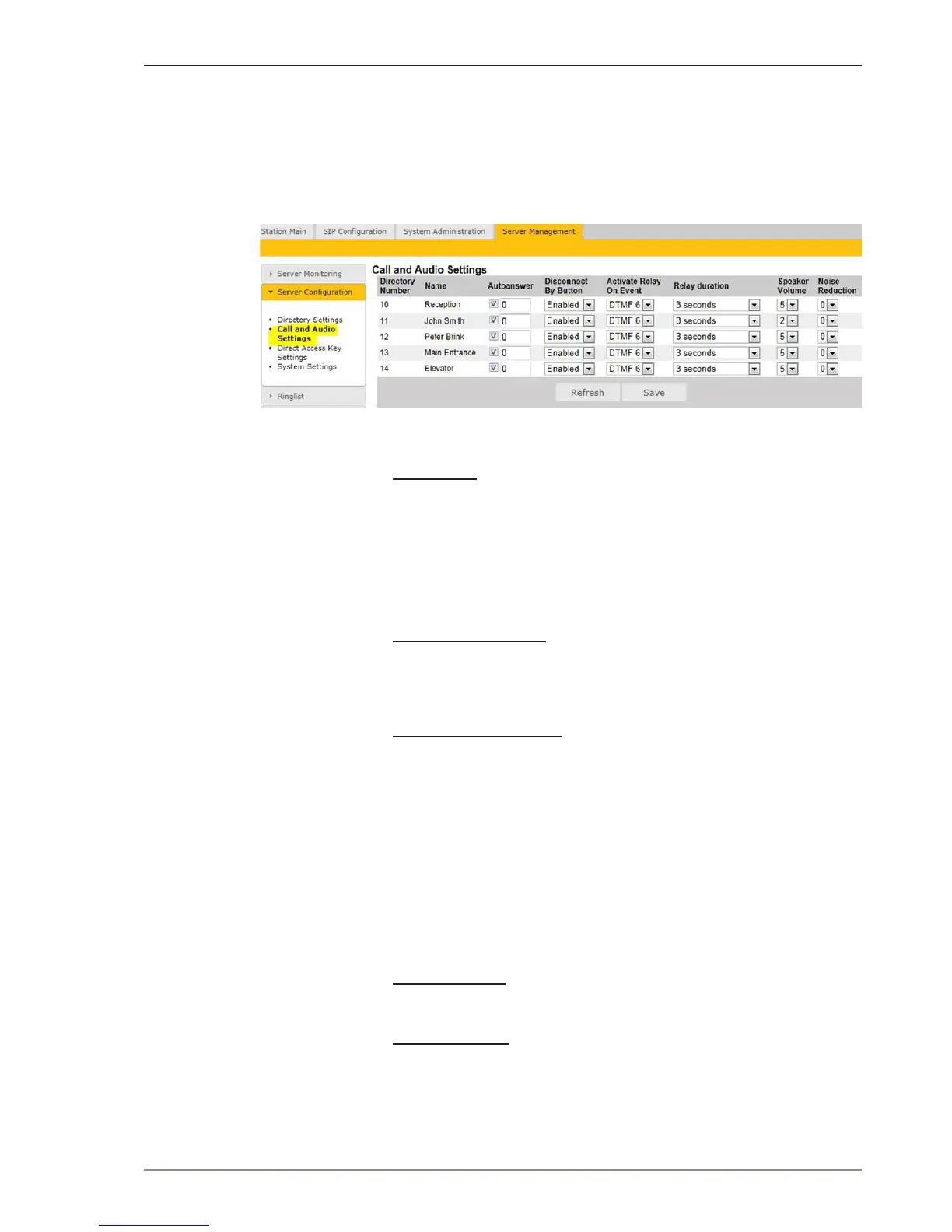
● Select Server Management > ServerConguration> Call and
Audio Settings
The Call and Audio Settings menu include the following parameters:
Autoanswer
Unchecked: Ringing Mode - the station will ring when it is called.
Checked: Open Mode - the call will be automatically connected when
the station is called. Optionally, a time period could be set for ringing
after which the station goes into open mode.
Auto-answer is typically enabled (checked) for substations and not for
master stations.
Disconnect By Button
When Enabled the call button will function as a cancel button during
conversation. This parameter is applicable to substations with a call
button.
Activate Relay On Event
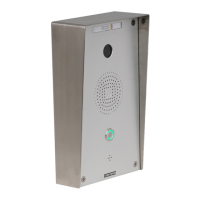
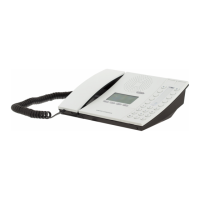
Most STENTOFON IP stations (except for the Desktop Master and
Dual Display station) have a relay. Here, you can select the events that
activate the relay. The available events are:
● DTMF <#> - Reception of a DTMF (keypad) digit from a remote
station during the call
● Ringing
● In call
When the relay is activated, this parameter determines how long the
relay should stay ON.
Speaker Volume
This parameter sets the speaker volume level (0-7) for the station.
Noise Reduction
This parameter enables active noise cancellation level (0-7). For
stations that are located in noisy environments, it is recommended that
the noise cancellation level be set to 3 or 4.



 To Next Page