3.3 CongureCallButtononIPSubstation
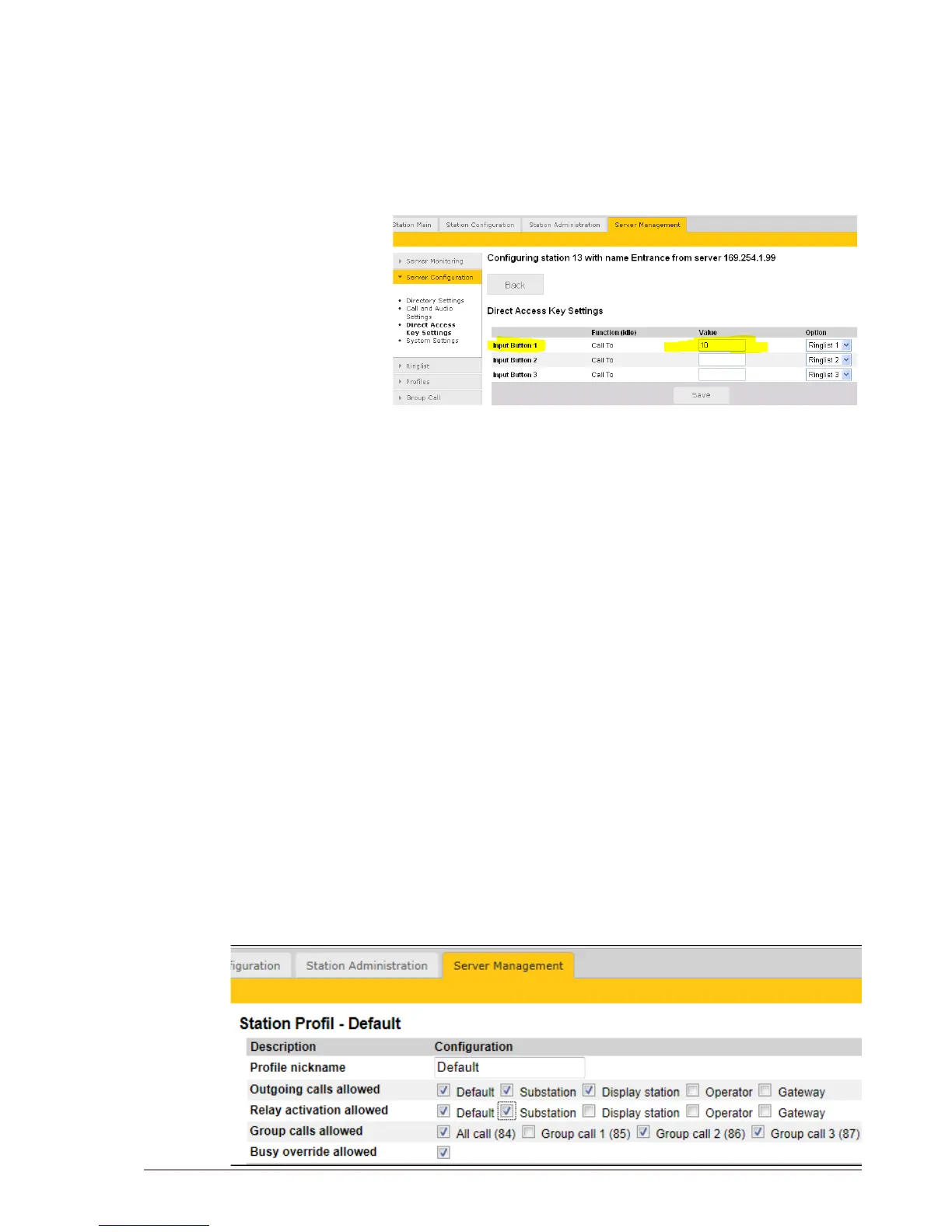
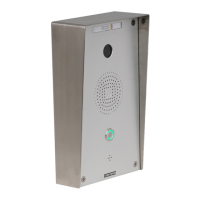
The call button on the IP Substation can be congured via the Pulse
Server.
● Use a web browser and log into the Pulse Server station (e.g. IP
address: 169.254.1.99)
● Select Server Management > ServerConguration> Direct
Access Key Settings
● Select the station on which you want to program the Call Button
- The Call Button is Input Button 1
● Under Value enter the directory number to call when the button is
pressed.
3.4 ModifyPulseStationProles
The Station Prole denes a set of service features and parameters that
are available for a group of stations.
The Pulse system can have ve station proles:
● Prole 1 - Default
● Prole 2 - Substation
● Prole 3 - Display station
● Prole 4 - Operator
● Prole 5 - Gateway
The following service features and parameters are included in the
station prole:
● Door opening including remote I/O
● Outgoing call restriction
● Group Call and Busy Override restriction
To modify station proles:
● Select Server Management > StationProles



 To Next Page