1. Open a web browser
2. In the browser’s address bar, type 169.254.1.100 and press the
ENTER key
- 169.254.1.100 is the default IP address of the IP station
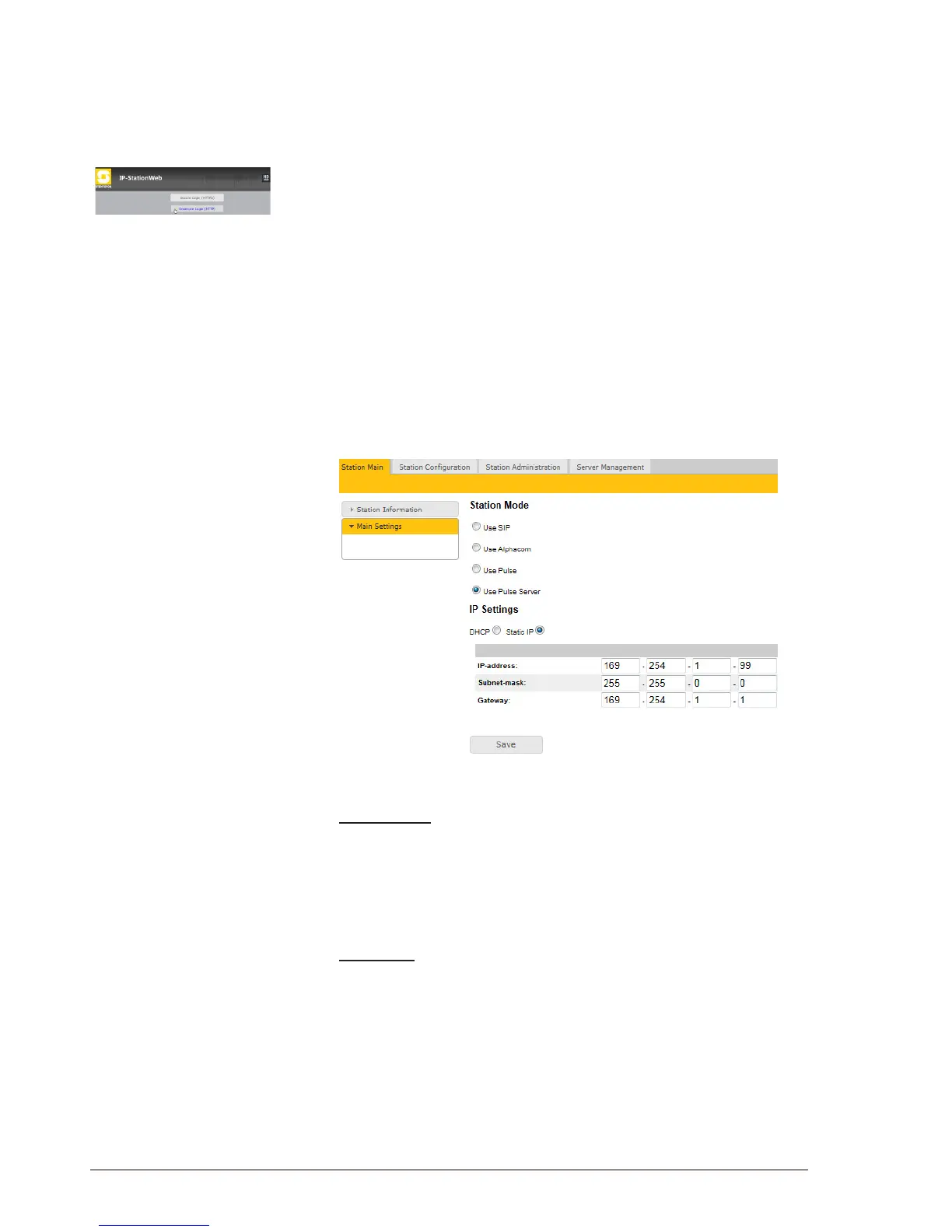
- The station Login page is displayed.
To log into the station:
1. Click Login
2. Enter the default User name: admin
3. Enter the default password: alphaadmin
The Station Information page will now be displayed, showing the default
IP master station conguration.
2.2.3 Setting Up the Pulse Server
● Under the Station Main tab, click Main Settings to congure station
mode and IP parameters.
Station Mode
Since this is the Pulse Server station, it will function as the intercom
server or exchange:
● Select the Use Pulse Server radio-button
IP Settings
● Select the Static IP radio-button
● Enter values for:
- IP address (e.g. 169.254.1.99)
- Subnet mask
- Gateway (optional)
- DNS Server 1 & 2 (optional)
- Hostname (optional)
● Click Save followed by Apply to restart the Pulse Server station.



 To Next Page