Instructions Cont.
12
1800 898 750
service@wkfe.com.hk
Telephone:
Email:
1. You should use the remote control within 10 metres (radio
signal scope), or you may fail to control the vacuum.
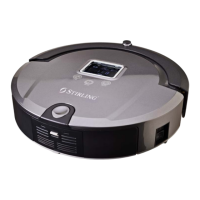
2. The vacuum may fail to find the docking station due to an
obstacle, decreased battery power or other conditions.
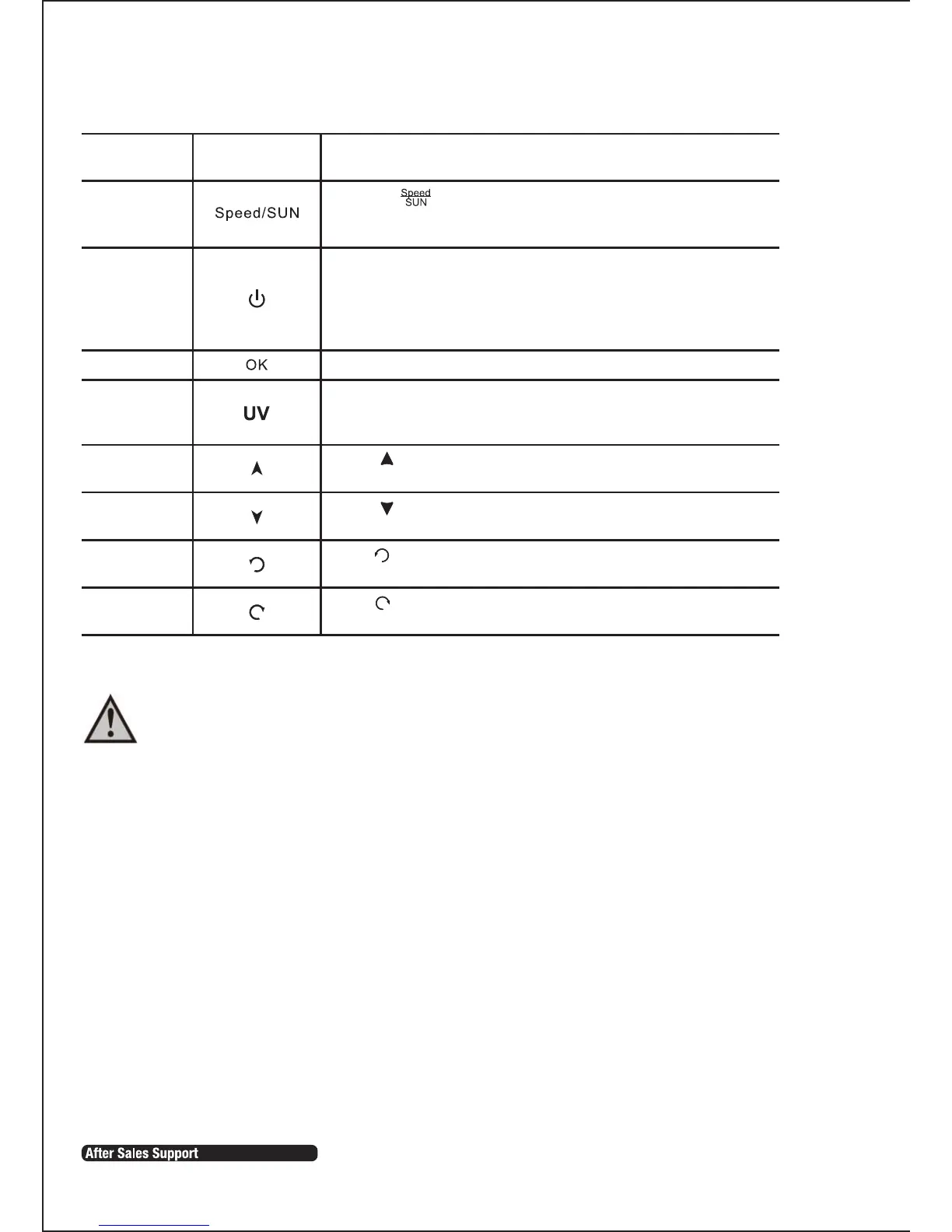
Press the key repeatedly. To choose fast speed select 1 and
to choose slow speed slelect 2. Once you have made your selection
the vacuum will store this information until you change it.
Speed selection
Press “ ”, the vacuum will run forward and it will stop after
you release the key.
1. Press this key to turn on/off the vacuum.
2. You can stop the running mode by pressing this key.
3. You can delete and return to the original setting.
4. Press the key for more than 5 seconds to delete all settings and
memory and return to the initial status.
You must press “OK” to save any setting.
You can turn on/off UV lamp by pressing the “UV” key while the
vacuum is in Standby mode or running.
Turn off/
cancel/
stop
OK key
UV lamp key
Forward key
Backward key
Turn left key
Turn right key
Press “ ”, the vacuum will run backward and it will stop after
you release the key.
Press and release till the vacuum turns right to the direction you
want. It will stop automatically in obstacles.
Press and release till the vacuum turns left to the direction you
want. It will stop automatically in obstacles.
WARNING: DO NOT STARE DIRECTLY INTO THE UV LIGHT!
Function
Button on
remotecontrol
Instructions


 To Next Page