5
1800 898 750
service@wkfe.com.hk
Telephone:
Email:
Product Overview
Use the following diagrams and explanations to familiarise yourself with the
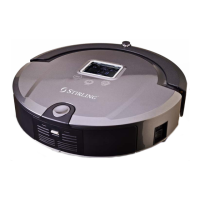
components of the robot vacuum cleaner and its accessories:
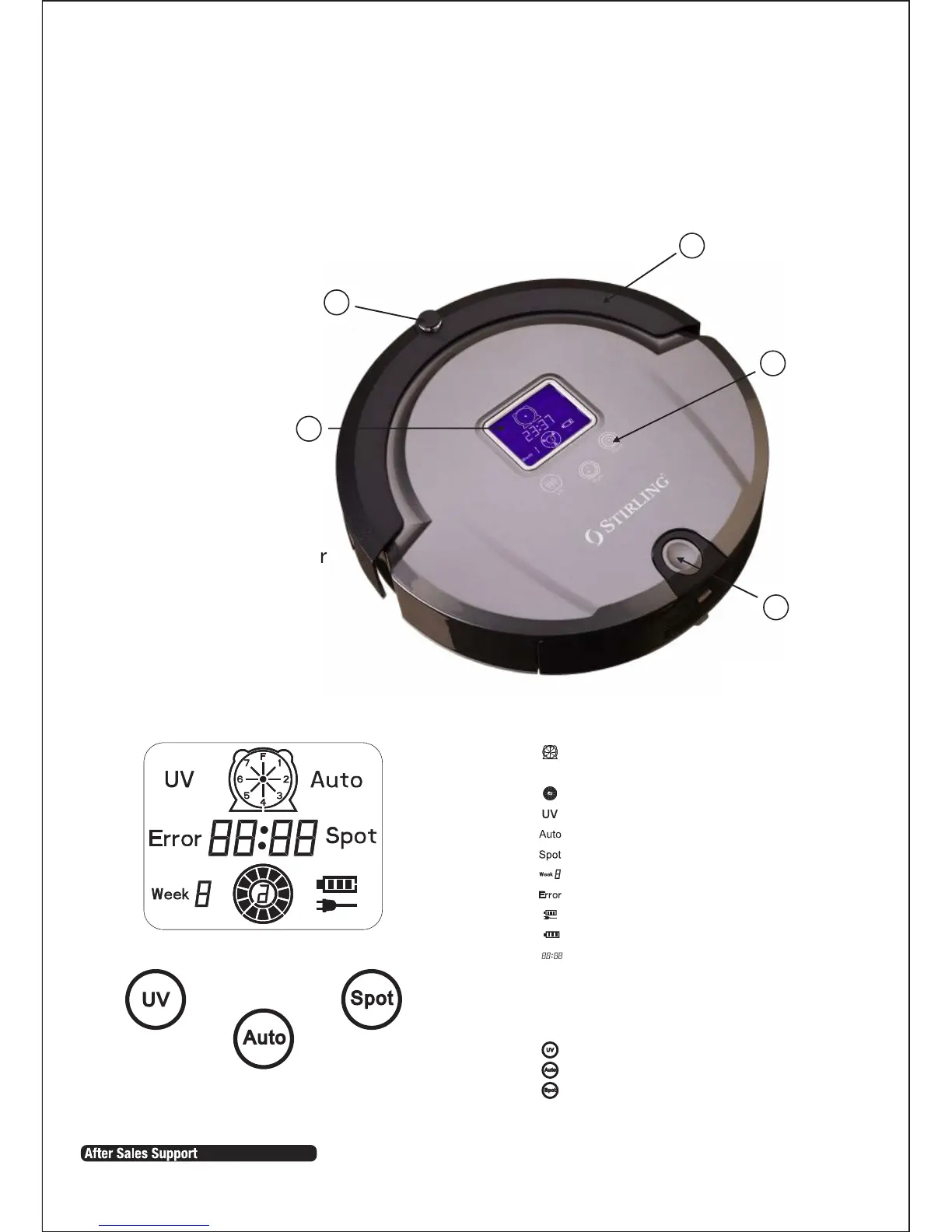
Top view
1 Infrared signal receiver
2 Display screen
3 Front bumper
4 Touch buttons
5 Dustbin release key
3
5
1
2
4
Menu Display:
1. select the desired cleaning
day / days of the week
2. Wheel rotation/speed display
3. “UV” lamp display
4. “Auto” cleaning display
5. “Spot” cleaning display
6. “Current” week
7. Malfunction display
8. Charging display
9. Battery life display
10. Time display
Touch keys:
You are able to activate the below
cleaning modes without using the
remote control.
1. UV lamp
2. Auto cleaning
3. Spot cleaning


 To Next Page