7 OBEX File Transfer
This chapter describes the Object Push Profile (OBEX transfer) implementation in the
BlueMod+B20 firmware.
This Bluetooth module supports the Object Push Profile in client mode only (OPP
client). Therefore the Bluetooth module initiates an outgoing call to the OBEX server
side.
The OPP client call request, the OPP frame structure and different connection
examples will be described below.
7.1 OPPC Call Request
To initiate a Bluetooth connection using the service profile “OPP” the dial command
needs the additional identifier “OPPC” or the UUID “1105”.
Example:
ATD<Bluetooth address>,OPPC
ATD<Bluetooth address>,1105
After the destination device accepts the call request from the BlueMod+B20 module the
message “CONNECT” is sent to the local serial interface.
7.2 OPP Frame Structure
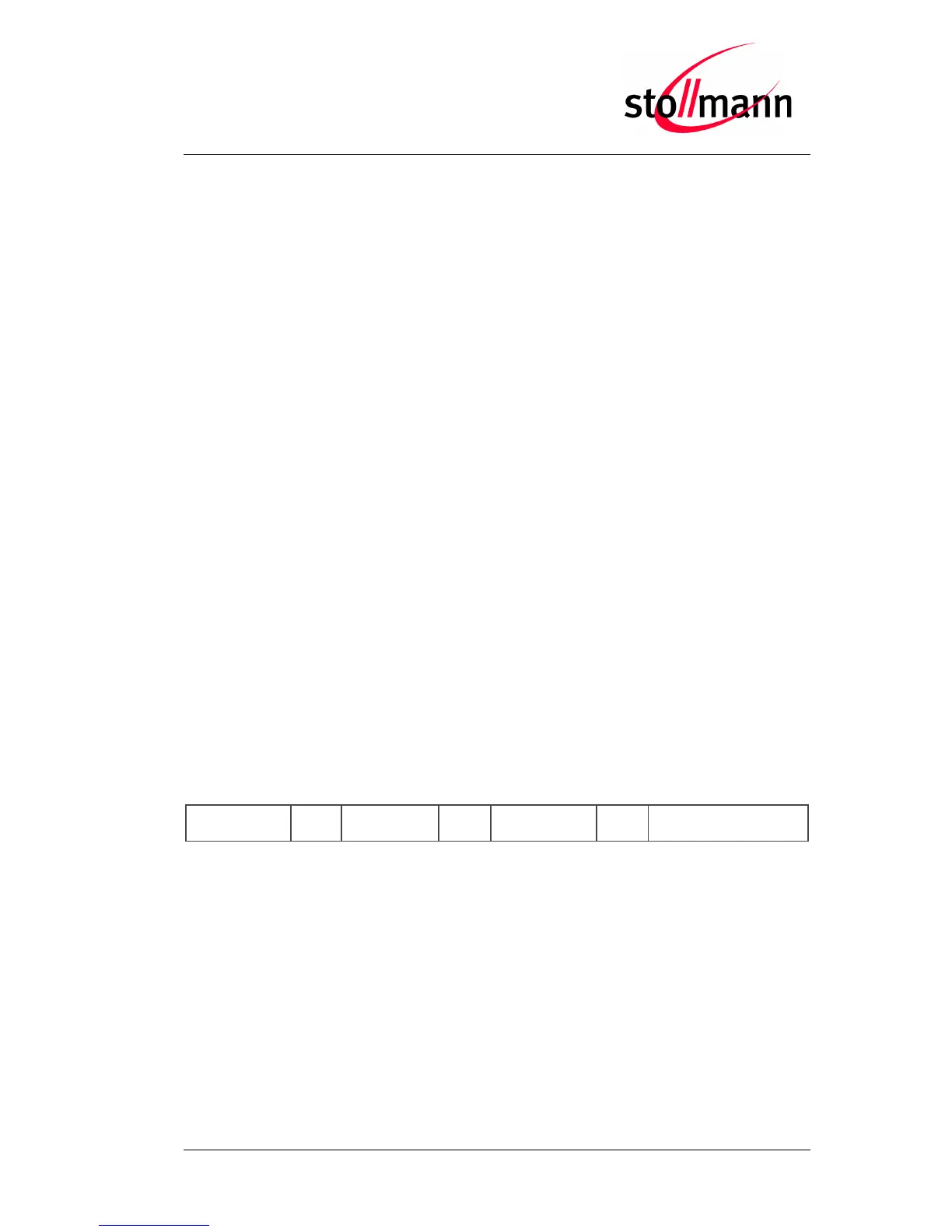
After the connection is established the BlueMod+B20 can send the OPP frame as
specified below:
Length of the data field, 8 digits, ASCII decimal coded, filled with
leading zero



 To Next Page