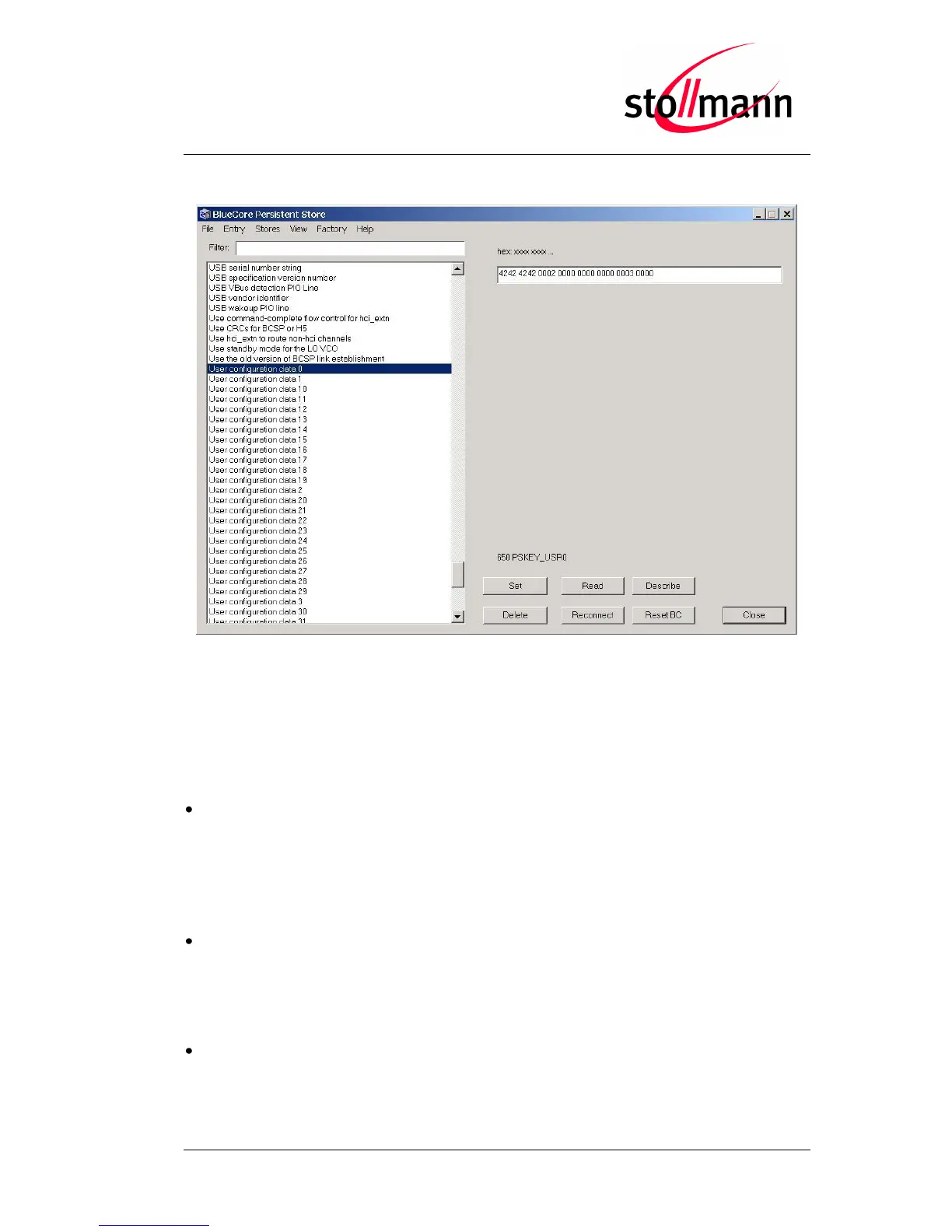
Select the PSKey “User configuration data 0” and press the “Delete” button.
Restoring PSKeys with PS Tool Step 2
After pressing the “Reset BC” button or power cycling the BlueMod+B20, it will operate
on the factory-default settings.
10.3 Troubleshooting
Update won’t start when using Stollmann BlueMod+B20 Updater
Check if the right COM-Port is selected and make sure the port is not used by other
applications running. Set the communication settings of your BlueMod+B20 to 115,200
bps, 8 data bits, no parity, 1 stop bit. Retry the update.
Update process has been interrupted by power loss / Cable replacement on
COM-Port
Redo the update by restarting the Stollmann BlueMod+B20 Updater.
Firmware won’t start after serial update, no answer on AT
Power cycle the BlueMod+B20, if the BlueMod+B20 is still not answering to AT
commands, redo the update with the Stollmann BlueMod+B20 Updater.



 To Next Page