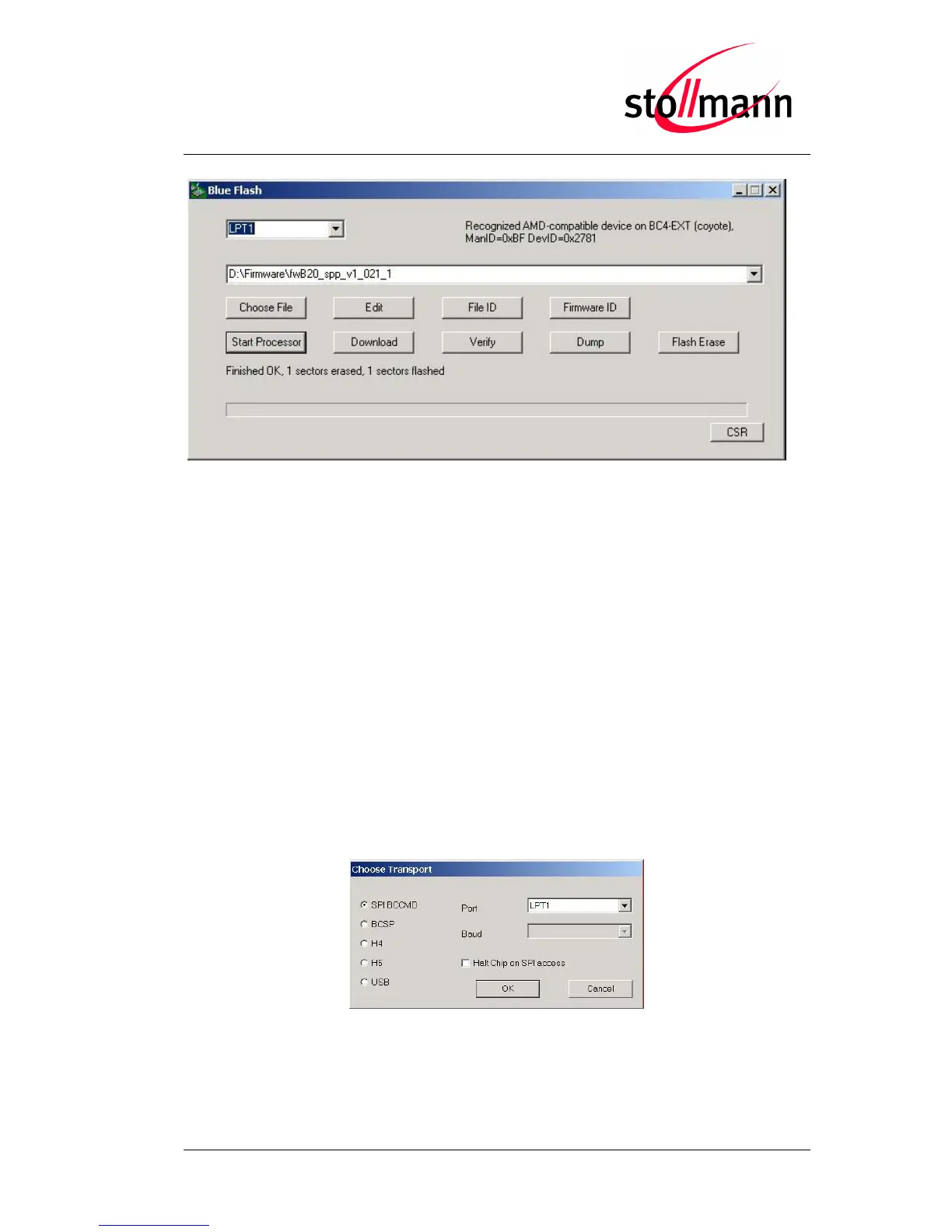
Flashing the firmware
After the flash procedure ended successfully press the “Start Processor” button to run
the new firmware.
The PS Tool application allows you to manipulate the configuration of the
BlueMod+B20 via so-called PSKeys.
Note: Change PSKeys only if you are certain of all side effects.
Normally, no changes in the PSKeys are needed to work with the BlueMod+B20. But if
you configured the BlueMod+B20 such that it is not accessible anymore, e.g. you have
configured the baud rate to 230,400 bps and the serial port of your PC only supports up
to 115,200 bps, you can use the PS Tool application to restore the factory-default
settings.
To restore the factory-default settings, power on the BlueMod+B20 and start the PS
Tool application (PSTool.exe). Select the options shown below and click OK.
Restoring PSKeys with PS Tool Step 1



 To Next Page